

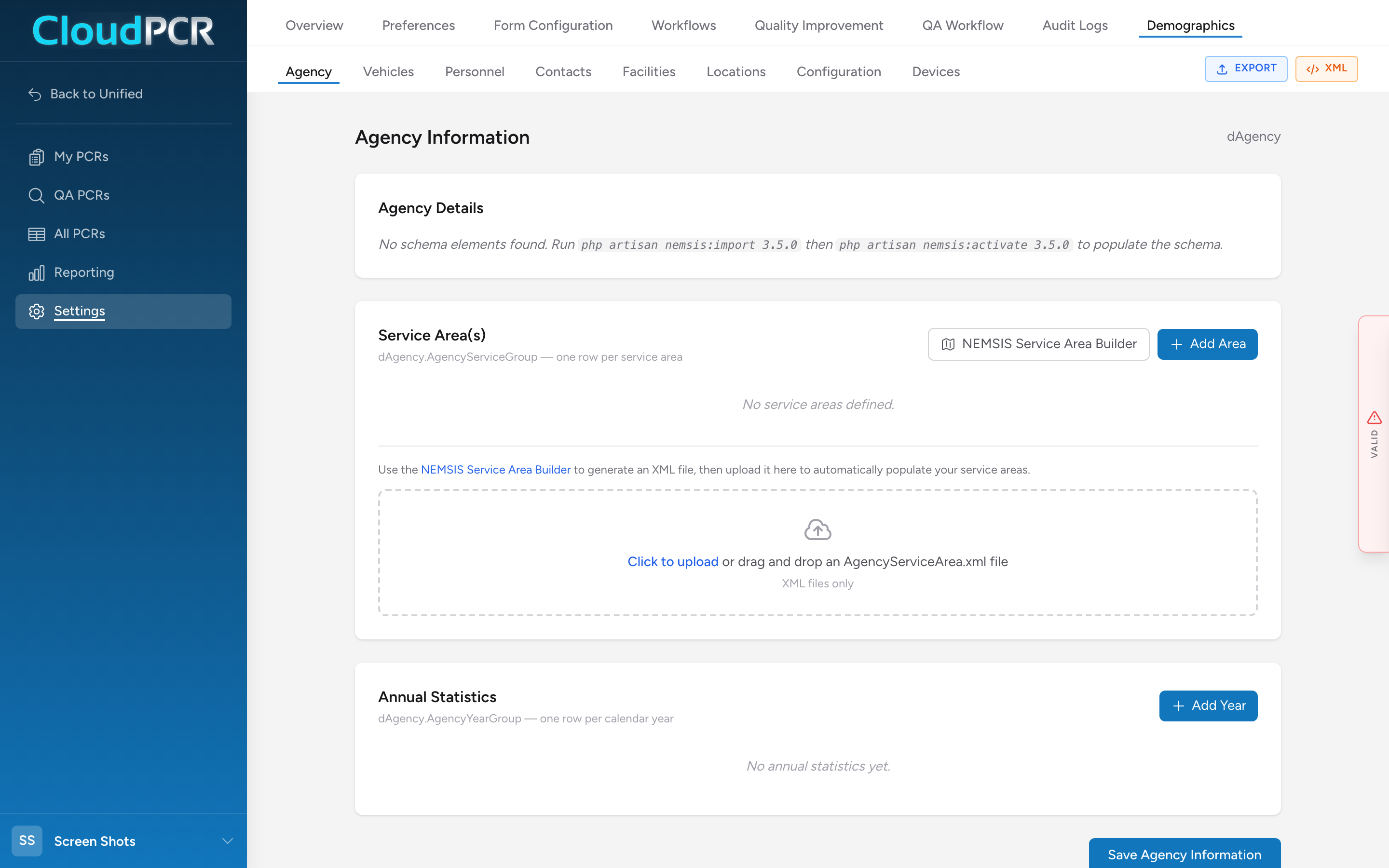
Demographics is the area of CloudPCR that holds information about your agency itself — your stations, your trucks, your people, the hospitals you transport to, and the equipment you use.
Why it matters
You set this information up once and CloudPCR uses it everywhere a PCR needs to know about your agency. When you pick a destination on a PCR, you are picking from your facilities list. When you add a crew member, you are picking from your personnel list. When you tag your unit on a call, you are picking from your vehicles list. The cleaner your demographics are, the faster every PCR fills out.
Open Demographics
- From the menu, click Settings, then click Demographics in the Settings sub-menu.
You will see a sub-menu with each area:
- Agency — your agency's name, address, and NEMSIS identifiers.
- Vehicles — every unit your agency operates.
- Personnel — every provider and staff member. See also Personnel certifications.
- Contacts — medical directors, receiving physicians, and other named contacts.
- Facilities — hospitals, clinics, and other facilities you transport patients to.
- Locations — stations, posts, and other locations your agency operates from.
- Devices — cardiac monitors, ventilators, and other tracked equipment.
- Configuration — NEMSIS configuration like certification levels, procedure groups, and medication groups.
Who edits demographics
Most agencies have one or two people who own the demographics — usually a chief, an office manager, or a designated administrator. Once it is set up, individual providers rarely need to touch it.