

Locations are your places — your stations, your posting points, your headquarters. Demographics → Locations is where you set them up. Fields map to NEMSIS dLocation.
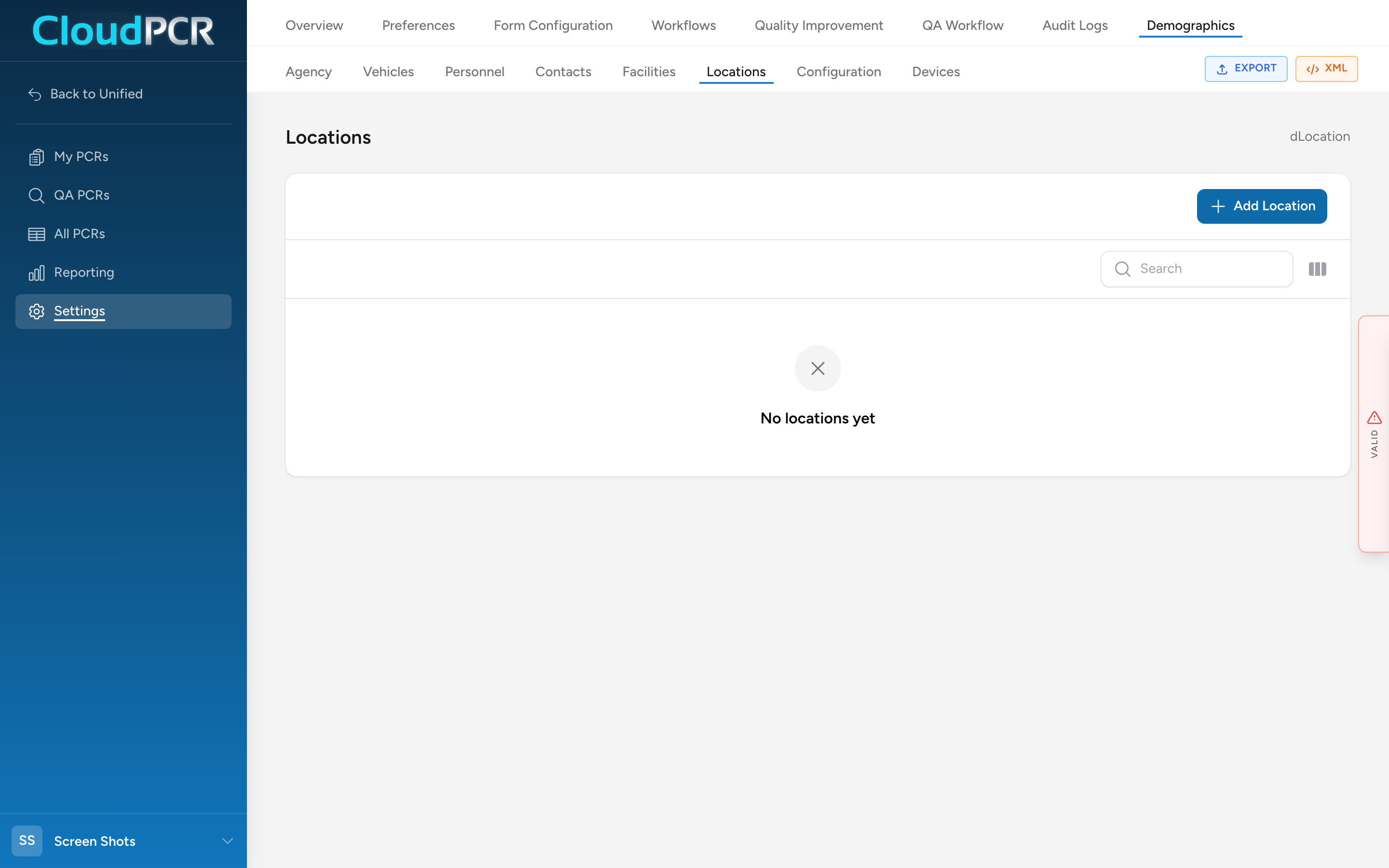
Add a location
- From the menu, click Settings, then Demographics, then Locations.
- Click Add Location.
- Fill in Location Details: Type of Location (dLocation.01 — station, posting point, administrative office, etc.), Location Name (.02), and Number (.03) if your agency uses one.
- Under Phone Numbers, add one or more phones for the location.
- Fill in the Address (street, city, state, ZIP, county — dLocation.06 onward).
- Click Add Location at the bottom of the modal.
Why this matters
Your locations show up in the Scene section on PCRs when a call originates from one of your stations (a walk-in, a call that started at HQ, a station-start transfer). They also show up as options on the Times section for Unit Back at Home Location.