
The Medications and Supplements section is where you list what the patient is taking at home. This is separate from medications you give them on the call — see Adding medications for those.
If the patient takes nothing, click None in the section header to record None Reported in one tap.
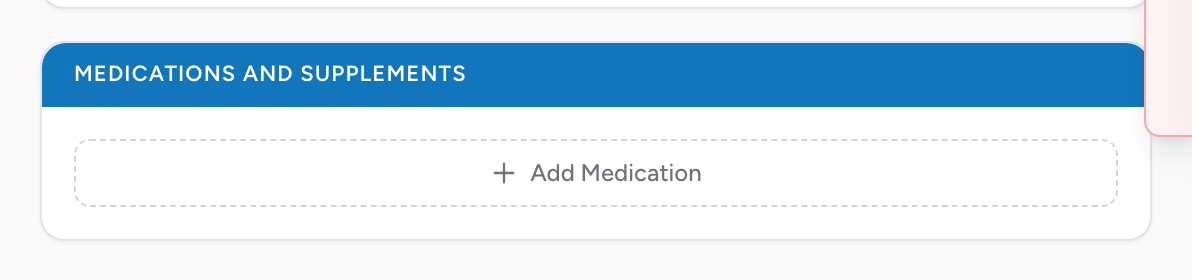
How to add a home medication
- Click Add Medication. A medication picker opens.
- Type the first few letters of the medication name. CloudPCR searches a national drug database and shows you matches.
- Pick the medication from the list. It is added as a card.
- Click the card to expand it and fill in Dose, Dosage Unit, Administration Route, and Frequency, if you know them.
Click the X on any card to remove that medication.
Tips
- If the patient brought their pill bottles or a list, use them. Patients often forget medications they take every day.
- For polypharmacy patients (15+ medications), focus on the ones that matter for the chief complaint. You do not have to list every supplement.
- If a medication is in the list but with a different brand name than the patient's bottle, use the generic name. Both names point to the same drug.
An example
You transport a 65-year-old with chest pain. He hands you a printout from his cardiologist with his current medications. You start typing each one: aspirin, metoprolol, atorvastatin, lisinopril, metformin. CloudPCR finds each one in the national database and the list is built in under a minute. The receiving cardiologist sees the full list when she gets the report.