
Every medication you give the patient gets its own entry on the Timeline. The entries become the official record of what you did and when.
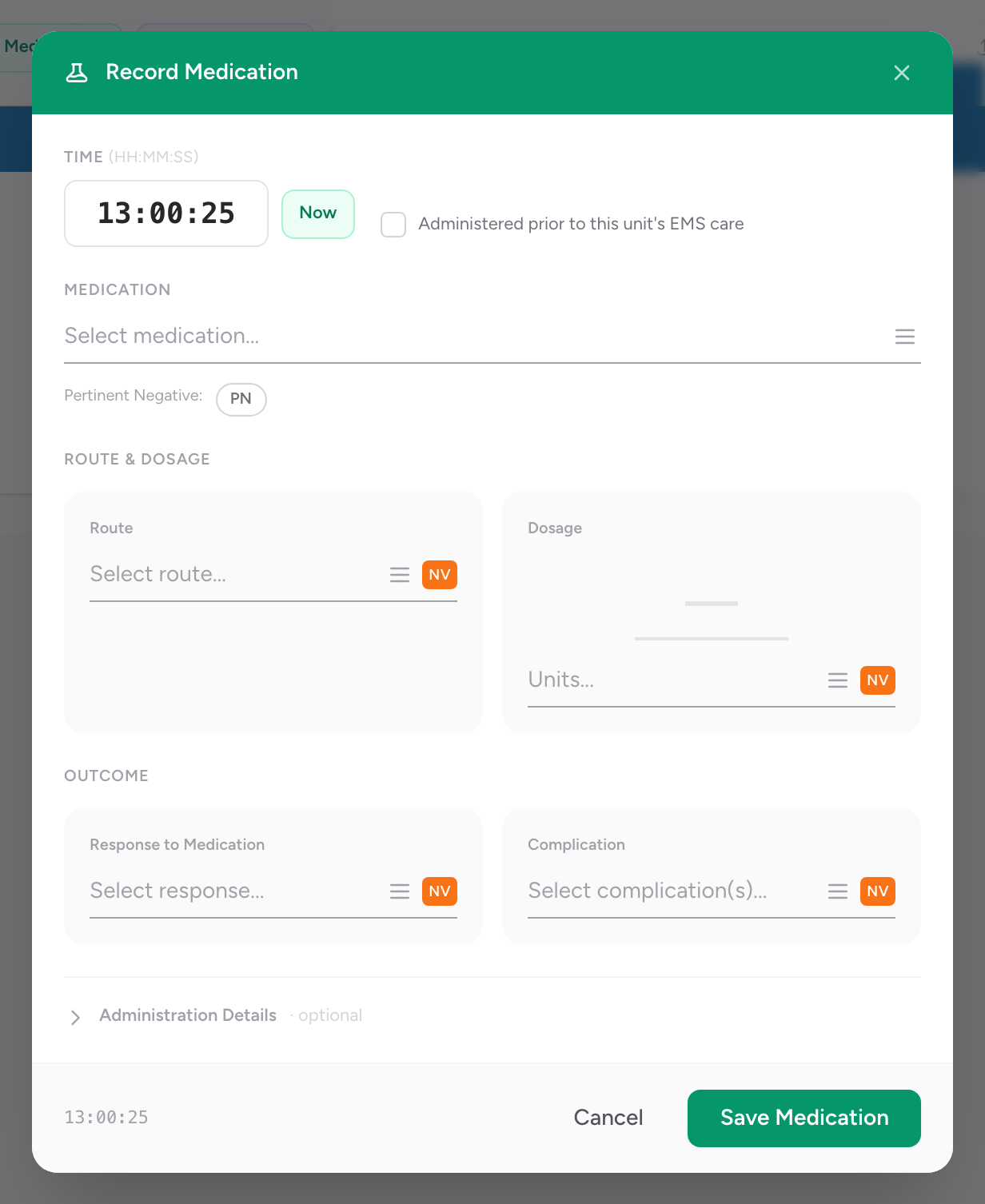
Add a medication
- On the Timeline tab, click Entry, then click Medication. If your Timeline is set to Legacy, click + Medications instead — it opens the same medication card.
- Pick the medication from your agency's formulary. Only drugs your agency has configured for its crew levels appear in the list.
- Enter the time you gave it.
- Enter the dose and the dosage units.
- Pick the route.
- Pick the patient's response.
- Pick any complications.
- Pick the medication authorization.
- Pick the crew member who gave it.
- Click Save Medication.
If a drug is missing
The medication picker is the agency formulary — there is no national-drug-database fallback. If a drug you need is not in the list, ask your administrator to add it to your agency's formulary (in Demographics → Configuration).
An example
You give a 60-year-old chest pain patient 324 mg of aspirin chewed and 0.4 mg of nitroglycerin sublingual. For the aspirin: click + Medications, pick Aspirin from your formulary, enter 324 mg, route Oral, response Improved, authorization Standing Order, crew member yourself. Save Medication. Then click + Medications again for the nitro: pick Nitroglycerin, 0.4 mg, route Sublingual, response Improved, authorization Standing Order, crew member yourself. Save Medication. Both drop onto the timeline in the order you gave them.