
The Company Name field under the Insurance Company section of the Billing tab is connected to a national list of insurance companies (payers). Picking from the list — instead of typing free-text — gives your billing team the payer name matched to its official payer ID, so claims route to the right plan.
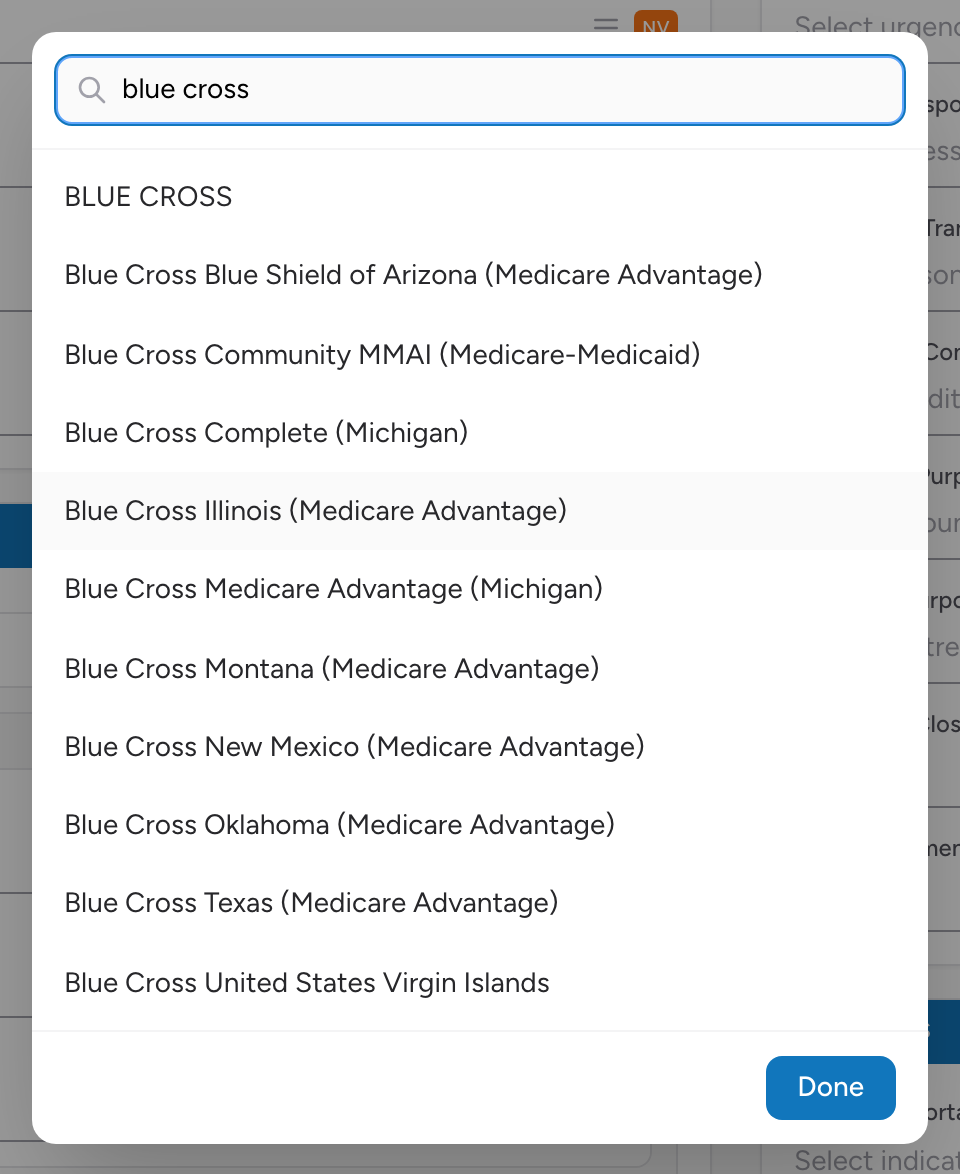
How to search
- On the Billing tab, click Add Insurance and open the Company Name field under Insurance Company.
- Type at least the first two letters of the company name (or the payer ID if you know it).
- A list of matches appears.
- Pick the right one. The Company ID fills in automatically.
If the payer is not in the list
If the insurance company your patient gives you is not in the list, you can still record what they told you — type the name in full and pick the "Use: ..." custom entry at the top of the results so the name is saved as free-text. Your billing team can look up the correct payer ID later.
Why it matters
"Blue Cross" can mean any of 50 different Blue Cross plans, each with a different payer ID and claim format. Picking from the list eliminates the guessing. Your billing team files the claim faster and the patient gets billed correctly.