
The All PCRs page shows every patient care report your agency has on file. It is available only to agency administrators who need to see across the whole agency, not just their own PCRs.
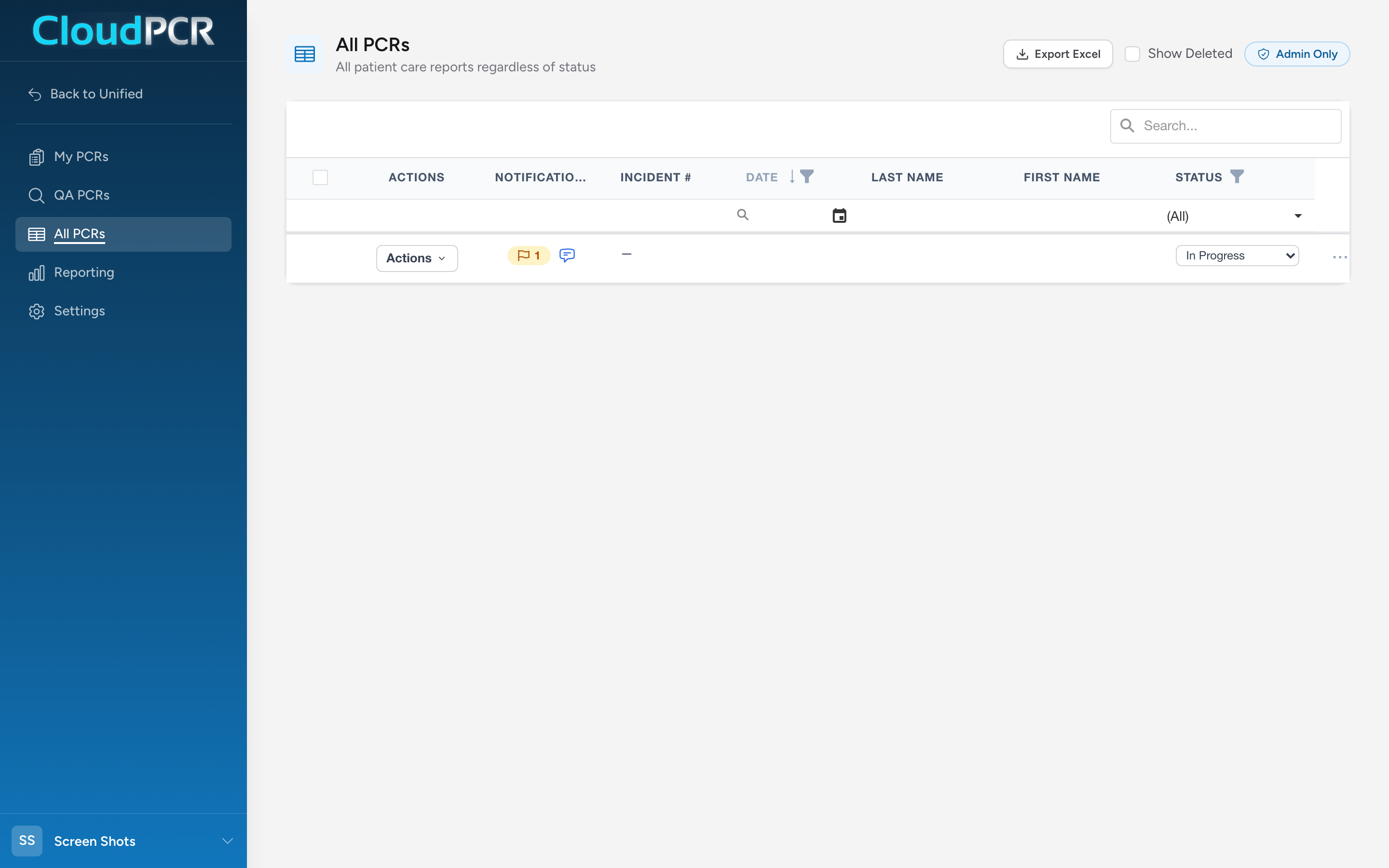
Open All PCRs
- From the navigation, click All PCRs.
If you do not see this option in the navigation, your role does not include access to all reports. Ask a supervisor.
What you can do here
- Search across the list with the search box in the table toolbar.
- Filter by Date, Status, or Billing Status using the filter icons in the column headers.
- Open the audit log for any PCR — click the Actions menu on the row and pick Audit Log. See Viewing the audit log for a PCR.
- Update the status of one PCR — pick a new value from the Status or Billing Status dropdown on the row.
- Update many PCRs at once — check the boxes on the left of each row. A bulk toolbar appears with Change Status, Change Billing Status, Download PDFs, Export to State, and Delete Selected buttons.
- Restore a deleted PCR — check the Show Deleted box at the top of the page to make deleted PCRs visible, find the one you need, and use its Actions menu to restore it.
- Choose which columns you see and how wide they are. Your layout is remembered the next time you open the page. See Choosing the columns on your PCR lists.
Which billing statuses you can pick
Most billing statuses are set by the billing team as a claim moves along, so the Billing Status dropdown offers only the ones your agency owns:
- Ready for Billing — the chart is finished and the biller can pick it up.
- Non-Billable — nothing on this call gets billed.
- Withdrawn — pull the chart back out of billing.
- Billing Complete — the billing on this chart is finished. This one appears only if your agency bills somewhere other than the Unified Solutions billing app. If your agency uses that app, the claim decides when billing is complete and CloudPCR sets the status for you.
If you pick a status your agency does not own, CloudPCR tells you which ones you can pick and leaves the chart alone.
An example: end-of-month billing close
At the end of the month, your billing manager wants to lock down everything that has been paid. They open All PCRs, filter the Billing Status column to show only Billing Review, select the rows they want to move, and click Change Billing Status in the bulk toolbar to set them all to Ready for Billing at once.