
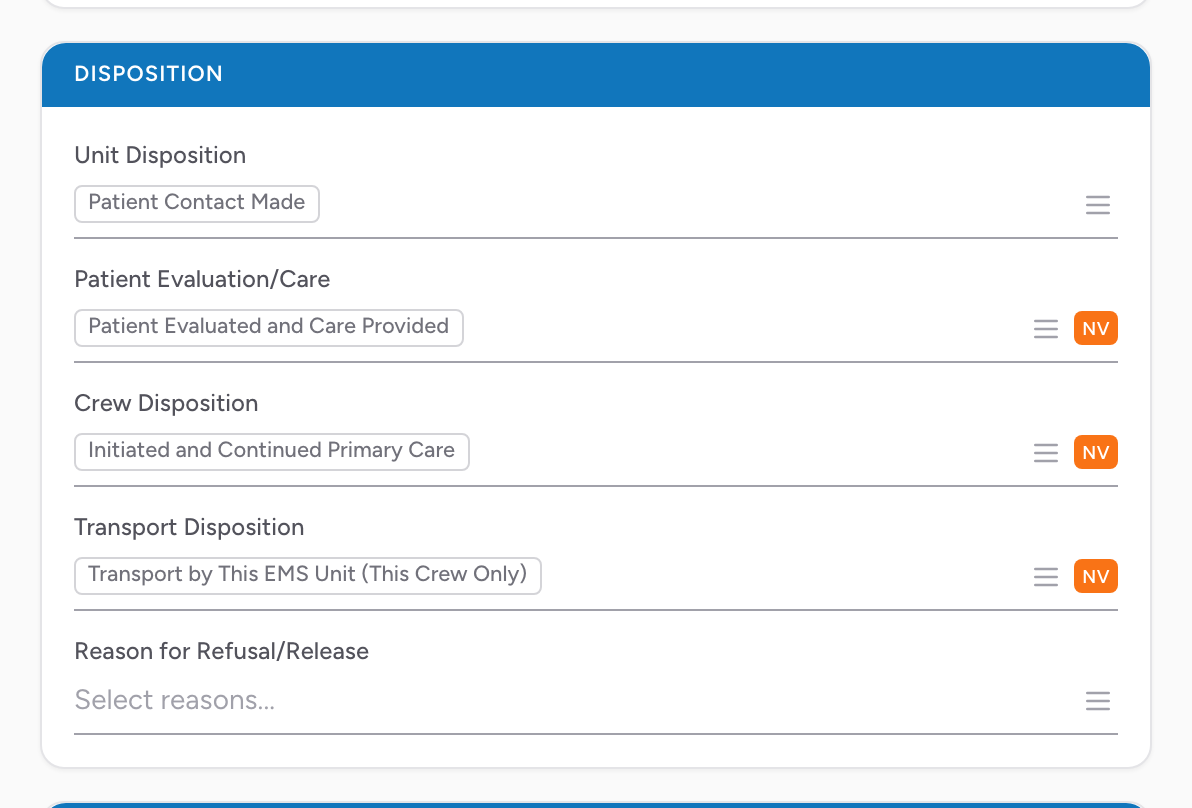
The Disposition section on the Incident tab captures how the call ended overall. Five fields make up the disposition, and together they tell the story: did your unit transport or not, did the patient get treatment, did the crew do anything, and if the patient refused, why.
The fields
- Unit Disposition — what your unit did on this call. Pick from the list.
- Patient Evaluation/Care — what the patient got (evaluated, treated, refused, and so on). Pick from the list.
- Crew Disposition — what your crew did with the patient. Pick from the list.
- Transport Disposition — whether and how the patient was transported. Pick from the list.
- Reason for Refusal/Release — multi-select. Pick every reason that applies if the patient refused care or transport.
When this matters most
Refusals are the highest-risk dispositions from a liability standpoint. If the patient refused, pick every Reason for Refusal/Release that applies and document the full capacity assessment in the narrative. This is the data that protects your crew and your agency if the refusal turns into a bad outcome.
An example
You respond to a fall. The patient is alert, oriented, and refuses transport after you assess them. In the Disposition section, set each field to match what happened: your unit made patient contact, the patient was evaluated and refused care, your crew transferred care, and the patient refused transport. Under Reason for Refusal/Release, pick every reason that applies (for example, that the patient was alert and oriented and signed a refusal form).