
The Patient Practitioners section on the Patient tab records the patient's healthcare providers by name — primary care doctor, specialists, and others who manage their care.
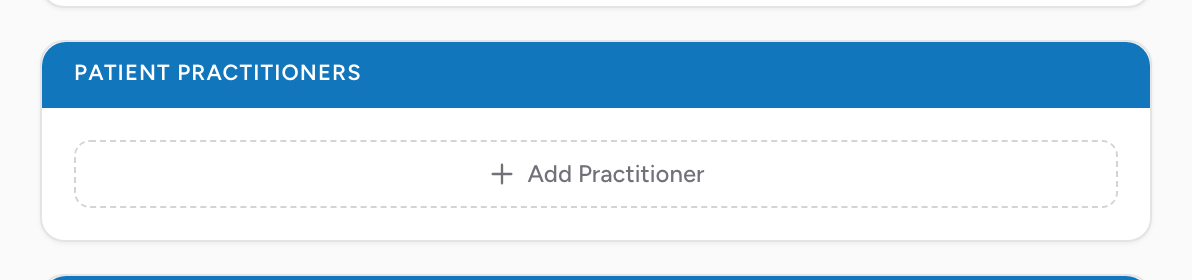
How to add a practitioner
- Click Add Practitioner. A new practitioner card appears.
- Fill in Last Name, First Name, and Middle Name.
- To add another practitioner, click Add Practitioner again. Each practitioner gets their own card.
Click the X on any card to remove that practitioner.
Why this matters
The receiving hospital uses this to know who to follow up with. Your billing team uses it for some referral-based billing. And on a frequent flyer, the patient's primary care doctor often wants to know about every transport.
An example
You transport a CHF patient who is well known to your service. Add three practitioners: their primary care doctor, their cardiologist, and the hospice nurse who has been managing their case.