
Once you are inside CloudPCR, the menu gives you access to your work, and what you see in it depends on your role. When you open a PCR, the menu is replaced by the PCR's tabs and an Exit PCR link takes you back out.
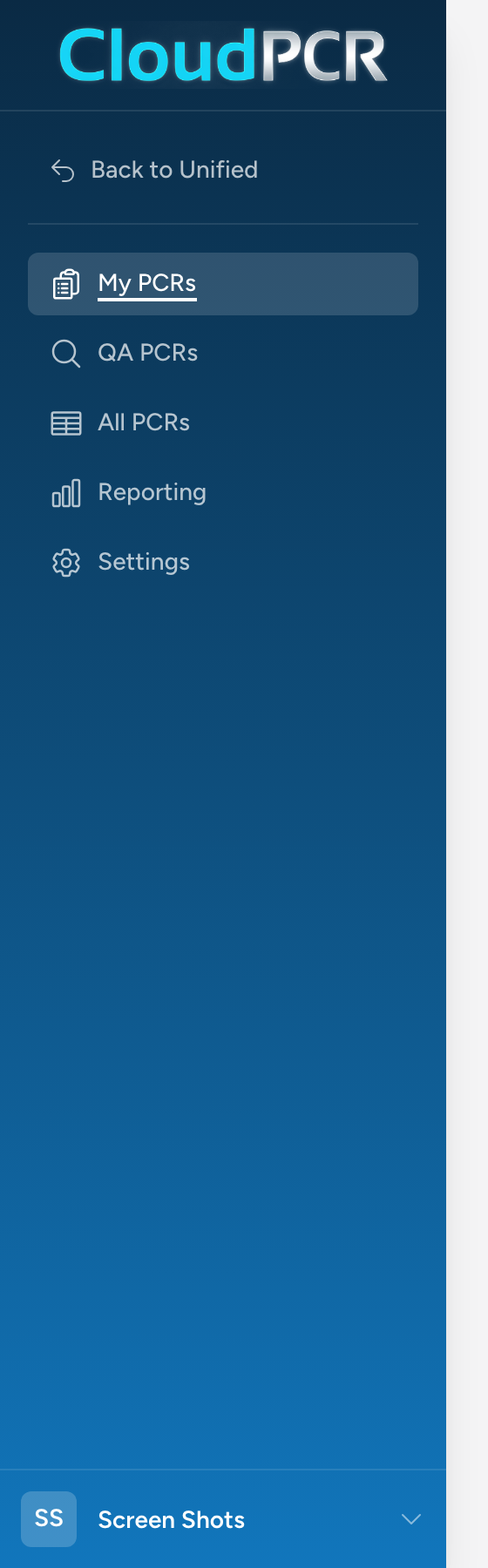
What every user sees
- My PCRs — every patient care report you have personally worked on. Start here to finish a report or look up a recent call.
- QA PCRs — shown if you are an administrator or a member of a quality review group. This is your review queue.
What admins also see
- All PCRs — every PCR your agency has on file.
- Billing — the billing view of PCRs, for agencies that use CloudPCR for billing handoff.
- Settings — agency-wide preferences, form configuration, workflows, QA rules, audit logs, and the full Demographics setup (vehicles, personnel, facilities, locations, contacts, devices).
Getting back to other apps
At the top of the navigation, click Back to Unified to return to the Unified Solutions dashboard where you can open your other apps. At the bottom, click your name to open a small menu with a Log Out option.
How most days look
For a working medic or EMT, most of your time in CloudPCR is in My PCRs. You start a new PCR after each call, fill it out as you go, and submit it before the end of your shift. You only visit Settings if your role includes it.