

The My PCRs page shows every patient care report you have personally worked on, with the most recent at the top.
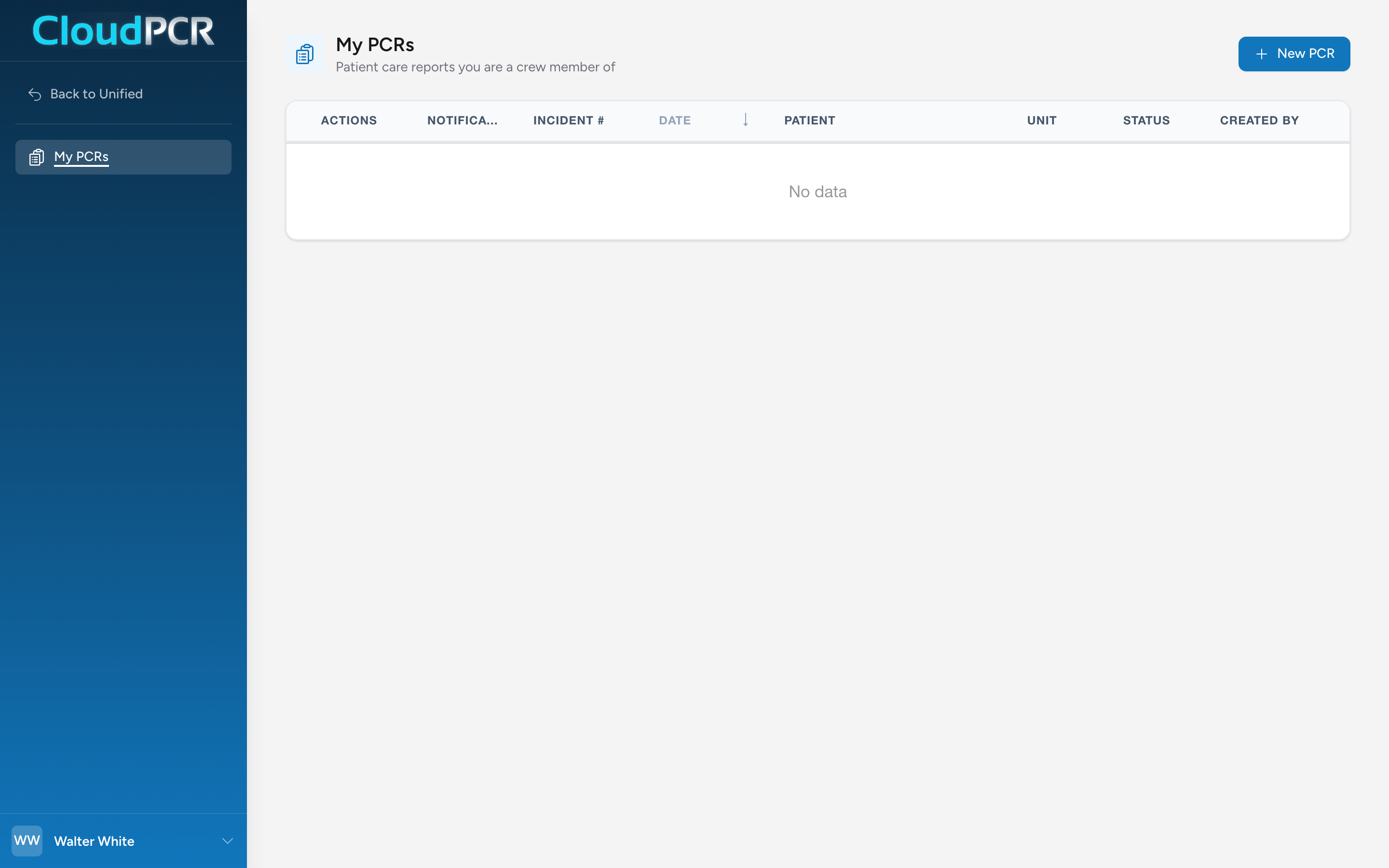
Open My PCRs
- From the menu, click My PCRs.
What the list shows
Each row shows the incident number, date, patient, unit, status, and who created the PCR. Click a column heading to sort the list by that column. Click an incident number to open that PCR. The Actions button on each row lets you open the PCR to edit, open a read-only View, Print it to a PDF, send a fax, or open its notes and attachments.
Setting up the list the way you like it
My PCRs now has the same column picker the other PCR lists have. Turn columns on and off, and drag column headings into the order you want. CloudPCR remembers your layout and brings it back the next time you open the page. See Choosing the columns on your PCR lists.
If you can't find a PCR you worked on
If you remember the PCR but it does not show up in your list, the most likely reasons are:
- You were a crew member but not the lead, and the PCR is filed under someone else's name.
- The PCR was created on a different date than you remember.
- You are signed in to the wrong agency.
Ask a supervisor or someone with access to All PCRs to look it up for you.