
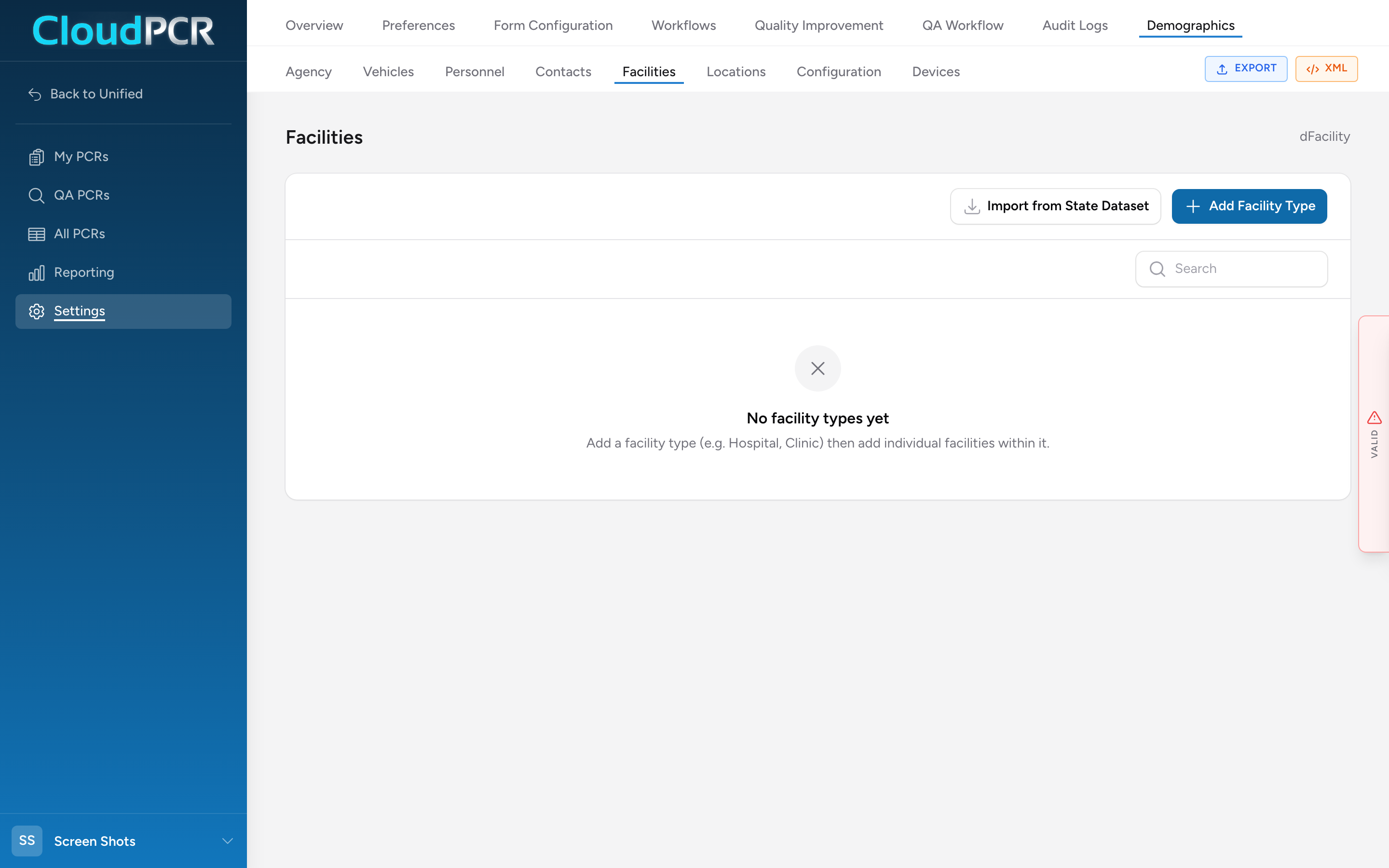
The Facilities page (Demographics → Facilities) lists the destinations you transport patients to — hospitals, freestanding ERs, urgent cares, dialysis centers, nursing homes, anywhere a patient might end up. Fields map to NEMSIS dFacility.
How facilities are organized
The page is two levels. At the top you have Facility Types — Hospital, Nursing Home, Urgent Care, and so on. Each type holds one or more individual facilities (the actual places). You add the type first, then add the facilities that fit under it.
Add a facility type
- From the menu, click Settings, then Demographics, then Facilities.
- Click Add Facility Type. The Add Facility Type modal opens.
- Pick the Type of Facility (dFacility.01) — e.g. Hospital.
- Click Add Facility Type at the bottom to save it. The modal stays open so you can start adding facilities inside it.
Add an individual facility
With a facility type open, scroll to the Facilities section inside the modal and click Add Facility. An inline form appears with four sections:
- Facility Details (dFacility.02–.05): Facility Name (.02), Facility Location Code (.03), Hospital Designations (.04), and Facility NPI (.05). NPI takes one entry per line.
- Address (dFacility.06–.11): Street, City, State, ZIP, County, Country.
- Location (dFacility.12–.14): GPS Location and US National Grid Coordinates if your state uses them.
- Contact (dFacility.15): one or more phone numbers, each with a type (Fax, Work, Mobile, Home, Pager).
Click Add Facility under the form to save that entry. Repeat for every facility that belongs to this type. When you're done, click Save Changes at the bottom of the Facility Type modal.
Import from the state dataset
Click Import from State Dataset on the Facilities page to browse facilities pre-loaded from your state's NEMSIS dataset and pick the ones you transport to. This saves a lot of typing.
Why phone and fax numbers matter
When you fax a PCR from CloudPCR, the fax number comes from the phone list on the receiving facility's record. Adding a phone with type Fax here means your providers can send a fax in a couple of clicks, every time.
Heads up: facility capabilities (STEMI center, stroke center, trauma level, burn, pediatric) are not configured on the facility record — NEMSIS tracks those on the incident itself (the crew picks the relevant capability when choosing the destination). Do not try to set them here.