

CloudPCR can fax a PCR straight to a hospital. This is the fastest way to deliver a copy of the report when the receiving facility wants one before they file the patient's chart.
Send a fax
- Open My PCRs (or All PCRs).
- On the PCR's row, click the Actions menu and pick Fax.
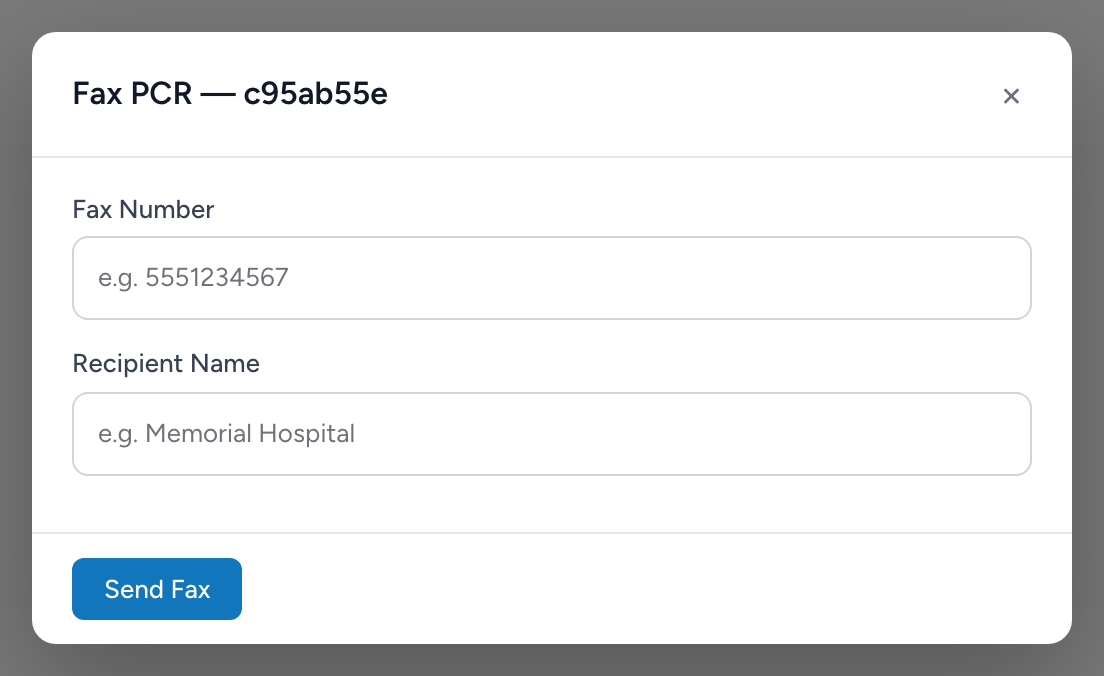
- The Fax PCR modal opens. If the PCR's destination facility has a fax number on file in Demographics, the Fax Number and Recipient Name fields are pre-filled. Otherwise, type them in.
- Click Send Fax.
Fax history
The modal shows a Fax History list of the most recent faxes sent for this PCR — each entry shows the fax number, recipient, timestamp, and status (pending, sent, success, or failed).
An example
You finish a STEMI transport and submit the PCR. The cath lab calls and asks for a copy right away for their case file. You open My PCRs, find the run, open the Actions menu, and click Fax. The fax number and recipient are already filled in from your Demographics record for that hospital. You click Send Fax and within a minute the entry shows as sent in the Fax History list.