

Use this article to add and edit the units your agency operates on the Vehicles page — ambulances, supervisor vehicles, rescue squads, and anything else you assign to a PCR. Every unit you can pick on a PCR comes from this list.
Add a vehicle
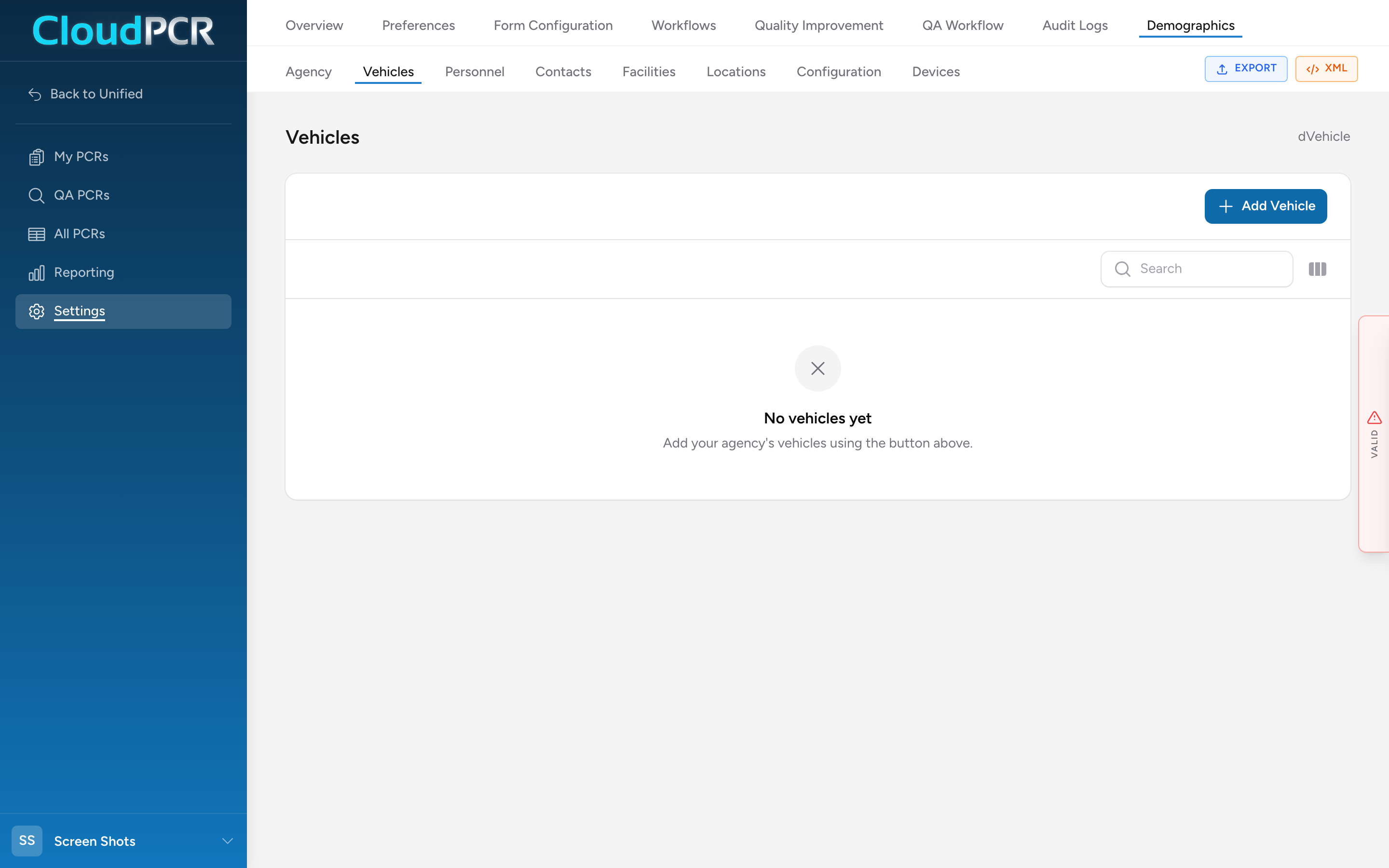
- From the menu, click Settings, then Demographics, then Vehicles.
- Click Add Vehicle. The Add Vehicle window opens.
- Fill in the Vehicle Information section: the unit number, the VIN, the EMS unit call sign, and the vehicle type.
- Optionally fill in Cost & Model Year: the initial cost and the model year.
- If your state needs different values on your submissions than the ones above, fill in the State Export Values section: Export Vehicle Number and Export Call Sign. Leave these blank to submit the unit number and call sign you already entered.
- Click Add Vehicle at the bottom of the window.
The vehicle now shows in the list, and its unit number and call sign become choices on the Response section of a PCR's Incident tab.
Vehicle certification levels
The Vehicle Certification Levels section records the level the vehicle is staffed at for each type of response it runs. Click Add and add one row per response type the vehicle covers. This is set per vehicle, so a truck that runs more than one type of response has more than one row.
Annual usage statistics
NEMSIS asks for each vehicle's hours of service and mileage per year. In the Annual Usage Statistics section, click Add and enter the year, the hours, and the distance (with a unit of miles or kilometers). Most agencies fill this in once a year.
Editing a vehicle
In the vehicles list, click Edit on the row you want to change, update any field, then click Save Changes.
Marking a vehicle as inactive
Every vehicle has an Active checkbox at the bottom of the edit window. If you sell a truck or take it out of service, uncheck Active instead of deleting the record. That keeps the vehicle attached to the PCRs it already ran while dropping it out of the picker for new calls.
Note: The vehicle fields are set up from your agency's state profile. If the Vehicle Information fields are missing when you open the form, your agency's Configuration has not been linked to a state yet. Set the state there first.