
The Configuration page in Demographics holds your agency's NEMSIS-level settings — which state your agency reports to, and which procedures and medications are authorized at each certification level.
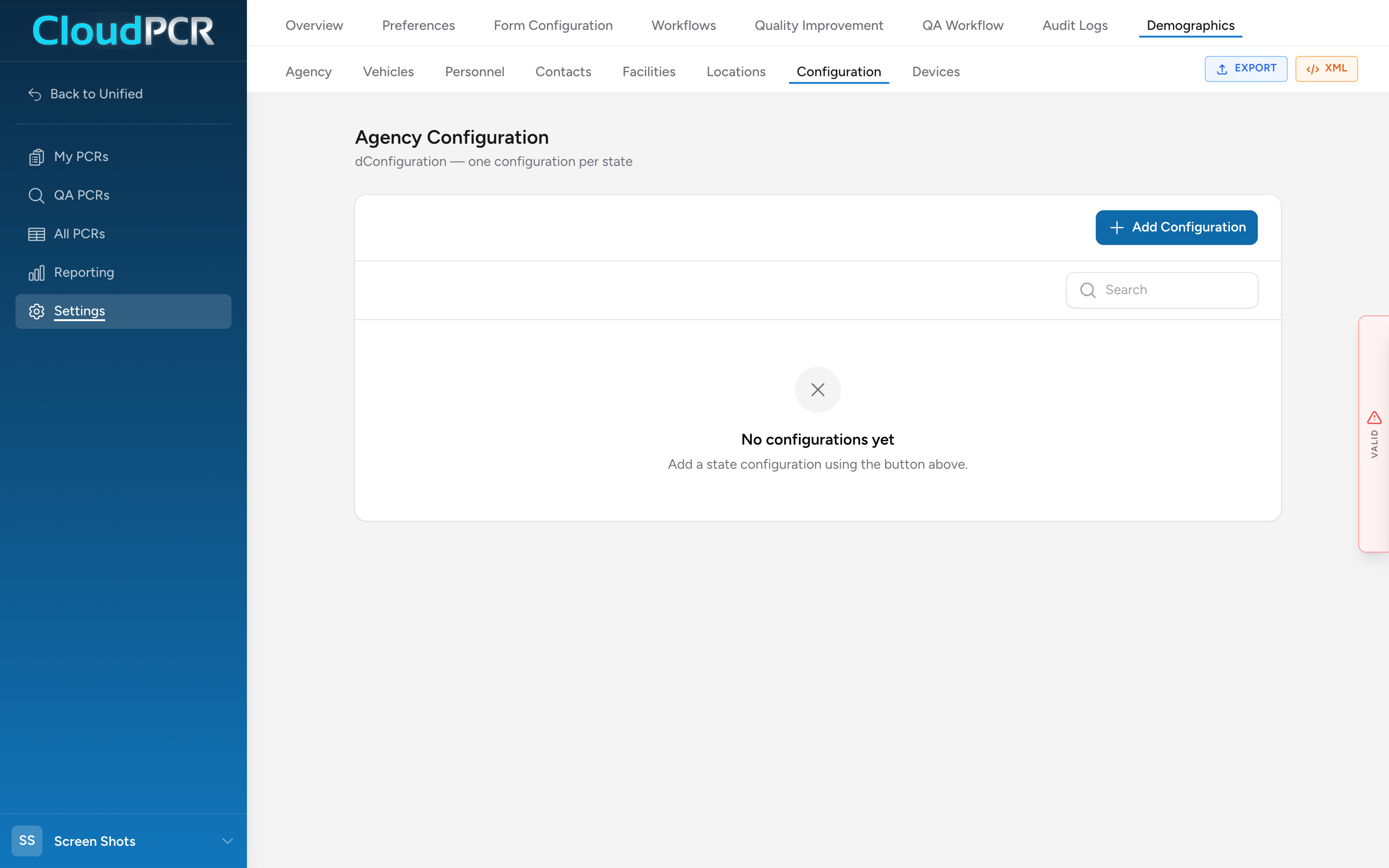
Open Configuration
- From the menu, click Settings, then Demographics, then Configuration.
- You see a list of configurations — one per state your agency reports to. Click Edit on a row to open it, or Add Configuration to create a new one.
The configuration form has four sections.
State
Pick the state this configuration is for. Once a state is selected, an Import from State Dataset button appears — click it to pull in that state's pre-configured procedure and medication lists as a starting point. You can still edit everything afterward.
Procedure Groups
Each group is a certification level (EMR, EMT, Advanced EMT, Paramedic, and so on) plus the procedures that level is authorized to perform. When a crew member adds a procedure on the Timeline, the picker filters by the crew member's certification level against these groups.
Medication Groups
Same idea for medications — each group is a certification level plus the medications that level can administer.
Additional Settings
A handful of agency-wide toggles that do not fit elsewhere. What you see here depends on your state and your agency's setup.
Saving
There is no Save button — the form saves automatically. A save-status indicator in the top-right shows when your changes are saved.
Tip: If you are not sure whether to change a procedure or medication group, ask your medical director first. These lists determine what shows up as a valid option for each crew member — getting them wrong can either prevent documentation or allow scope-of-practice violations.