

Contacts are people connected to your agency that NEMSIS tracks on dContact records — most notably your medical director. Fields map 1:1 to the dContact XSD.
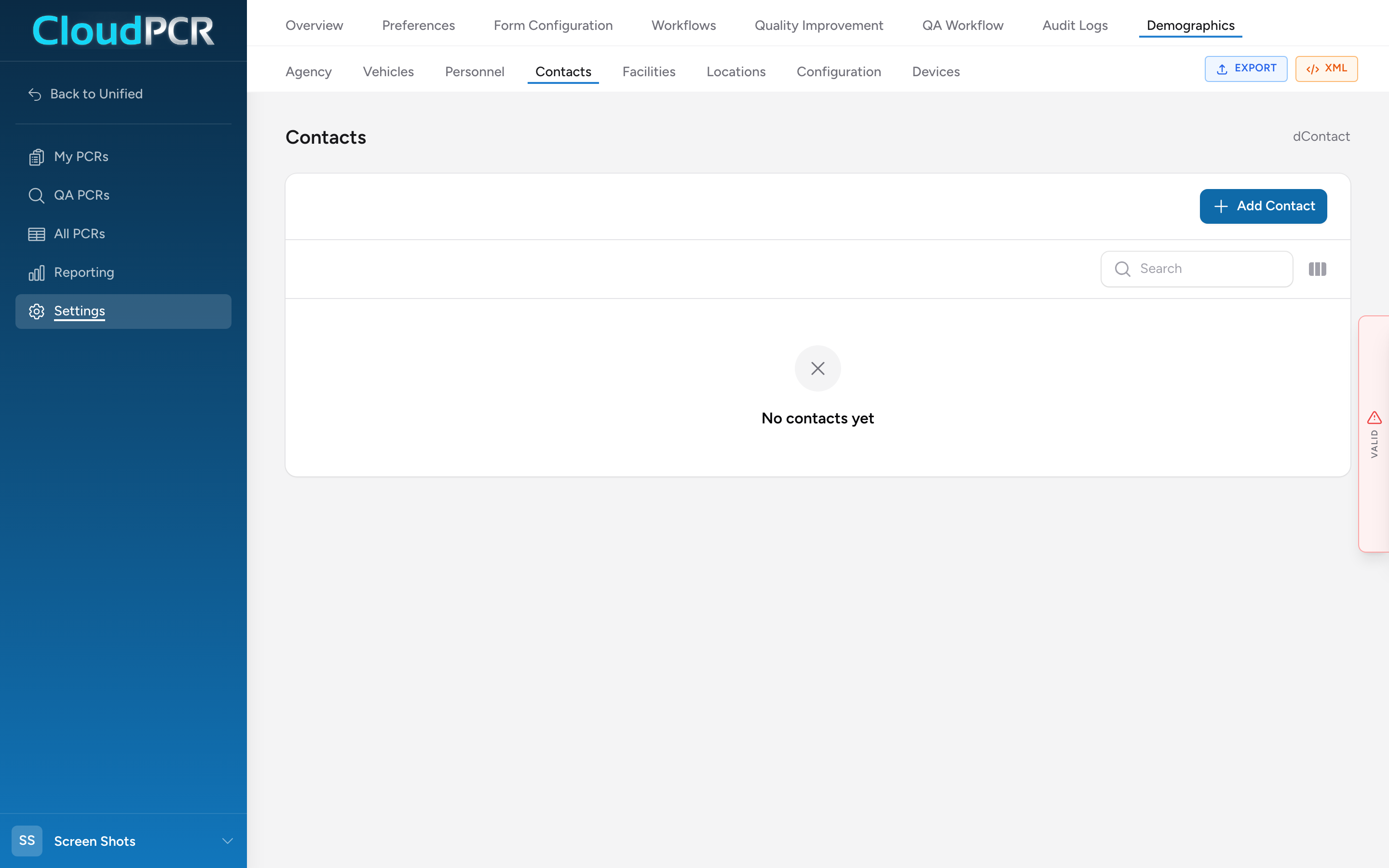
Add a contact
- From the menu, click Settings, then Demographics, then Contacts.
- Click Add Contact.
- Fill in Contact Information (dContact.01–.04): Agency Contact Type (.01 — pick from the NEMSIS-defined list, e.g., Medical Director), plus the name fields.
- Fill in the Address (.05–.09).
- Under Contact Details add one or more phone numbers and email addresses.
- If the contact is a medical director, fill in the EMS Medical Director section (.13–.16): degree, licensure information, compensation type.
- Click Add Contact at the bottom of the modal.
Why this matters
Your state's NEMSIS submission includes every dContact record on your agency. Your medical director in particular is required for the submission to validate. Keep the list current — outdated medical director info can cause rejections on state submissions.