

The Devices page (its heading reads Medical Devices) is where you record the equipment your agency uses on calls — cardiac monitors, ventilators, AEDs, glucose meters, capnography units. NEMSIS asks for this so the state knows what kind of capability your agency has.
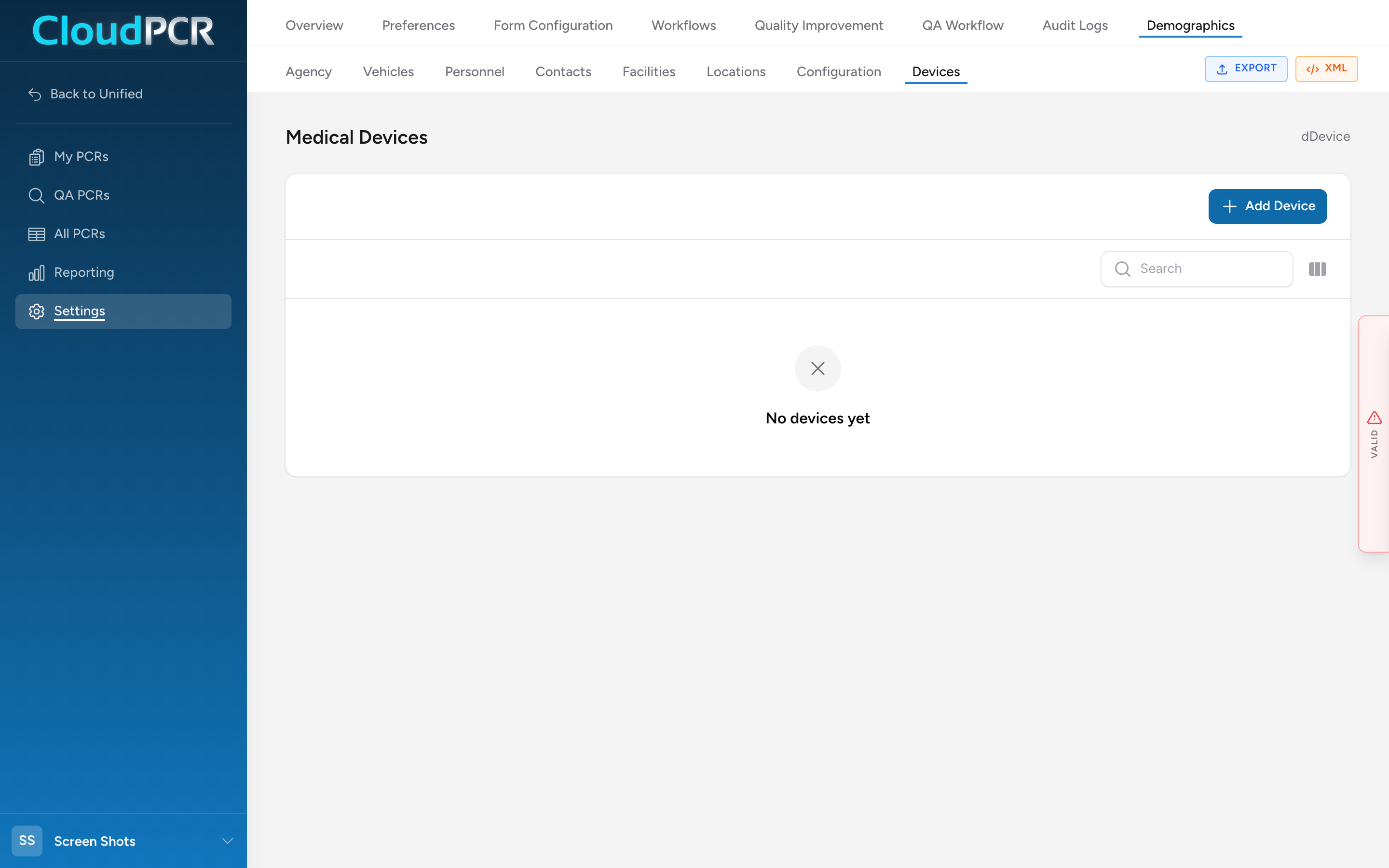
Add a device
- From the menu, click Settings, then Demographics, then Devices.
- Click Add Device.
- In the Device Details section, enter the serial number, device name/ID, manufacturer, and purchase date.
- Pick one or more device types.
- Click Add Device at the bottom of the modal.