

The Timeline tab is where everything you do for the patient lives — vitals, medications, procedures, the physical exam, airway management, medical-device events, and labs — all in one ordered list. The point of putting them together is so you can see at a glance what was happening to the patient at each moment of the call.
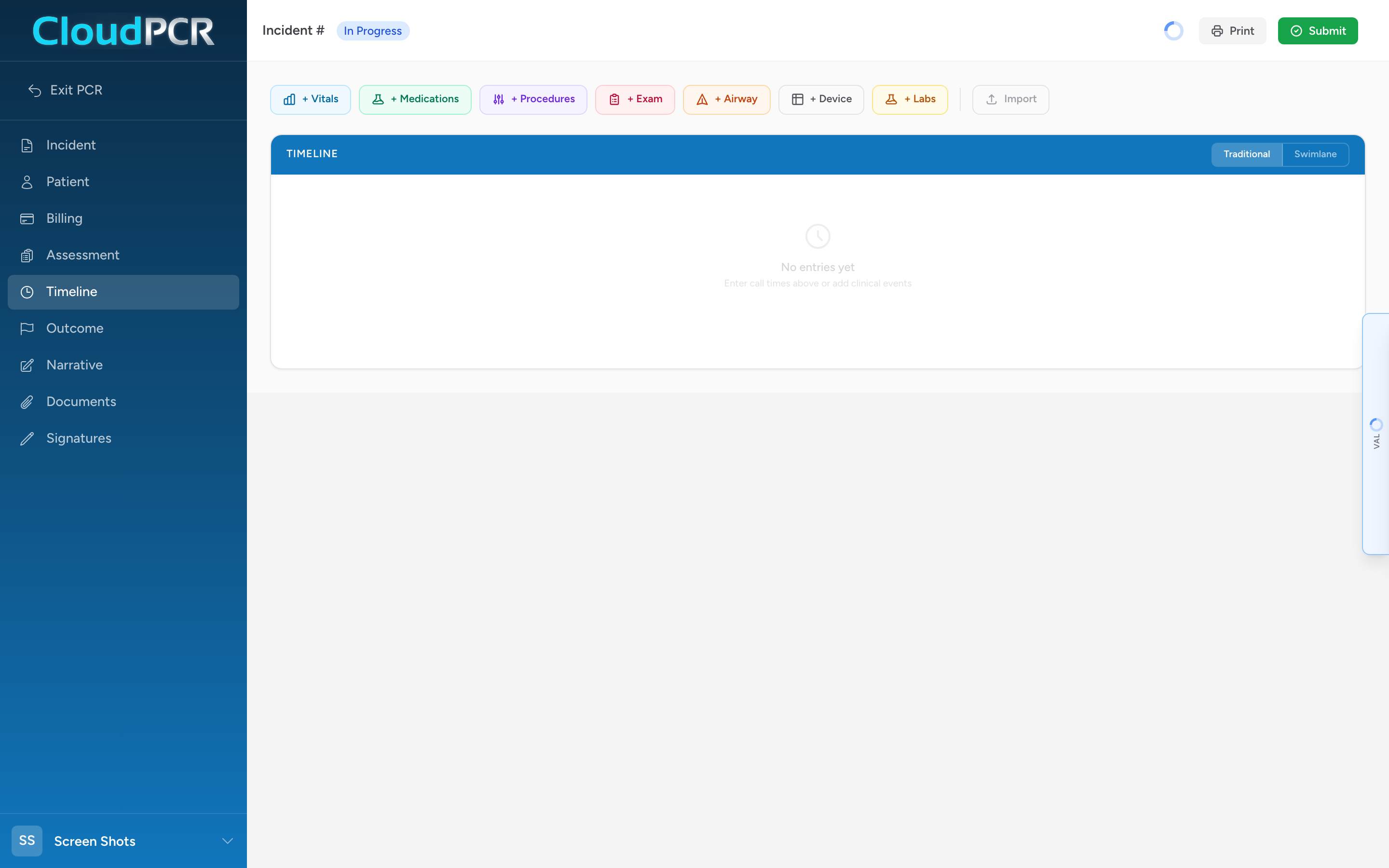
The event types
- Vitals — blood pressure, heart rate, breathing, oxygen, GCS, blood glucose, temperature, and the rest.
- Medications — drugs you gave, including dose, route, response, and the crew member who gave it.
- Procedures — things you did to the patient (IV, splint, intubation, defibrillation, dressing).
- Exam — physical assessment findings recorded on a body diagram.
- Airway — airway management, grouped around one Airway Group with one or more device confirmations.
- Devices — cardiac monitor / defibrillator / pacer events (ECG leads, waveform uploads, shocks, pacing).
- Labs — lab results and imaging studies, with optional file attachments.
How the timeline displays
The Timeline has a list view and a swimlane view. In the swimlane view each event type has its own lane and dot color — vitals sky blue, meds emerald green, procedures violet, airway orange, devices gray, labs amber. You can see the whole call laid out left to right so you can quickly find what you are looking for.
Adding events
The Timeline has two ways to add entries, controlled by a New / Legacy toggle near the top. In the default New view you click a single Entry button and add vitals, medications, procedures, and more as cards. In Legacy view each type has its own button — + Vitals, + Medications, + Procedures, + Exam, + Airway, + Device, + Labs, and + Notes. Either way, fill in the fields and the entry drops onto the timeline. See the article for each event type for the specifics.