
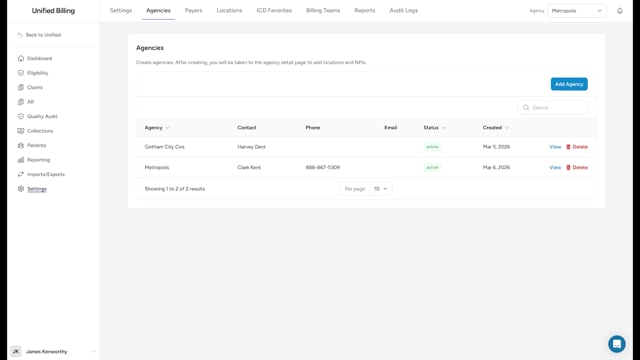
What an agency is
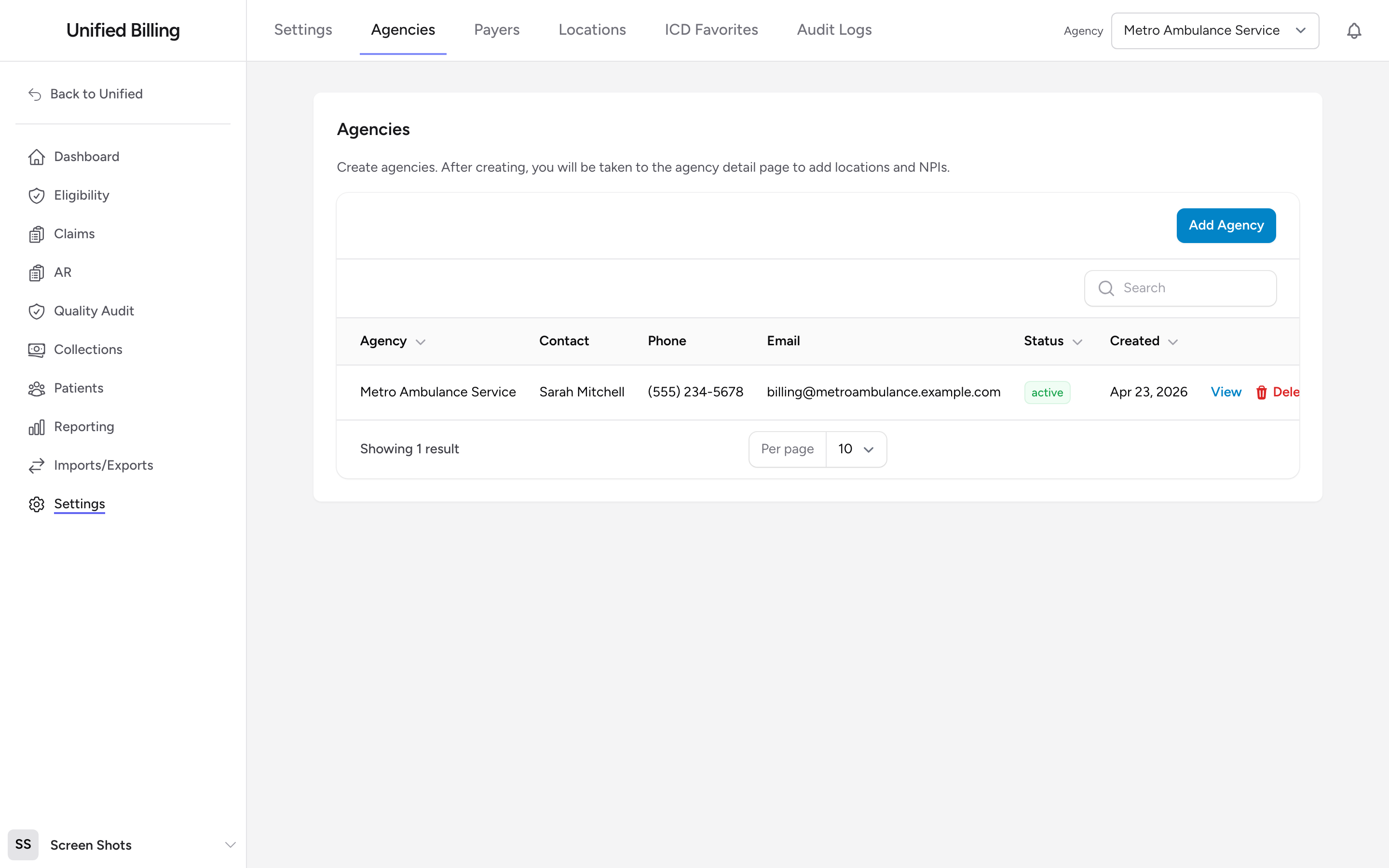
An agency is your EMS organization, the ambulance service that provides care and submits claims. One Billing account can hold several agencies. The agency record holds the name, Tax ID (EIN), primary contact, and address. Each agency also has one or more locations, which carry the NPI and the other identifiers that go out on claims.
Before you start: Settings is only visible to billing admins. If you do not see Settings in the menu, ask your administrator.
Creating an agency
- Go to Settings in the menu.
- Click Agencies.
- Click Add Agency.
- Fill in the Agency Details (Agency Name, Tax ID (EIN), Status, and optionally Max Statements Before Collections), the Primary Contact (Name, Phone, Email), and the Address.
- The First Location section creates the agency's first billing location at the same time. Enter the NPI, Agency ID, Taxonomy, and State License. Leave Same EIN as agency and Same physical address and phone as agency switched on unless the location bills under different details.
- Click Create. Billing opens the agency detail page.
Editing an agency
On the Agencies table, click View in the row for the agency you want to change. The Overview tab shows the agency's name, primary contact, and address, plus the list of its billing locations. Click Edit Agency next to the agency name to update the name, Tax ID, contact details, address, status, or the statement limit before collections.
Setting up everything else
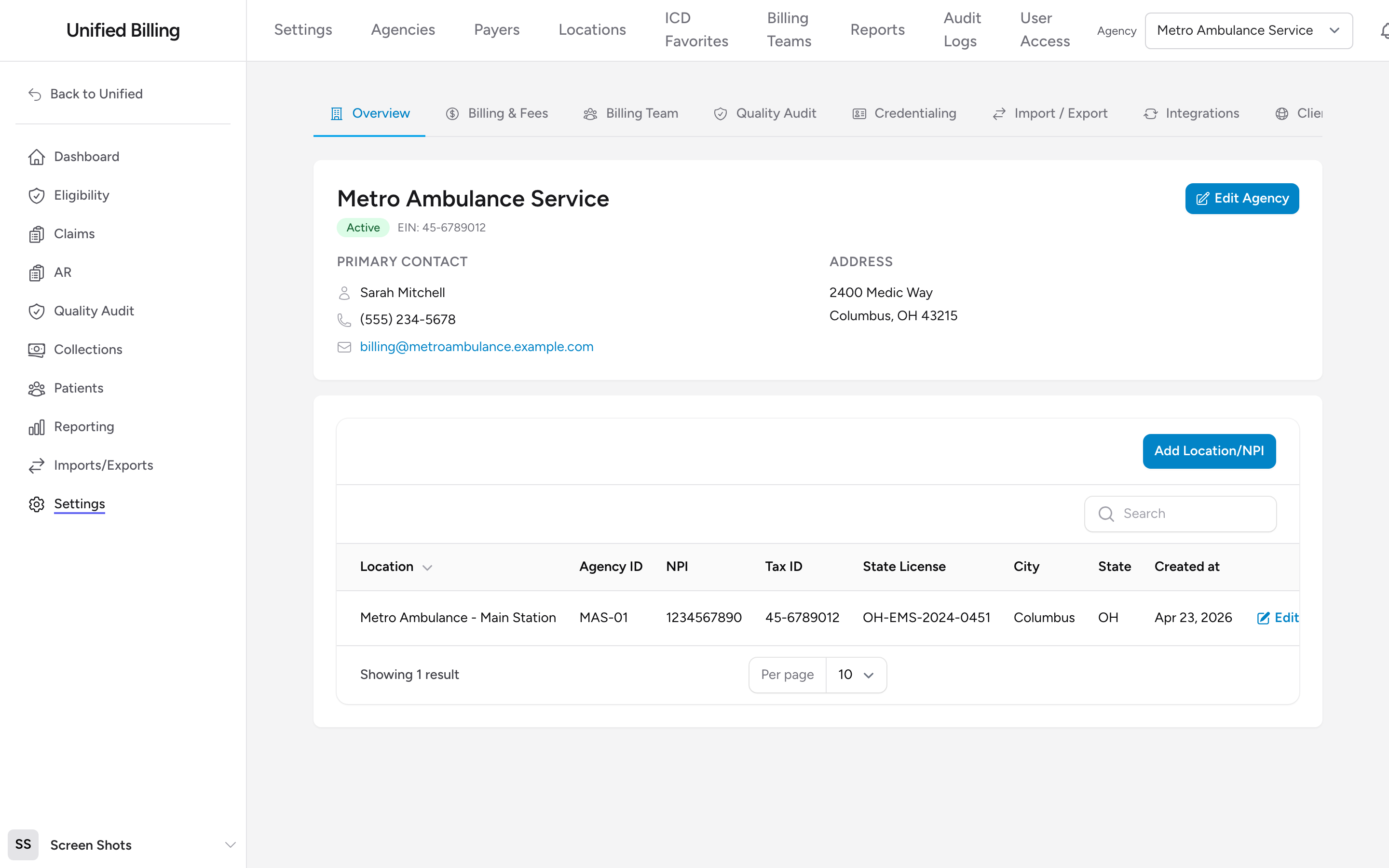
Most of what you would call "agency settings" lives on the tabs of the agency detail page:
- Overview - agency name, contact, address, and the locations list.
- Billing & Fees - fee schedules and payer enrollments (see Agency locations and fees).
- Billing Team - which billing team works this agency's claims (see Billing teams).
- Quality Audit - QA rules and SOP references.
- Credentialing - crew credentials.
- Import / Export - per-agency NEMSIS imports.
- Integrations - NEMSIS web service and FTPS credentials (see Agency integration settings).
- Client Portal - portal user management (see The client portal).
- Patient Payments - card payment settings for the patient payment portal (see Patient payment settings).
Tips
- The NPI lives on the location, and every agency needs at least one. The Add Agency form creates the first location for you; add more from the Overview tab if your agency bills under multiple NPIs.
- Set an agency to Inactive instead of deleting it if you are no longer billing for it. That keeps historical claims intact.
- After creating an agency, grant your billers access to it on the User Access page (see User access levels).