
What a CMS-1500 is
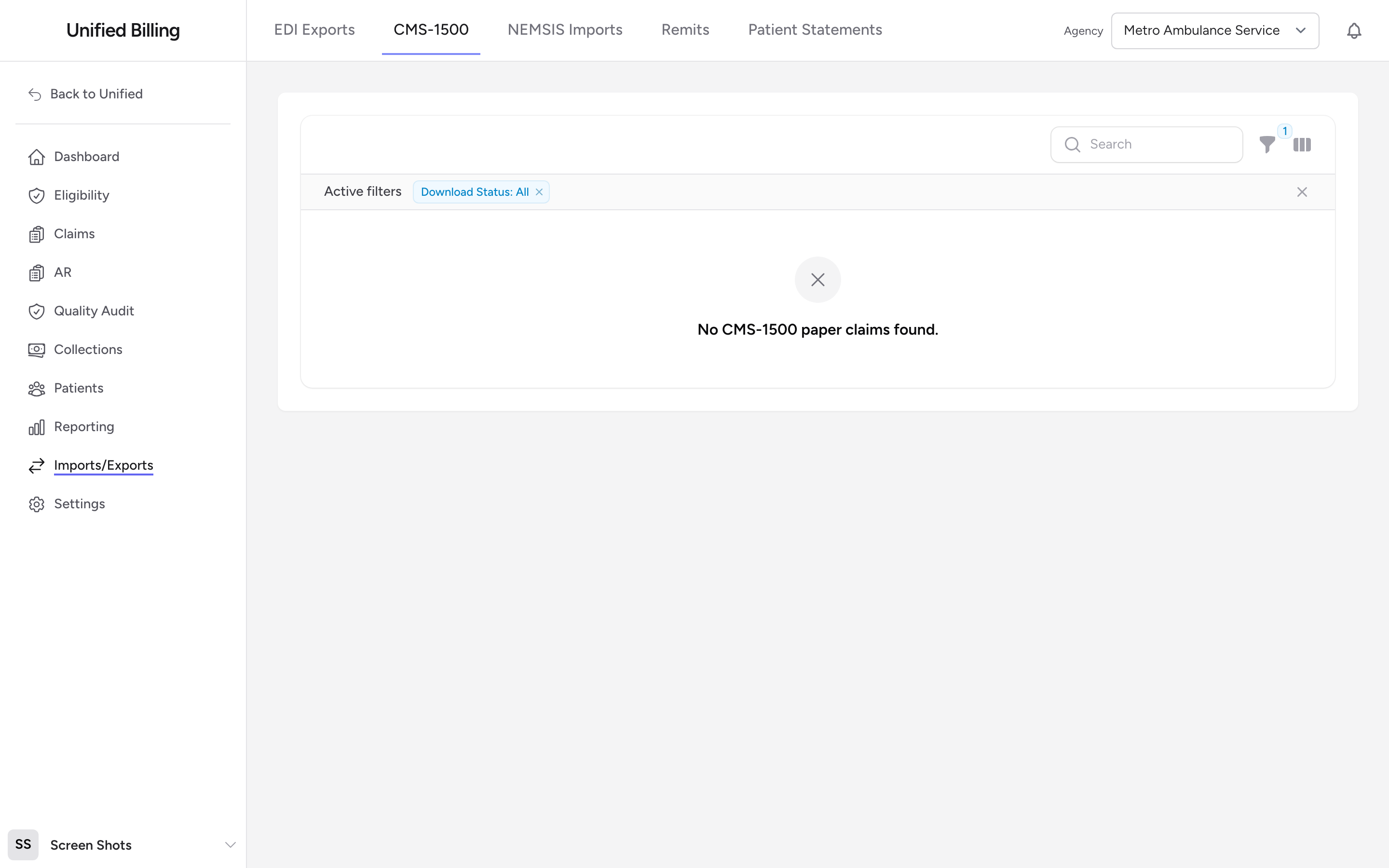
The CMS-1500 is the standard paper form used to submit medical claims. Most claims go out electronically through the 837, but some payers still require paper. Billing generates the filled-out CMS-1500 as a PDF that you print and mail. This is a fully manual path: no clearinghouse connection is involved.
How paper claims get here
When the primary policy on a claim is marked as a paper claim and the claim is submitted, it is queued for CMS-1500 output instead of the electronic 837, in the same Transmit run (see Transmitting claims). Clicking Transmit on the Claims page generates the combined CMS-1500 PDF for every paper claim queued. The CMS-1500 page tracks those claims after the fact.
How to use the CMS-1500 page
- Go to Imports/Exports in the menu, then click CMS-1500.
- Use the Download Status filter to show Undownloaded, Downloaded, or All.
- To pull a single claim, use the row action Download PDF. The View Claim action next to it opens the claim itself.
- To pull several at once, tick the checkboxes and click Download Combined PDF.
Example
You run Transmit on Friday and it reports three CMS-1500 claims in the batch. On Monday you want to reprint one that jammed the printer. You open the CMS-1500 page, search for the patient's name, and click Download PDF in that row to get just that one form.
Tips
- If a claim you expected is missing from the list, check that the primary policy on the claim has Paper Claim turned on, that the claim is in Submitted status, and that you have clicked Transmit on the Claims page since submitting it. Claims only appear here after a Transmit run has generated them.
- The search box matches the agency and patient name. To locate a claim another way, sort the Incident # column.
- Downloading a combined batch marks each included claim as Downloaded so you can filter it out next time.
- When the payer responds with a paper explanation of benefits, post it from the claim (see Posting an EOB).