
What the client portal is
The client portal is a separate, read-only view of the Billing app designed for people on the agency side of the relationship. It is typically used by the agency director, a billing liaison, or a view-only stakeholder who wants to see how claims are moving without having a full Billing login. On screen the portal is labeled Billing Portal.
Who uses it
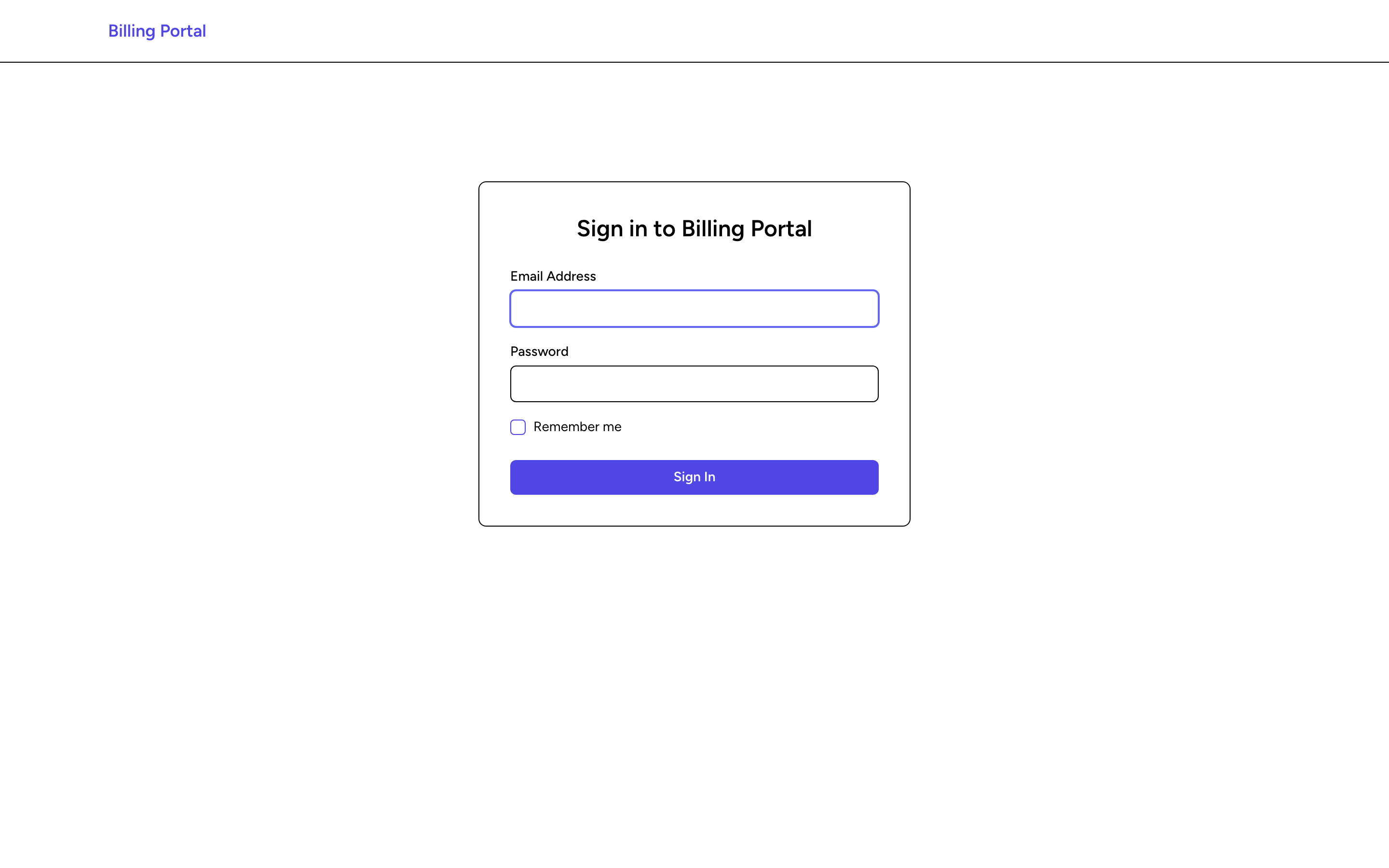
Portal users sign in at /portal/login with their own credentials, separate from the main Billing login.
Three portal roles are supported:
- Director - sees the Dashboard, the Claims list, and QA Flags.
- Billing Liaison - sees the Dashboard, the Claims list, and QA Flags.
- Viewer - sees the Dashboard and QA Flags. The Claims list is not shown for this role.
What they see
After signing in, portal users land on a Dashboard that summarizes KPIs, the claim pipeline by status, QA flag counts by severity, AR aging buckets, and recent collections for the agency tied to their account. From the menu they can open the Claims list and the QA Flags list.
The portal is strictly read-only. Portal users cannot edit claims, change billing information, resolve QA flags, or transmit anything.
How access is set up
Portal accounts are set up in Billing under Settings, then Agencies: open the agency, click the Client Portal tab, then click New Portal User.
Tips
- Encourage portal users to check the portal regularly. If QA flags are piling up, they can push their team to fix documentation early and keep billing moving.
- The portal sign-in is only for portal accounts. If you already have a regular Billing sign-in, use the main Billing app instead. The portal will point you there.
- If a portal user cannot sign in, check their account on the agency's Client Portal tab. A billing admin can reset the password from there with Reset PW.