
What locations are
Locations sit one level under an agency. Each location is a billing identity: an NPI, a Tax ID, a physical address, and a mailing address that go out on claims. An agency always needs at least one location before you can bill from it, and the Add Agency form creates the first one for you. If your agency operates under multiple NPIs, create one location per NPI.
Adding a location
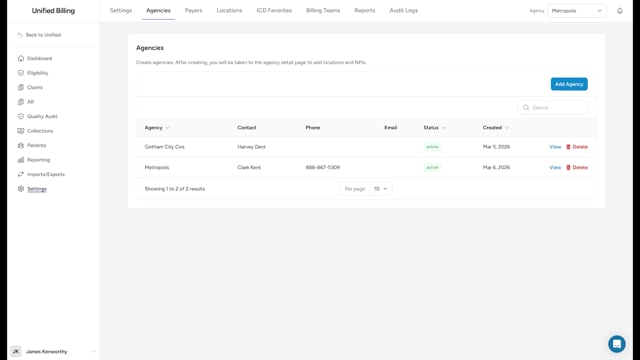
- Go to Settings → Agencies and click View on the agency.
- On the Overview tab, click Add Location/NPI.
- Fill in Location Name, Agency ID, NPI, Taxonomy, Tax ID (EIN), State License, and the physical and mailing addresses. Switch on Mailing same as physical if they are the same.
- Click Create.
Building the fee schedule
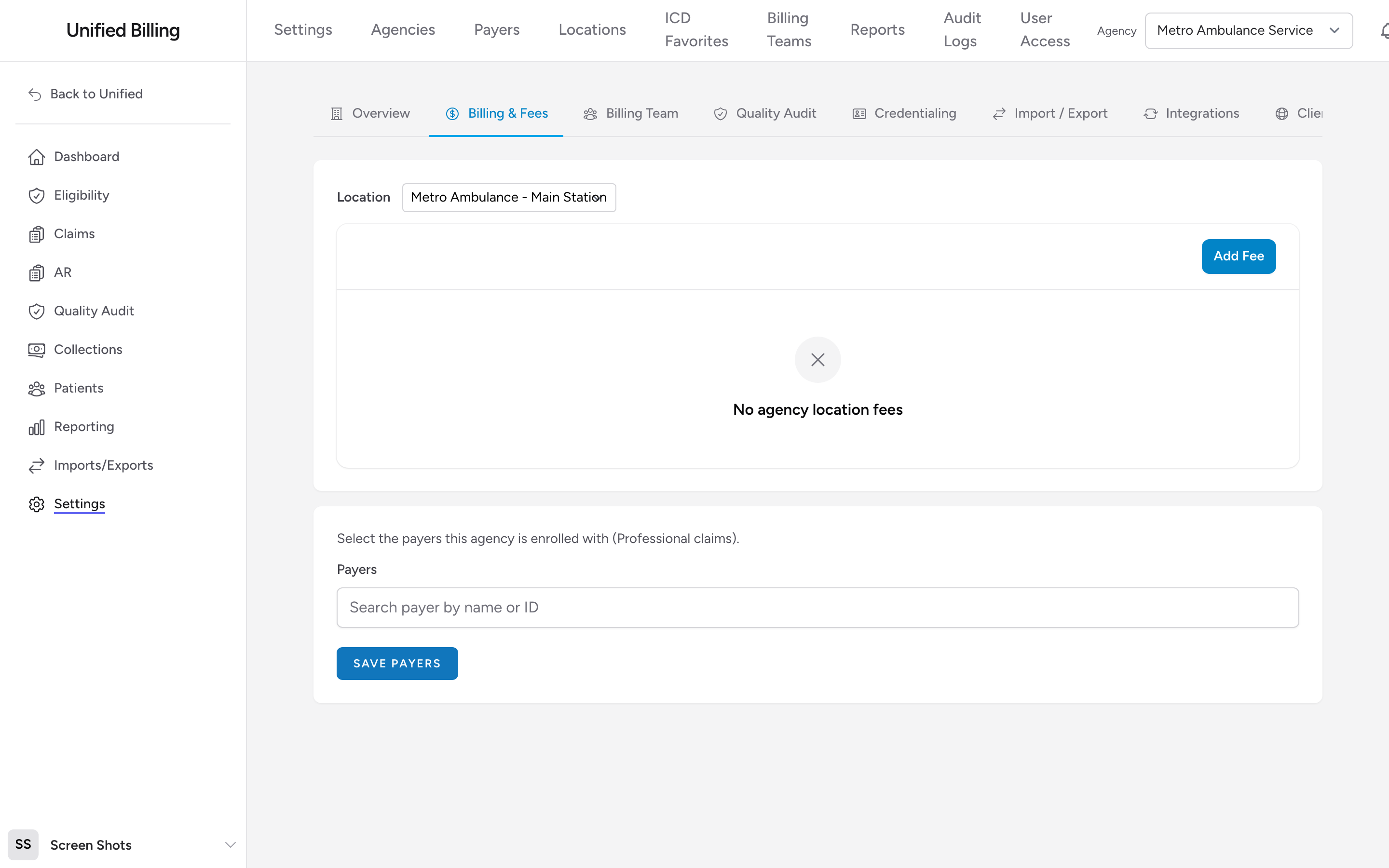
Open the Billing & Fees tab and pick the location you want to edit. The fee schedule is a list of HCPCS procedure codes. Click Add Fee and fill in:
- Procedure Code - the HCPCS code, picked from the list of ambulance procedures (A0428, A0429, A0425, etc.). Pick Custom Code to type a code that is not on the list.
- Description - a readable label for the fee.
- Amount - the dollar amount for one unit.
- Mileage (per unit) - switch this on for mileage codes so Billing knows to multiply by loaded miles.
Add a row for every code you bill. That is typically a base rate per level of service (BLS, ALS1, ALS2, SCT) and one mileage code.
How fee schedules are used
On a claim's Charges section, the Procedure Code list for each line comes from the fee schedule of the claim's location. Picking a code fills in the scheduled rate automatically. To charge a different amount on one claim, tick Custom amount (override fee schedule) on that line.
The fee schedule prices your claims no matter how they leave the building: sent through your clearinghouse, downloaded and uploaded by hand, or printed on paper (see CMS-1500 paper claims).
Example
Your agency has two stations under one NPI. You add one location called "Main Station" with that NPI and Tax ID, then build the fee schedule: A0429 ALS Emergency at $1,200, A0428 BLS Emergency at $900, and A0425 Mileage at $14 with the mileage toggle turned on. Every claim from that location is priced from those rates.
Tips
- Review your fee schedules at least once a year. Rates change, and outdated schedules mean you are undercharging.
- If charges on new claims come in at zero, open the agency's Billing & Fees tab and confirm the location has a schedule. This is the most common cause.