
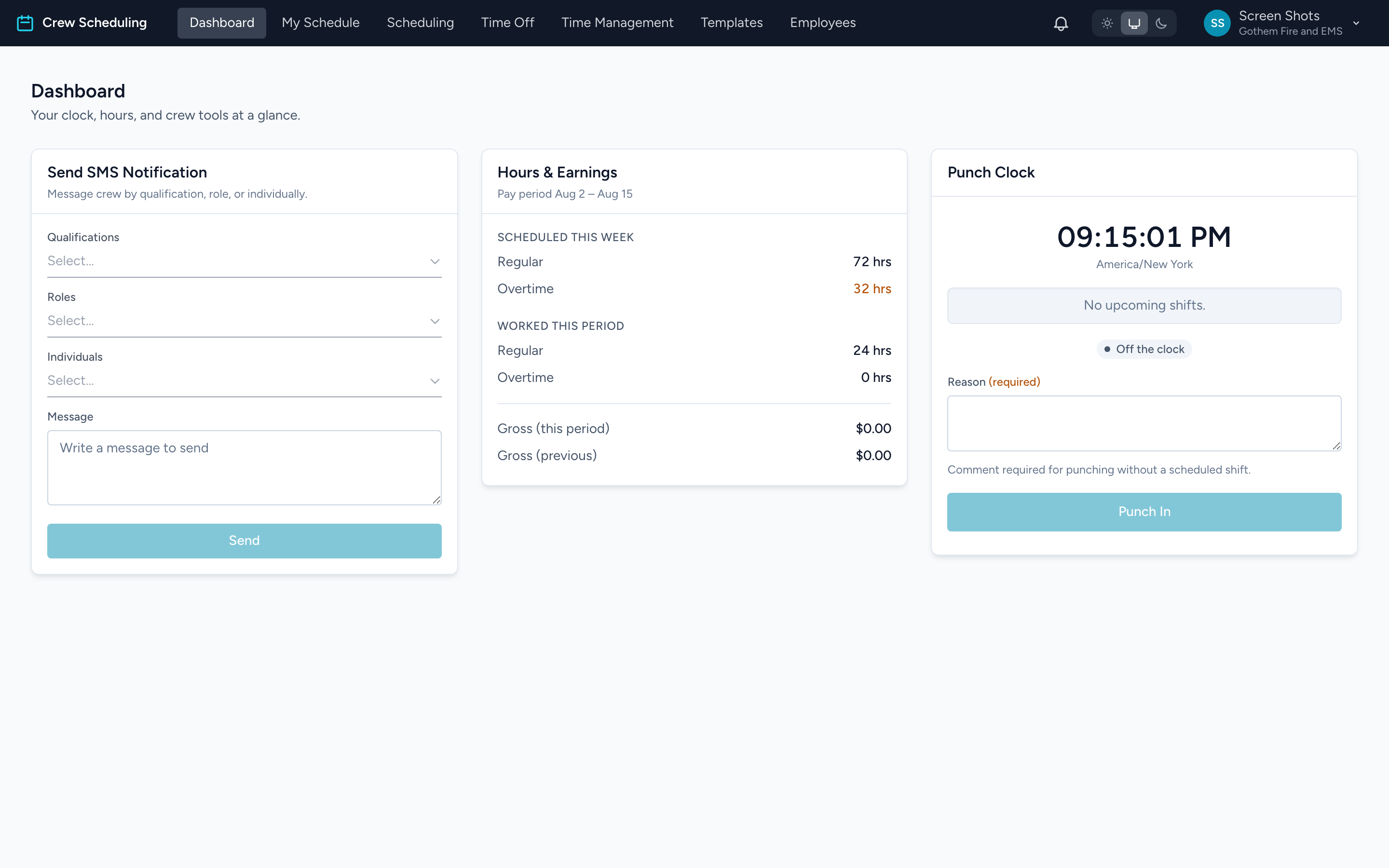
The Dashboard is the first page you land on. It holds the tools you touch most often during a shift.
- Punch Clock — a live clock with your next shift and the punch button. This is where you clock in and out.
- Hours & Earnings — your scheduled hours this week, worked hours this pay period, and gross earnings.
- Send SMS Notification — administrators only. Text a message to crew members by qualification, role, or name.
If the page says No company selected, you signed in without picking an agency. Go back to the Unified Solutions dashboard and open Crew Scheduling from its tile.