
Claim statuses
Every claim has a status that tells you where it is in the billing process. You can change the status from the Claim Status dropdown on the right-hand panel of any open claim. Here is what each one means:
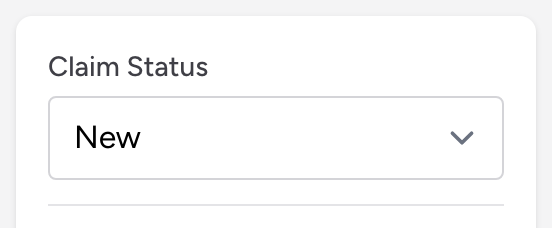
- New - the default status for a claim that has just been created or imported. It has not been submitted yet.
- Submitted - the claim passed validation and is locked for sending. Depending on your setup it goes out to your clearinghouse electronically, or you download the claim file and deliver it yourself. See The EDI Exports page and CMS-1500 paper claims.
- Escalation - the claim has a problem that needs extra attention, like a denial that requires an appeal or a payer issue that you cannot resolve on your own.
- Hold - the claim is temporarily on hold. Use this when you need to pause work on a claim for any reason.
- Needs Review - the claim needs someone to look at it before it moves forward, for example when validation flagged something that has to be checked.
- Flagged - Sent to Agency - a biller flagged this chart back to the crew with a question or correction. The claim is locked while you wait for their answer. See Flagging a claim back to the agency.
- Agency Corrected - the crew answered the flag and resubmitted the chart. The claim is back in your working queue for review.
- Withdrawn - the agency pulled the chart back before any billing work started.
Statuses that change on their own
You will not usually pick Submitted yourself. Clicking Submit on a claim runs validation, marks it Submitted, and locks it; see Submitting a claim. A locked claim's status dropdown is disabled. Click Unlock Claim in the Submission panel if you need to work it again. The flag statuses are set by the flag-for-correction workflow. Click View status log to see the history of who locked, unlocked, or resubmitted the claim.
Tips
- Use the Claims by Status grid on the dashboard to see how many claims are in each status at a glance. Click a status name to open the claims list filtered to those claims.
- Claims that stay in Needs Review or Hold for a long time need attention. Check them regularly so they do not fall through the cracks.