

Compliance is the category to open when someone needs to know "are we good for the audit?" Every report here is built around an audit trail or a regulatory deadline. The data comes from Drug Tracking (vault movements and inventory), Fire (NERIS submissions), and CloudPCR (QA flags and documentation completeness).
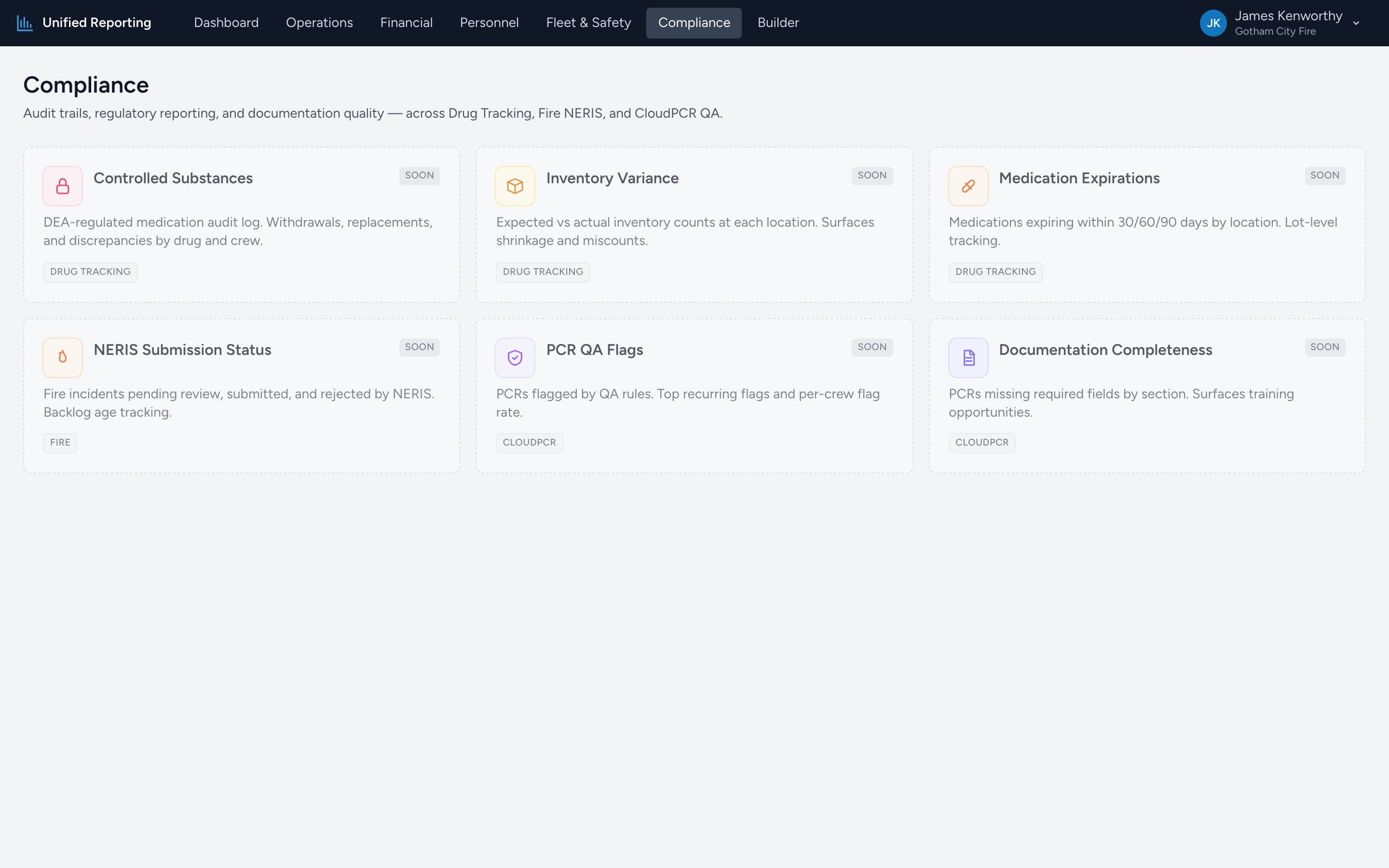
What is in Compliance
- Controlled Substances — DEA-regulated medication audit log. Withdrawals, replacements, and discrepancies by drug, location, and user.
- Provider Administration Profile — controlled medications by the crew member who gave them, next to the agency median for the same drug.
- Controlled Documentation Review — charts where a controlled medication is missing the amount wasted, a witness, a pain score, the patient response, or who gave it.
- Waste and Witness Compliance — waste totals per provider, unwitnessed waste, outside witness mix, and the most frequent witness name.
- Administration and Custody Cross-Check — what the charts say against what the drug records say, by drug and by provider.
- Inventory Variance — Expected (par) vs actual inventory at each location. Highlights shortages, surpluses, and out-of-band stock.
- NERIS Submission Status — Fire incidents by review and submission status. Latest submission attempt result, HTTP code, and stale-pending tracking.
- PCR QA Flags — QA reviewer flags raised on PCRs. Open vs resolved, top creators, and reviewer messages.
- Documentation Completeness — PCRs missing required NEMSIS fields by section. Per-field missing rate to surface training opportunities.
Note: Controlled Substances appears in two places
The Provider Quality category has a Controlled Substance Usage Log built from PCR administrations — what was given to patients. The Compliance version is built from Drug Tracking events — what came out of (and went into) the safe. The two should reconcile; when they do not, the gap is the audit finding. Administration and Custody Cross-Check does that reconciliation for you.
Saving and sharing
Each report has its own date range and column filters. To pin a specific configuration for monthly delivery, copy the data into a saved report in the Builder and schedule it. See Saving and sharing reports and Scheduled reports.