

Inventory Variance compares what each location should have on hand (the par level) against what it actually has on hand right now. It is the report to open when someone says "I think we are short on something" — or when you want to spot the same item repeatedly going out of band across multiple locations.
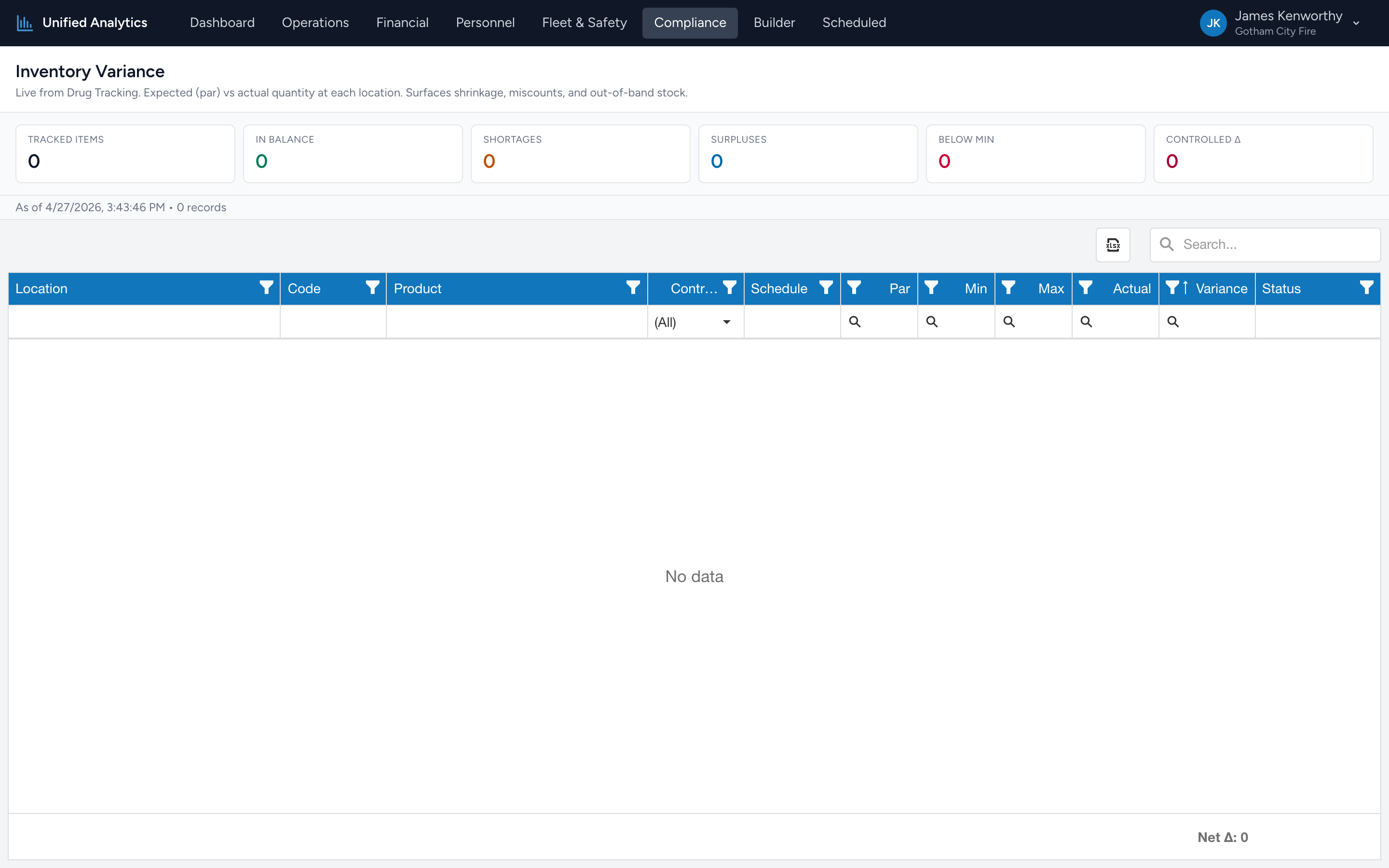
How to use it
- Open Compliance → Inventory Variance.
- The data is "as of now" — there is no date range to pick.
- The summary tiles give the agency-wide picture. The grid below lists every tracked item.
The summary tiles
- Tracked Items — every par-tracked item across every location.
- In Balance — items where actual matches par. The healthy state.
- Shortages — items below par. Restock candidates.
- Surpluses — items above par. Unusual; worth a look.
- Below Min — items below the configured minimum (a stricter threshold than par). These are urgent.
- Controlled Δ — variance specifically on controlled-substance items. The bucket the DEA cares about.
The grid
Columns: Location, Code, Product, Controlled, Schedule, Par, Min, Max, Actual, Variance, Status. The Status column says whether the item is In Balance, Short, Surplus, Below Min, or above Max.
Tips
- Filter Status = Below Min for the urgent restock list.
- Filter Controlled = true + Variance ≠ 0 to drive the controlled-substance reconciliation review.
- Group by Product to see whether a single item is consistently short across multiple locations — usually means par is set wrong, not that everyone is losing the same item.
Where the data comes from
Drug Tracking owns each location's expected (par) and actual on-hand counts. The report fetches a fresh snapshot each time you open it.