
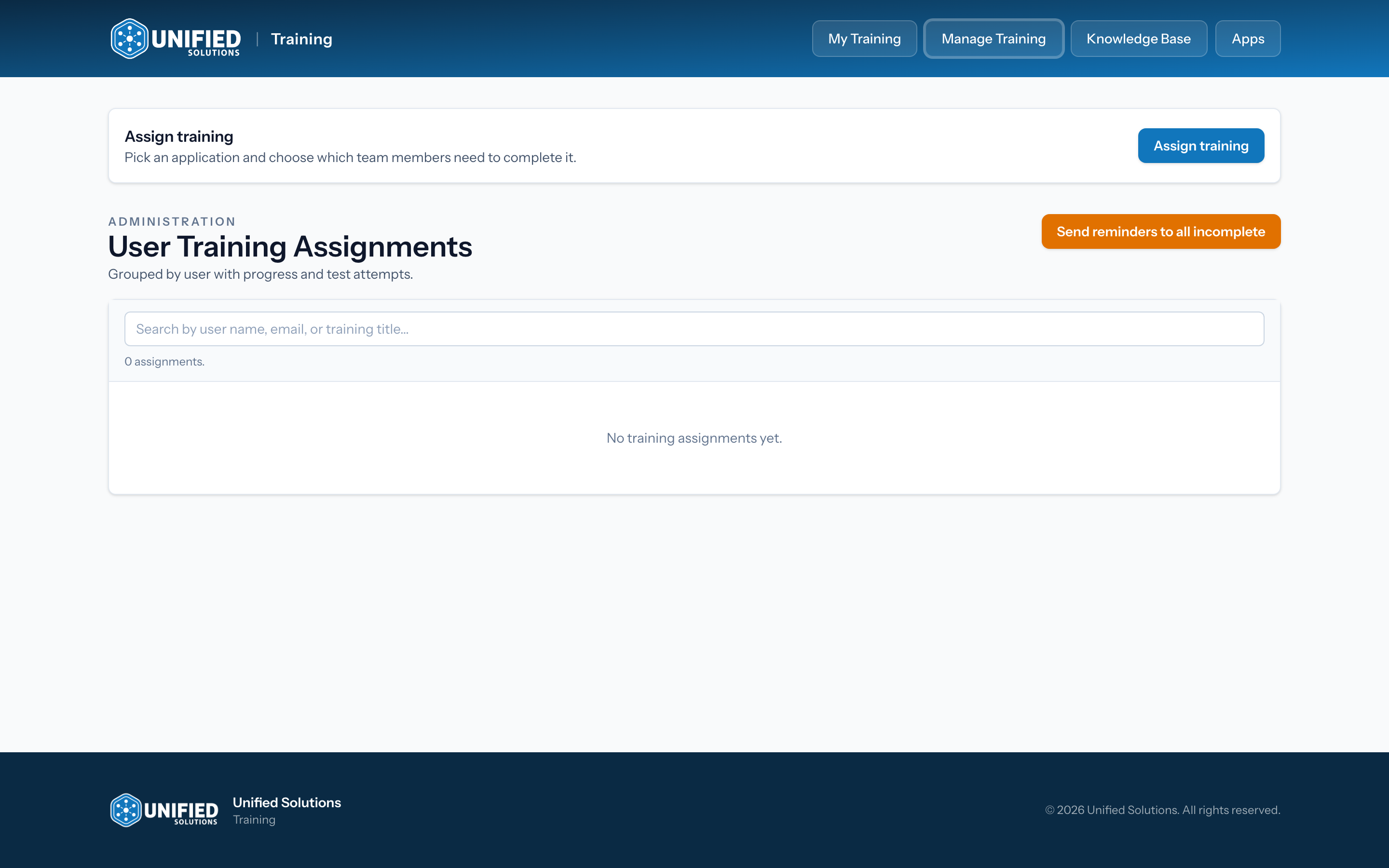
If you are an agency admin, Unified University gives you a Manage Training page for keeping your team on track. From there you assign lessons, watch who has finished, and nudge anyone who has fallen behind. This page is the home base for everything in this section.
Finding Manage Training
Sign in to Unified University and click Manage Training in the navigation. This option only appears for agency admins. If you do not see it and you should, ask another admin at your agency to check your access.
What you can do here
- Assign training to specific people on your team. See Assigning training to your team.
- Track progress for everyone you have assigned, including how much of each video they have watched and whether they passed the quiz. See Tracking your team's training progress.
- Send reminders to people with unfinished training. See Sending training reminders.
Tip: Assigning is what moves a lesson into someone's Required Training list. Until you assign it, a lesson is only available, not required.