
When someone has training left to finish, you can send them an email reminder straight from the Manage Training page. You can nudge one person or everyone who is behind at once.
Reminding one person
- On Manage Training, find the person in the assignments table.
- In the row for the lesson they have not finished, click Send reminder.
- Confirm when asked. They get an email pointing them back to their training.
The Send reminder button is turned off for lessons a person has already completed, so you only ever nudge people who still have work to do.
Reminding everyone who is behind
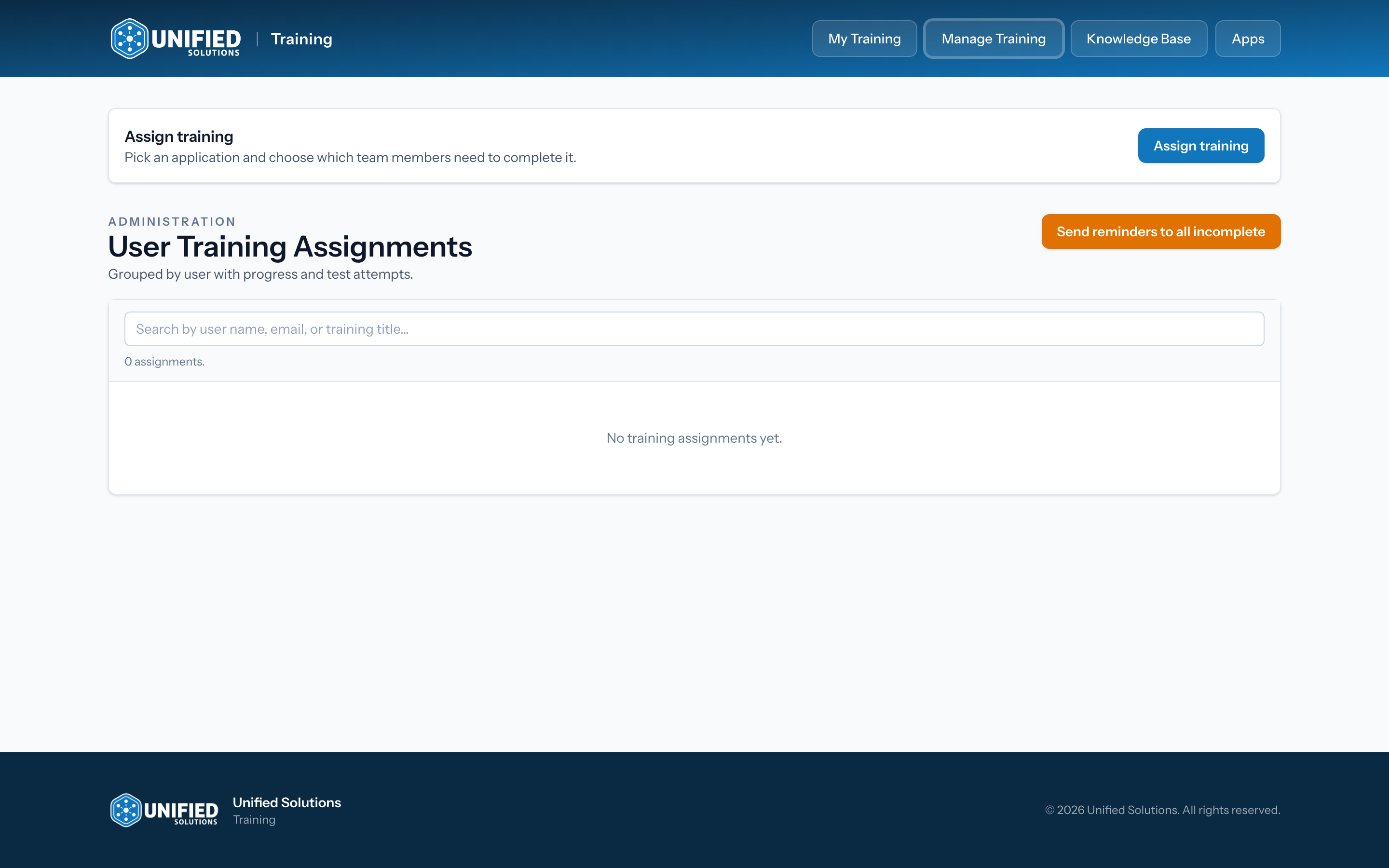
- At the top of Manage Training, click Send reminders to all incomplete.
- Confirm when asked.
- Everyone with unfinished training gets a reminder, and a short message tells you how many went out.
Tip: Reminders work best paired with the assignments table. Check who is behind first (see Tracking your team's training progress), then remind just the people who need it.