

The training catalog is open to everyone, so you can browse and watch lessons without signing in. To see the training your agency assigned to you and to have your progress saved, you need to sign in with your Unified Solutions account. Your email and password are the same ones you use for every other Unified Solutions app.
Step by step
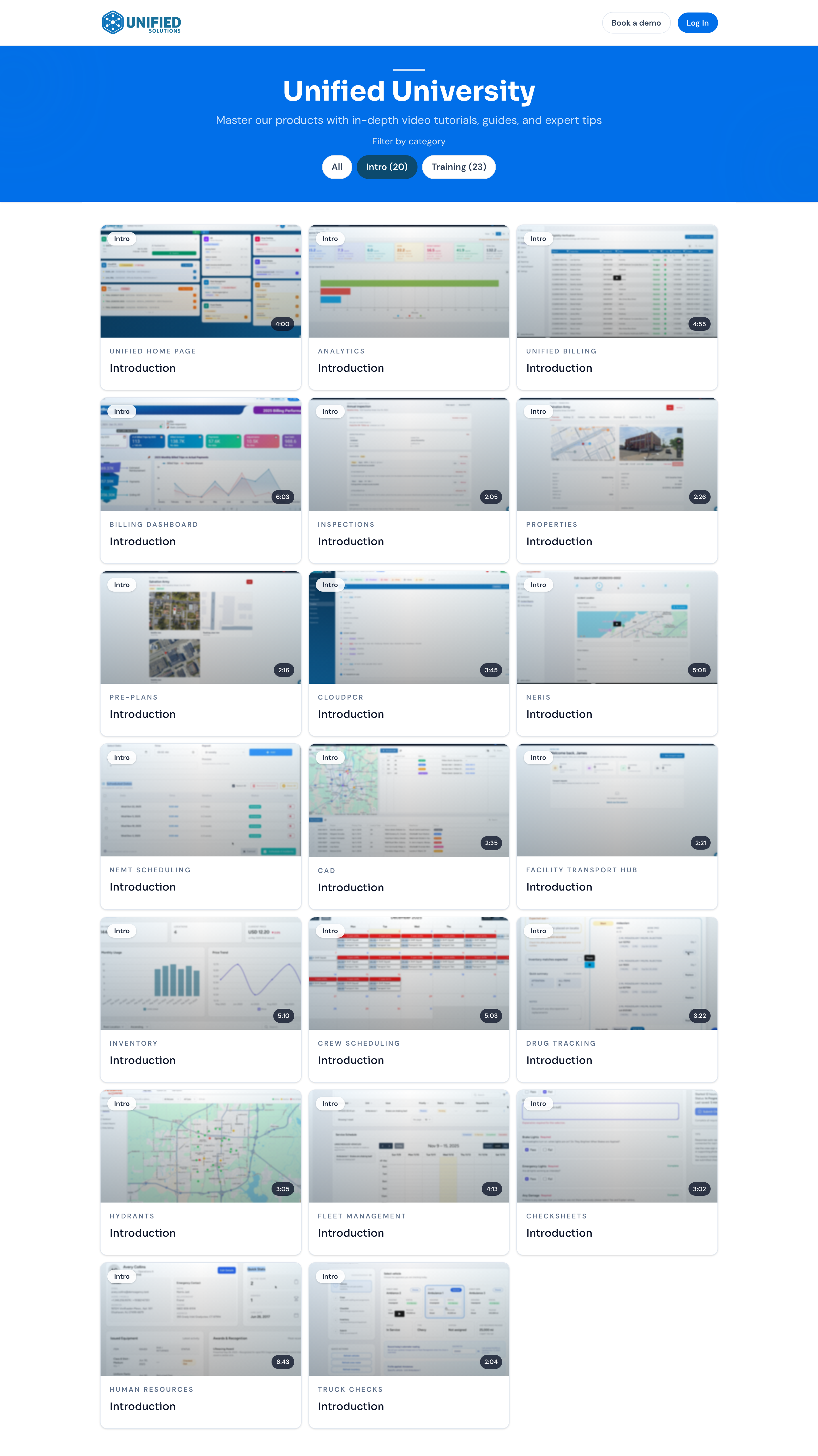
- Open the Unified University page. You can reach it from your Unified Solutions dashboard, or go to it directly.
- Click Log In.
- Enter your email address and password.
- If your account belongs to more than one agency, pick the agency you want to work in.
- You land on My Training, where your required and available lessons appear.
If you forget your password
Use Forgot password? on the sign-in page. You will get an email with a link to set a new one. The link expires after one hour, so use it right away.
Working in more than one agency
If your account belongs to more than one agency, you choose which one to work in when you sign in. Your training is tied to the agency you picked. To switch to a different agency, sign out and sign back in, then choose the other one.
Once you are signed in, see Finding your way around Unified University for a tour of the pages.