
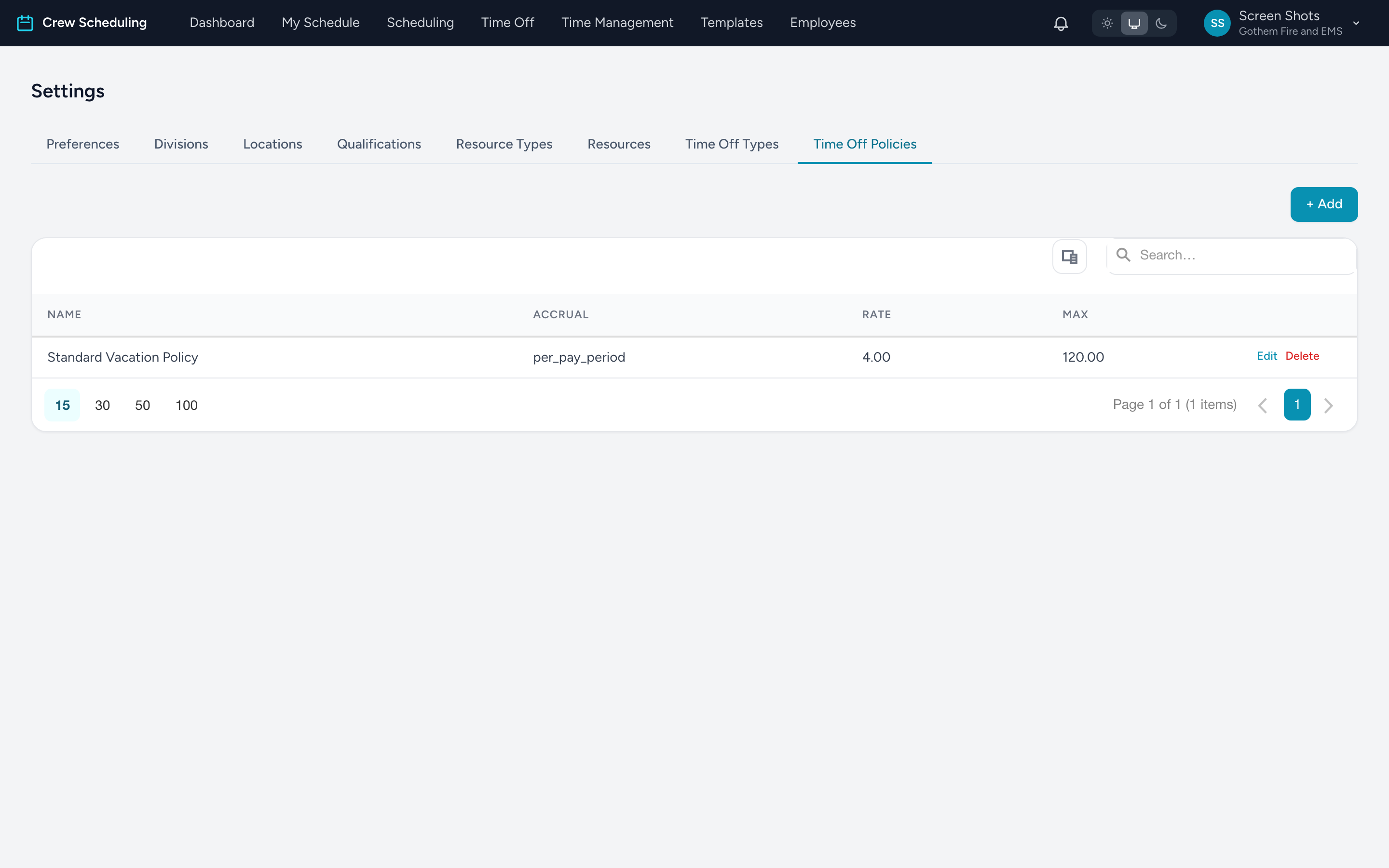
Time off is two Settings tabs working together: Time Off Types define the kinds (PTO, Sick, Bereavement); Time Off Policies define how each accrues. A policy then gets assigned to employees, which opens their balance.
Time Off Types
- Name, an optional Slug (short code — leave blank to derive from the name), Category, and Description.
- Color — what the type looks like on the admin time-off calendar.
- Requires approval — on for almost everything. Off means requests of this type approve themselves the moment they are submitted, balance-checked but with no human in the loop.
- Accruable — whether balances of this type build up over time.
Time Off Policies
- Name and the Time Off Type it feeds.
- Accrual Method — Weekly (each Sunday), Monthly (1st), Yearly (Jan 1), or Per hours worked. (No automatic accrual exists for older policies that are topped up by hand.)
- Accrual Rate and Accrual Unit (Hours or Days) — how much lands each cycle. Per-hours-worked policies accrue the rate per hour worked: a rate of
0.04is about one hour of PTO per 25 worked. - Max Balance (hrs) — the accrual cap.
- Min / Max Years of Service — tenure banding. Two policies on the same type — 0-5 years at one rate, 5+ at a higher one — give long-timers the better accrual automatically, based on each employee's start date.
- Active — untick to stop a policy accruing without deleting it.
Nothing accrues until a policy is assigned to a person. For starting balances when you first adopt Crew Scheduling, use a balance adjustment on each employee.