
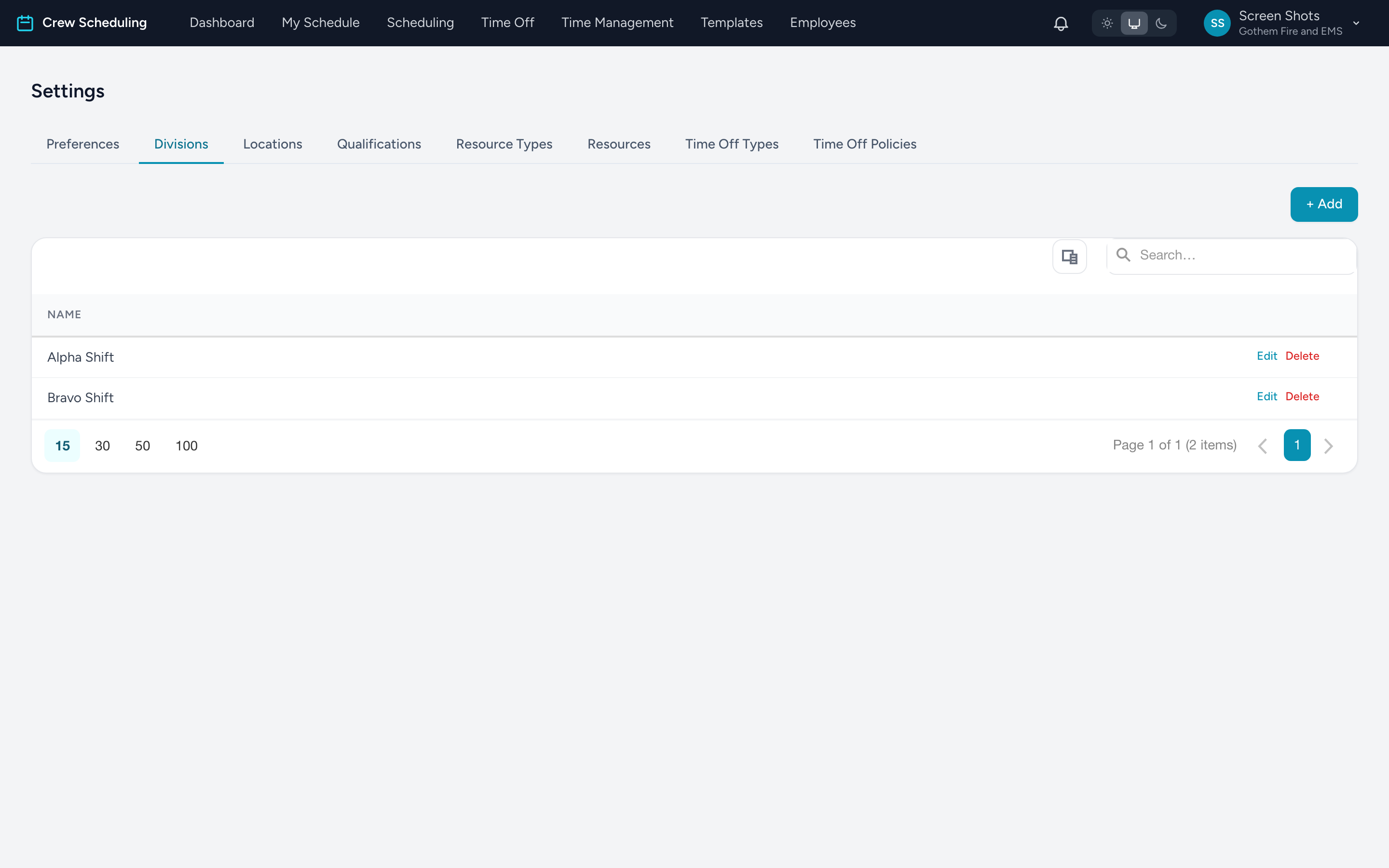
Five Settings tabs hold the building blocks the rest of the app points at. Each works the same way: + Add to create, Edit / Delete on each row.
- Divisions — your org's big groupings: EMS, Fire, Wheelchair Van. Locations, resources, templates, and employees all attach to a division.
- Locations — stations and posts, each with an address, phone, and division.
- Qualifications — what a person is allowed to work: Paramedic, EMT, Driver. Shifts and template slots require them; employees hold them (set on their profile). The assignment checks compare the two.
- Resource Types and Resources — categories (Ambulance, Engine) and the actual units (Medic 1, Engine 3). A resource belongs to a type, a division, and optionally a location — the location list narrows to the division you picked.
Order matters
Create divisions first, then locations, then resource types and resources — each list's form picks from the one before it. Qualifications stand alone and can come any time.
Tip: deleting a list item does not clean up things already pointing at it, so rename rather than delete when a division or qualification changes meaning.