
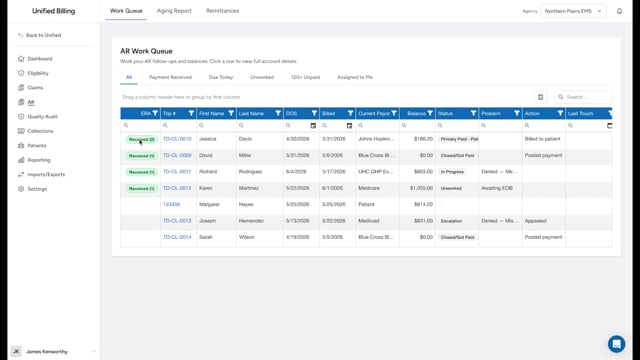
What a write-off is
A write-off is when you decide a balance will not be collected and record that decision. This might happen because the patient cannot be reached, the amount is too small to justify further follow-up, or the debt is past the statute of limitations.
How to write off a balance
- Click Collections in the menu.
- Find the account in the list.
- Click Write Off in the Actions column.
- Confirm the prompt that asks "Write off as bad debt?"
The account moves to the Bad Debt stage, the write-off amount is recorded on the account, and the account closes. The app does not adjust the claim itself, so post the matching write-off on the claim to clear the balance there (see posting manual payments). You don't get a form for a note on this action, so record the justification somewhere else, like the claim, the AR Log, or your own paperwork, before you write the balance off. The button always writes off the whole balance; there is no amount field.
When to write off
Write-offs should be a last resort. Before writing off a balance, make sure you have:
- Sent all required notices.
- Attempted to contact the patient.
- Followed your agency's write-off policy.
Example
A patient owes $120. You sent three statements over four months and tried calling twice. The phone number is disconnected, and the statements came back as undeliverable. You record your collection efforts in the AR Log, then click Write Off and confirm.
Tips
- Keep detailed notes throughout the collection process. If you ever need to explain why you wrote off a balance, the notes are your evidence.
- Some agencies require manager approval for write-offs over a certain amount. Check your agency's policy.