
What this page is for
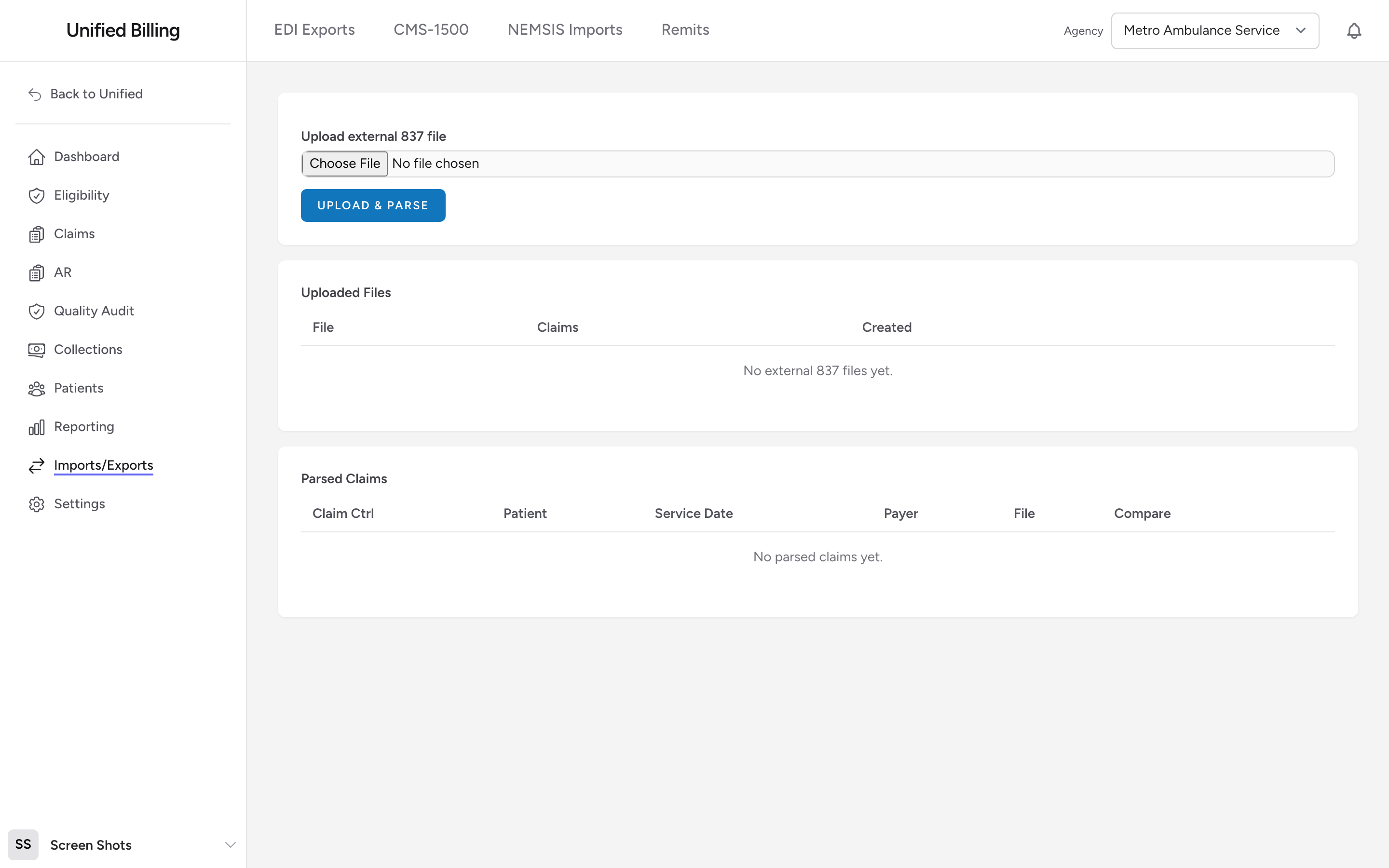
If you already run a different billing system and want to see how its 837 output compares to what Billing produces for the same claim, you can upload the external 837 here. The file is parsed into individual claims that you can compare side-by-side with Billing's own 837. This is a comparison and audit tool. The external claims are not turned into real claims in Billing.
How to upload
- Open the External 837 Imports page at
/nemsis/external-837. This page is not linked in the Imports/Exports tabs, so type the address into your browser or bookmark it. - Under Upload external 837 file, choose an 837 file (
.edior.txt). - Click Upload & Parse.
- The Uploaded Files table lists every file with a claim count, and the Parsed Claims table underneath lists each claim with its control number, patient, service date, and payer. Seeing your claims in that table means the upload worked.
Comparing claims
To compare, go to Imports/Exports, open EDI Exports, and on the Individual Claims tab click Compare on the claim you want to check. On the Compare 837 Claim page, pick the matching claim from the Choose external claim dropdown and click Compare. You see the external 837 and the one Billing generates side-by-side, plus a list of fields that are blank in Billing's version. This helps you spot formatting or field-level differences before you go live.
Example
Your agency is moving to Billing and your old system's claims were being paid without issues. Before your first real transmit (see Transmitting claims), you export one accepted 837 from the old system, upload it here, and compare it against the same run in Billing. The comparison shows the old file carried a prior authorization number that Billing's version is missing, so you fix the claim before it goes out.
Tips
- Only 837 Professional files are supported. 835 remittance files go through Remits instead, and 270/271 eligibility files go through the Eligibility page.
- If a file fails to parse, open it in a text editor and make sure it begins with
ISA*. Some systems wrap it in envelopes or XML.