
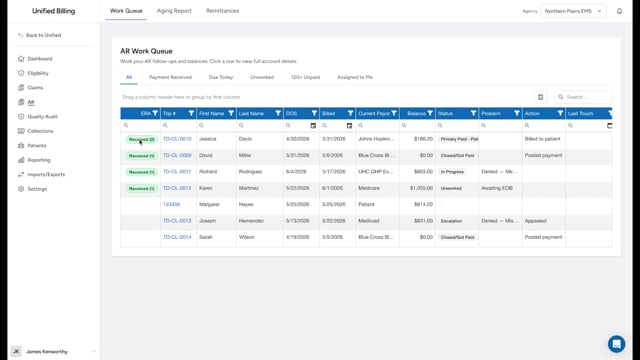
When to post manually
Payments post on their own when a remittance file reaches the system, either automatically from your clearinghouse or when you import a remittance file yourself. But sometimes you need to add a ledger entry by hand:
- A patient paid by check or cash, and there is no electronic remittance.
- You need to record a contractual adjustment (the difference between what you billed and what the insurance company allows).
- You are writing off a balance that cannot be collected.
- You received a payment outside the normal remittance process.
If you are posting an insurance EOB and want to capture the paid amount and adjustment codes for each service line, use Post EOB instead. To move a balance to the patient, use Bill to Patient.
How to post a single entry
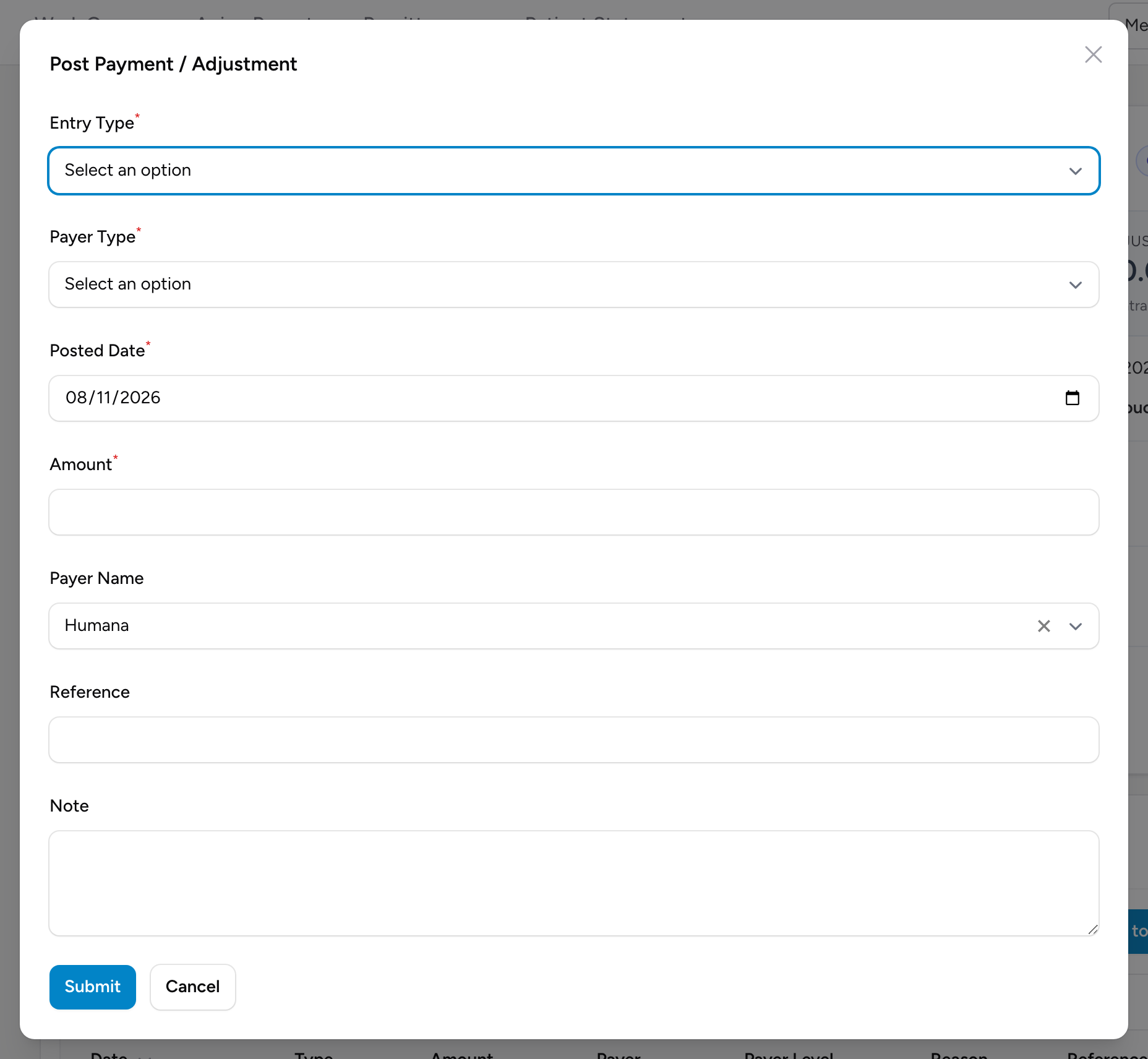
- Open the AR detail page for the claim.
- In the Transactions section, click Post Entry.
- Pick the Entry Type (Payment, ContractualAdjustment, OtherAdjustment, or WriteOff).
- Pick the Payer Type (Insurance or Patient).
- Set the Posted Date.
- Enter the Amount.
- Pick the Payer Name from the list.
- If this is a Payment, also pick a Payment Type (Check, EFT, ACH, or CC Payment) and enter the Deposit/Check Date.
- Add a Reference (like a check number) and a Note explaining the entry.
- Click Submit.
The claim's balance updates immediately to reflect the new entry.
Posting several entries at once
When a single remittance contains a payment plus one or more adjustments, use Post Batch instead. One form lets you enter the payment, contractual adjustment, other adjustment, and write-off amounts for the same posted date, payer, reference, and note.
Entry types explained
- Payment: money received from the payer or patient.
- ContractualAdjustment: the difference between your billed rate and the amount the insurance company has agreed to pay under their contract. For example, you bill $1,500 but the contracted rate is $1,100. The $400 difference is a contractual adjustment.
- OtherAdjustment: an adjustment that is not contractual, like a correction or a negotiated reduction.
- WriteOff: a balance you have decided not to collect. This might be because the patient qualifies for charity care, the amount is too small to pursue, or the debt is too old.
Example
A patient walks into your office and pays $150 with a personal check, number 1042. You open their claim, click Post Entry, pick Payment and Patient, set the amount to $150, pick Check as the payment type, enter the deposit date, put 1042 in the reference, write "Received in office" in the note, and click Submit. The balance drops by $150.
Tips
- Always include a note on manual entries. Six months from now, you will not remember why you posted it without a note.
- Double-check the amount before saving. A manual entry for $1,500 instead of $150 will throw off your books.