
What a patient statement is
A patient statement is the bill you send the patient. It shows the account number, the services provided, what insurance paid, and the remaining balance, along with a code the patient can use to pay online.
Opening the Patient Statements page
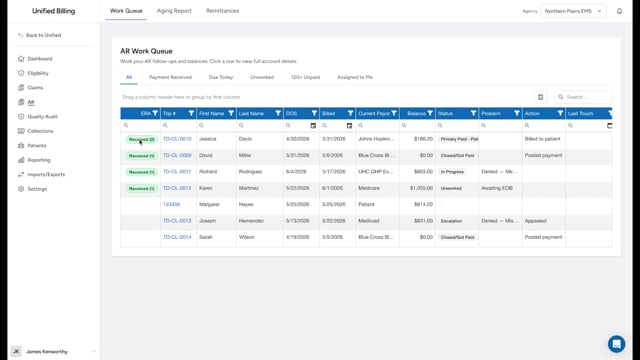
Click AR in the menu, then click Patient Statements.
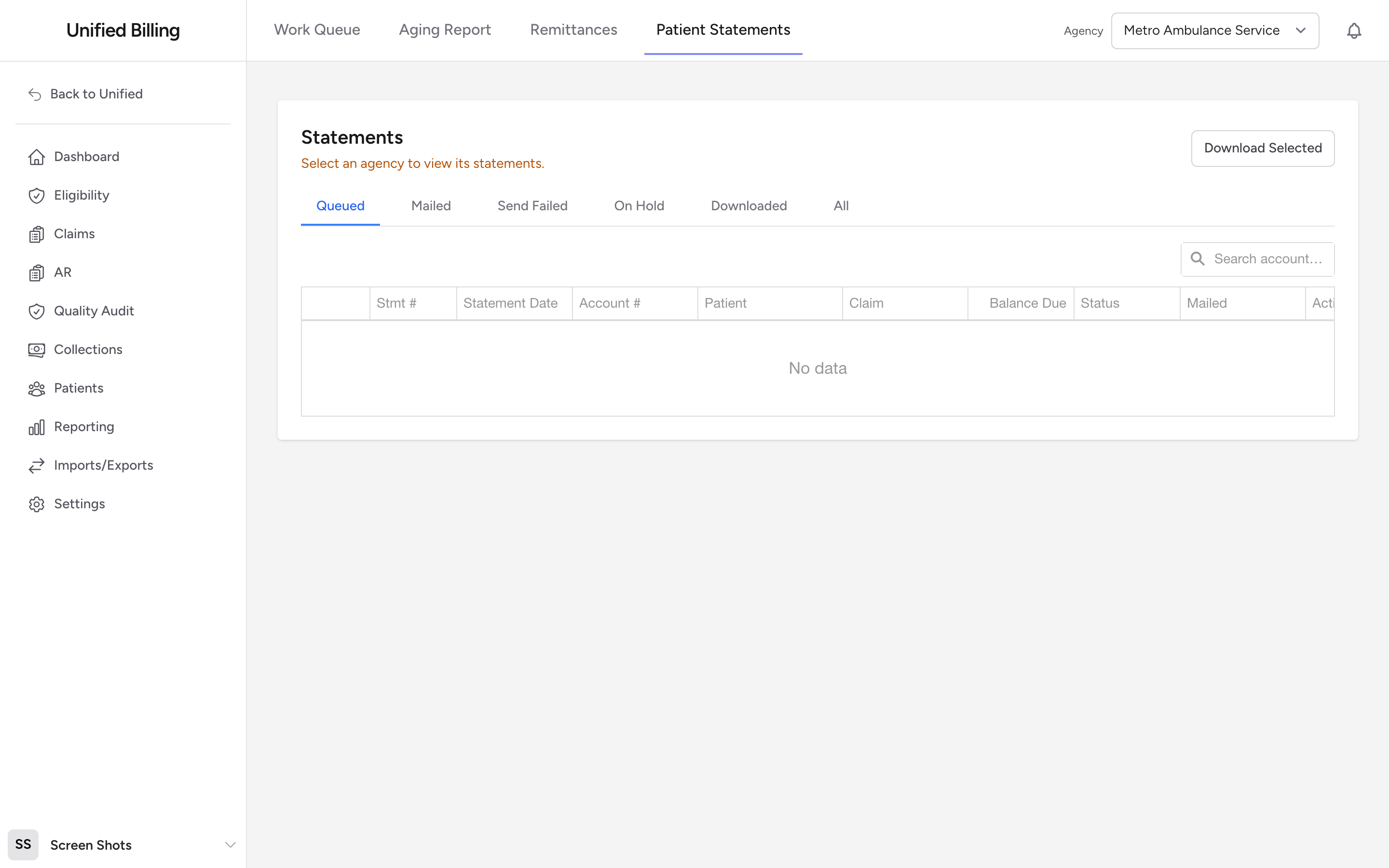
Before you start: pick an agency in the agency selector at the top of the page. Until you do, the page says "Select an agency to view its statements" and the Generate Statements button is hidden.
Generating a batch
- Pick an agency in the agency selector at the top of the page. The Generate Statements button appears once an agency is selected.
- Click Generate Statements.
- Review the confirmation and click Generate.
The app creates a statement for every claim in that agency with a patient balance above zero that has not yet reached the agency's statement limit. Claims with a statement on hold, and patients whose updated insurance is still waiting for review (see Reviewing insurance updates patients send you), are skipped. New statements appear on the Queued tab.
Tabs
The list opens on Queued. Switch to Mailed, Send Failed, On Hold, Downloaded, or All to see statements in other states.
Columns in the list
- Stmt # - which notice this is out of the agency's limit. For example, 2 / 3 means the second of at most three statements.
- Statement Date - when the statement was generated.
- Account # - the account number printed on the statement.
- Patient, Claim, and Balance Due.
- Status - Queued, Sending, Mailed, Send failed, On Hold, or Downloaded. Click a Send failed badge to see why the send failed.
- Mailed - when the statement was mailed, for mailed statements.
Preview, download, and hold
Open the action menu on a row to Preview letter (the statement in a pop-up) or View PDF (the exact printed letter, including the pay-online code). To export several at once, tick the rows and click Download Selected at the top of the page. This saves a text file for print-and-mail processing and marks those statements Downloaded.
Use Hold on a statement to stop it from going out. A held statement is skipped by Generate Statements until you use Release Hold, which returns it to Queued. Hold is the right tool when a patient disputes a balance or has promised payment and you do not want another notice landing in their mailbox.
Mailing
If automatic mailing is set up for your account, new statements are queued to mail on their own and each row's action menu has Send by Mail (or Send again for a second copy). Watch the Send Failed tab: click the status badge to see why a send failed, fix the address on the claim or patient, then use Retry Send.
If mailing is not set up, statements stay in Queued until you handle them yourself: use View PDF to print each letter, or Download Selected for a print file, and mail them. The printed letter still carries the pay-online code, so patients can pay online either way. When a check arrives in response, record it on the claim (see posting manual payments).
Example
A patient calls and says they lost their bill. You open Patient Statements, pick the agency in the agency selector, and switch to the All tab. You find the most recent row for that patient (Stmt # 2 / 3, Balance $350), click Preview letter to confirm the contents, then View PDF to print a fresh copy to mail.
Tips
- Check the Stmt # column to see how many statements have already gone out. A 3 / 3 means the patient has received their last notice.
- When a patient calls about a statement, ask for the account number printed on it. That is the fastest way to find their record.
- If a generate run creates fewer statements than you expected, check for patients with insurance updates waiting for review. Their claims are skipped until you review the submission.