
The bell
The bell icon sits at the top of every Billing page, next to the Agency dropdown. When you have unread notifications, a red badge on the bell shows how many. Past 99 it reads 99+.
Notifications tell you about things that finished or need attention while you were working elsewhere. Two common examples:
- Import completed - a run file you uploaded finished processing. The message names the file and how many PCRs came in. If some failed, the title reads Import completed with errors and includes the failed count.
- RED TAG alerts - a claim crossed an age limit on one of the tracked queues and needs someone on it now.
Opening the drawer
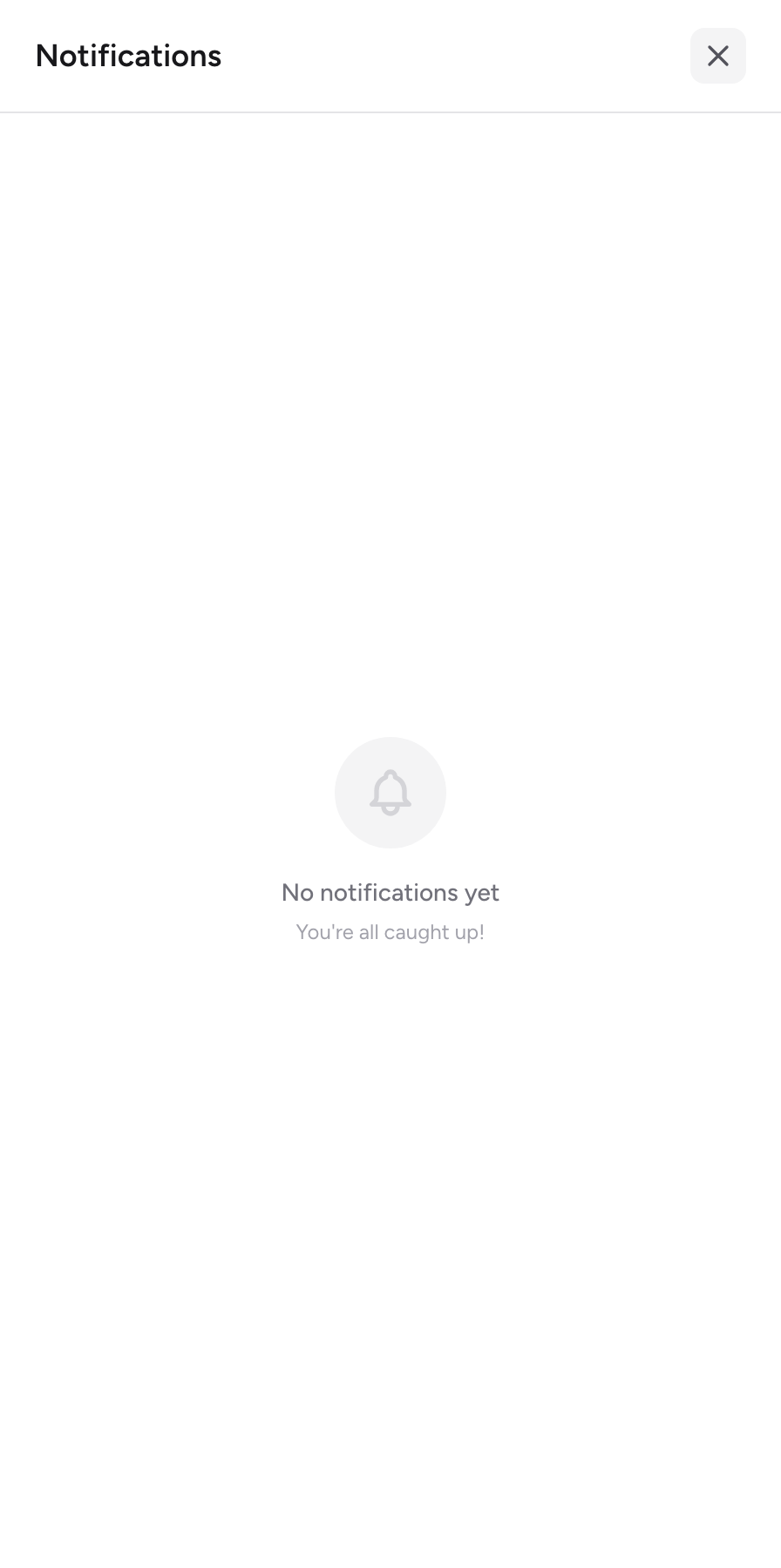
- Click the bell. A panel titled Notifications slides open.
- Read through the list. It shows your 50 most recent notifications, newest first. Unread ones have a shaded background and a blue dot. Each entry shows a title, a short message, and how long ago it arrived.
- Click a notification to mark it read.
- Close the panel by clicking the X, clicking outside it, or pressing Escape.
If you have nothing yet, the panel says No notifications yet.
Cleaning up the list
- Mark all read - clears the red badge without deleting anything. The button only appears when you have unread items.
- Hover over a single notification and click the small x to dismiss just that one.
- Clear read - deletes every notification you have already read. Unread items stay.
- Clear all - deletes everything, including unread items. The app asks you to confirm first.
A worked example
Say you upload a NEMSIS run file, then move on to working AR. Ten minutes later the bell shows a red 1. You click it and see Import completed with the message that 24 PCRs imported successfully. You click the notification to mark it read, close the drawer, and head to the Claims list to start on the new trips. No need to sit on the imports page waiting.
New to the app? Start with Finding your way around to learn where each queue lives.