
What ICD favorites are
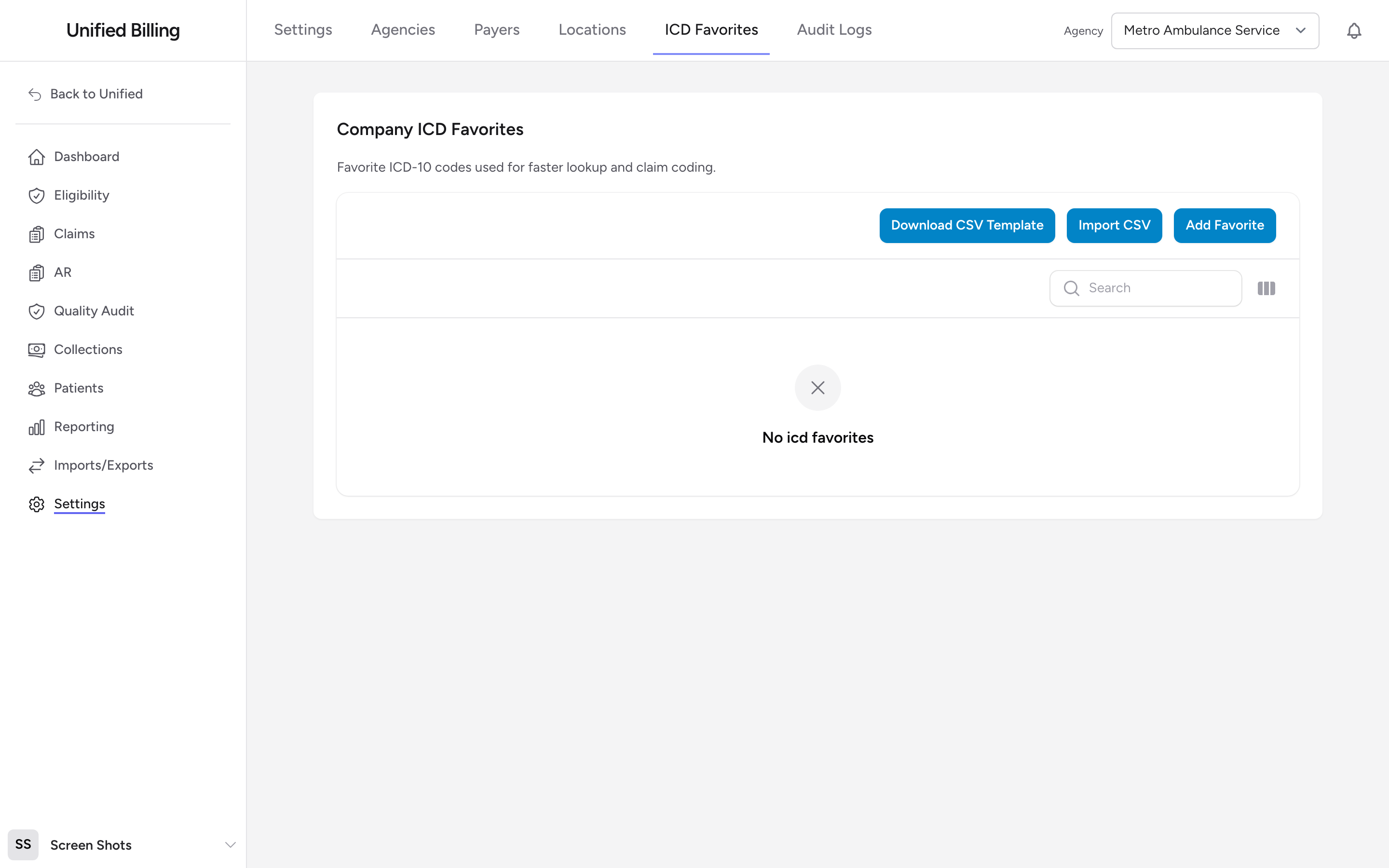
ICD-10 is the standard coding system for diagnoses. There are tens of thousands of codes, but most EMS agencies use the same 50 to 100 codes over and over: chest pain, difficulty breathing, falls, motor vehicle accidents, and so on. Favorites let you keep those codes at hand for faster lookup and claim coding.
Before you start: ICD favorites live in Settings, which only company admins can open. If you do not see Settings in the menu, ask your admin.
Adding a favorite manually
- Go to Settings, then ICD Favorites.
- Click Add Favorite.
- Enter the ICD-10 code, a description, and an optional source label.
- Click Create.
Uploading favorites in bulk
To load a lot of codes at once, use the CSV workflow:
- Click Download CSV Template at the top of the page to get a template with the expected column headers (Primary Diagnosis Code / Description / Secondary Diagnosis Code / Description).
- Fill the template in with your codes, one row per favorite pair.
- Click Import CSV, pick the file, and submit.
- Billing reports how many rows were added, updated, and skipped.
Editing or removing a favorite
Use the row actions on the ICD Favorites table to edit or delete a favorite. You can also multi-select rows and use the bulk delete action to clear out many at once.
Example
Your agency runs mostly 911 emergency calls. You export a spreadsheet of your top 50 codes from last year (chest pain, difficulty breathing, abdominal pain, falls, syncope, and so on), drop them into the CSV template, and use Import CSV to load them in one shot. Your billing clerks now have them available on every claim.
Tips
- Ask your billing clerks which codes they look up most often. Build your list around their actual workflow.
- Review your favorites every few months. Remove codes you no longer use and add new ones as your call mix changes.