What it shows
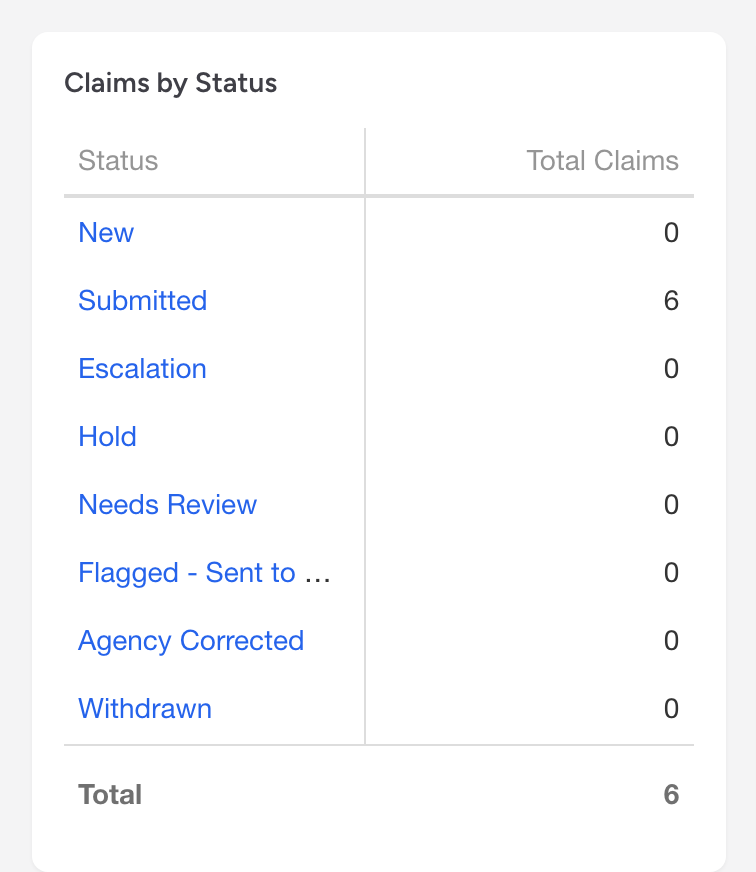
The Claims by Status grid on the dashboard breaks down all your claims by their current status. The grid has two columns, Status and Total Claims, with a total row at the bottom, so you can see how many claims are in each status at a glance.
How to use it
The grid is interactive. Click a status name to jump directly to the Claims list filtered to those claims. For example, if you see 12 claims in Needs Review, click the name to open the list filtered to just those 12. Only the status name is a link; clicking elsewhere in the row does nothing.
What to look for
- Growing Needs Review count - a rising count usually means validation is catching problems that nobody has worked through yet. Open the list and clear them.
- Claims sitting in Hold - a claim on hold is not moving forward. Review what is holding it up and either fix the issue or escalate.
- Large Escalation count - escalations often need manager attention, like appealing denials or resolving payer issues.
See Claim statuses for a full list of what each status means.