
What AR aging is
AR aging groups your outstanding claims by how long they have been waiting for payment. Claims that sit unpaid for too long become harder to collect, so aging tells you where to focus.
Opening the aging view
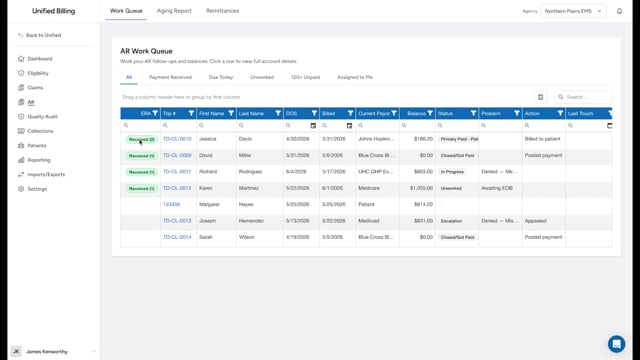
Click AR in the menu, then click the Aging Report sub-tab.
Aging buckets
Each claim falls into one of six buckets:
- Current: under 30 days.
- 30: 30 to 59 days.
- 60: 60 to 89 days.
- 90: 90 to 119 days.
- 120: 120 to 364 days.
- 365: a year or more. These are at high risk of becoming uncollectible.
The day count starts over each time someone works the claim, so the bucket reflects how long the claim has sat since its last touch (or since it was billed, if nobody has touched it yet).
Open the table's filter menu and pick a bucket under Real time aging to focus on one bucket at a time. The bucket also shows on each row in the Aging column. There is also an Unpaid >120 filter that combines the 120 and 365 buckets for any claim with a balance over zero.
Example
You open the Aging Report, filter to the 90 bucket, and see a long list. You sort by Current Payor, find that 15 claims are with the same insurance company, call the payer, learn they need a corrected group number on all 15, fix them, and resubmit.
Tips
- Check the aging buckets at least once a week. Many billing managers look every day.
- If your 120 and 365 counts are growing, something is broken in your follow-up process.
- Use the 120+ Unpaid tab on the work queue to jump straight to the oldest balances.