

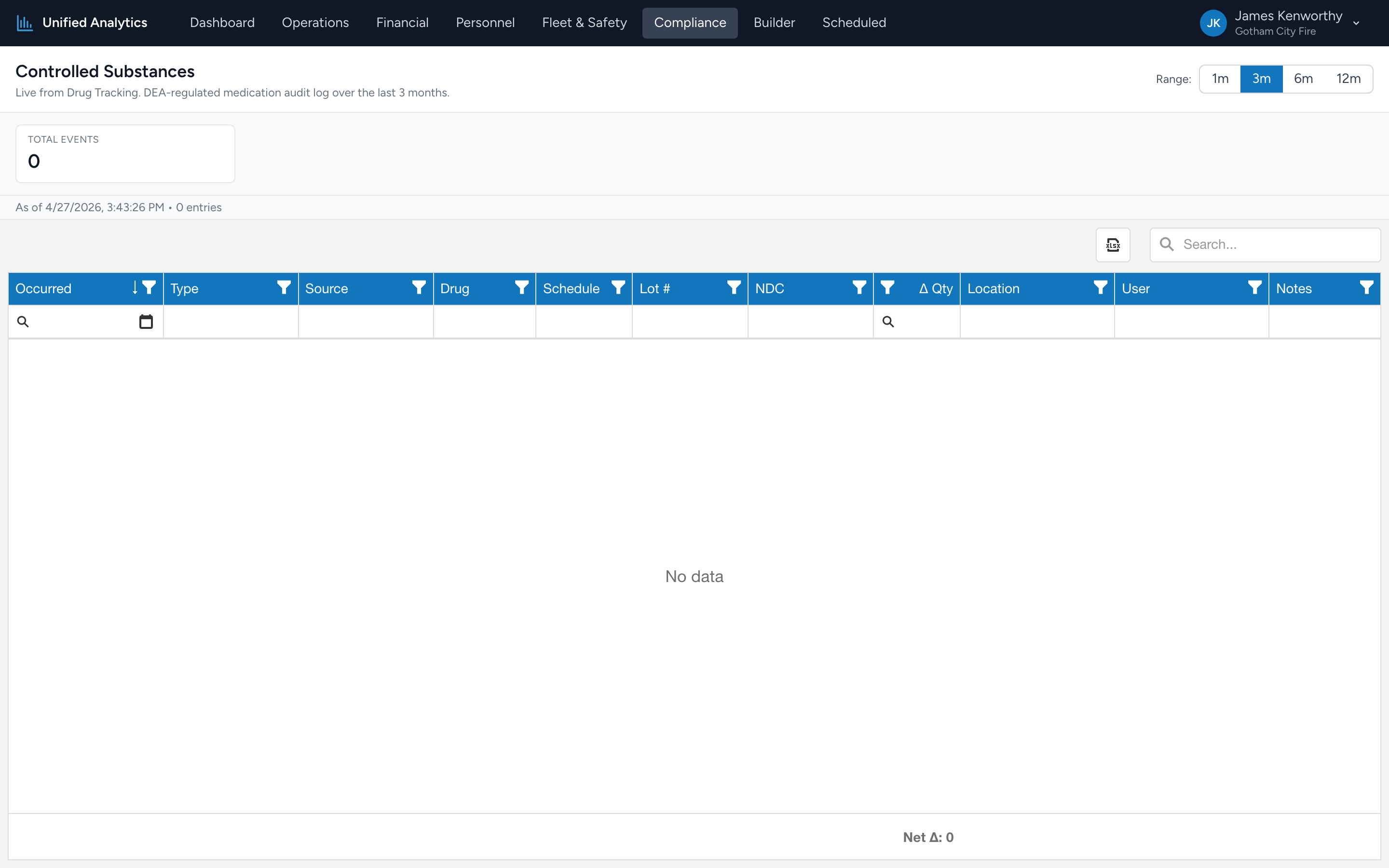
The Compliance Controlled Substances report is your DEA audit log. Every event in the controlled-substance vault — every withdrawal, administration, waste, restock, transfer, and discrepancy — shows up as a row over the chosen window.
How to use it
- Open Compliance → Controlled Substances.
- Pick a Range — 1m, 3m, 6m, or 12m.
- The Total Events tile gives the headline. The next tiles split by event type (withdrawal, administer, waste, restock, receive, transfer, discrepancy, adjustment) and update with the data.
The grid
One row per event. Columns: Occurred, Type, Source, Drug, Schedule, Lot #, NDC, Δ Qty, Location, User, Notes.
How this differs from the Provider Quality version
The Provider Quality → Controlled Substance Usage Log is built from PCR administrations — what crews documented giving to patients. This compliance version is built from Drug Tracking vault events — what came out of (and went back into) the safe. They should reconcile. The vault should never show fewer withdrawals than the PCRs show administrations; if it does, you have an unrecorded withdrawal or an administration that never happened.
Tips
- Filter Type = Discrepancy first. Discrepancies are the rows that need explaining and the rows the auditor will ask about.
- Group by Drug to see total movement per substance over the window — useful for the monthly DEA reconciliation form.
- Group by User to spot a single person handling an outsized share of withdrawals — not necessarily a problem, but worth knowing.
- Use the spreadsheet icon above the grid to download the auditor packet.
Where the data comes from
Drug Tracking writes a row in its controlled-substance log for every event. The report fetches them live — there is no nightly batch and no stale data.