
The inventory step is where you verify the narcotics and equipment assigned to your vehicle. This data comes from Drug Tracking. Each container (a drug bag, a cabinet, a tackle box) appears as its own section with the items inside it listed out.
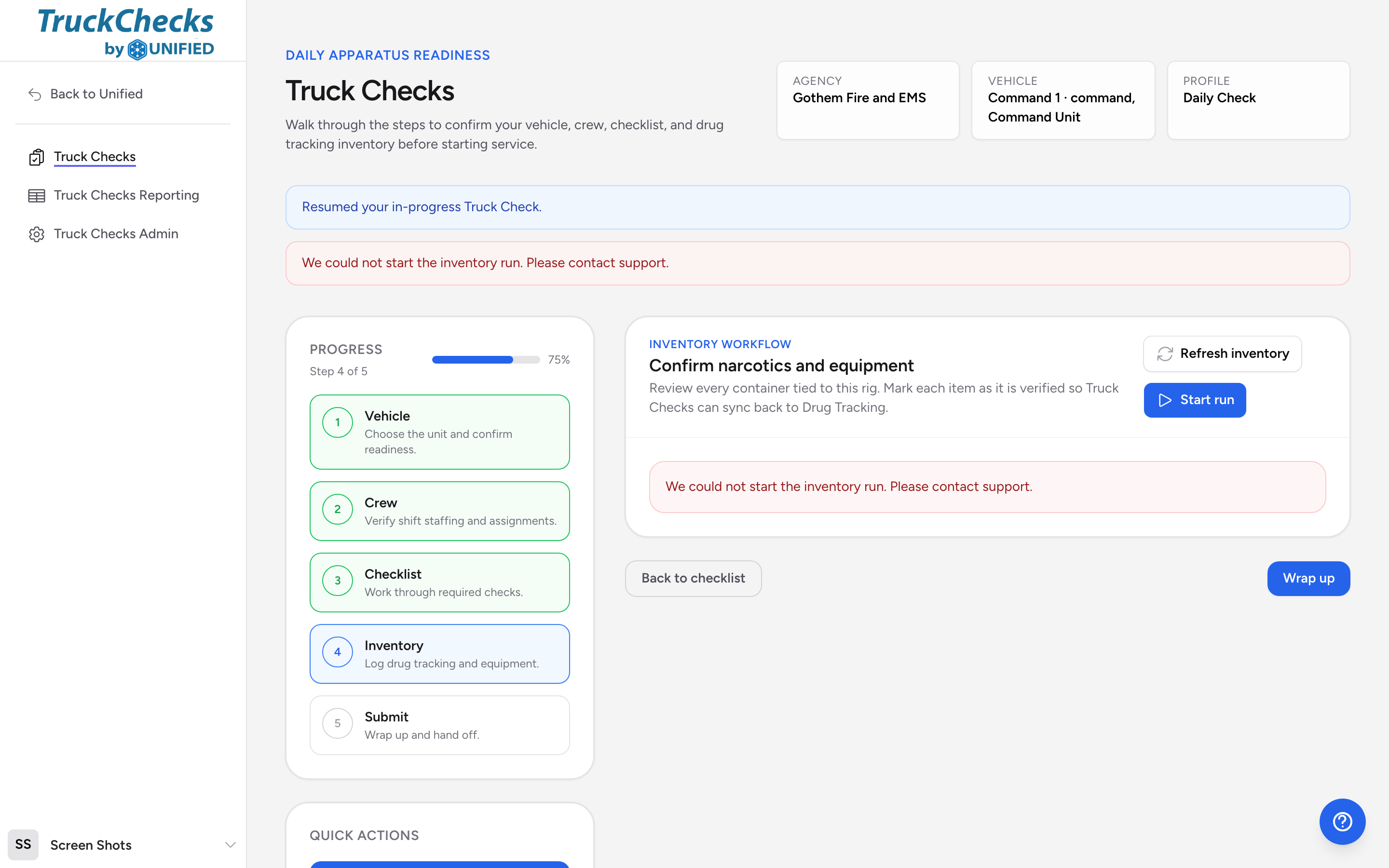
Starting the inventory run
When you reach the inventory step, click Start run to begin. The app contacts Drug Tracking and loads the containers and items for your vehicle's profile. If a run is already in progress, the button says Restart run instead.
Counting by scanning
If your agency puts QR labels on its drugs or equipment, you can count the rig by scanning instead of typing. While the run is in progress, a Scan to count button appears at the top of the step.
- Click Scan to count.
- Click Scan to open the camera. It stays on between scans, so work through the compartments label by label. Scanning the same label twice does not double-count. A handheld scanner works too: scan into the Scan or type a label code box and click Add.
- Watch the tally. Each QR-tracked item shows how many units you have scanned against its target, with an OK, Short, or Over badge. Labels that belong to another location, retired labels, and codes the app does not recognize appear under Needs a look.
- Click Apply counts. Each counted item's status and recorded quantity fill in, with a note like "Scan count: 4 of 5" on anything short or over. You still review the items and submit the run as usual.
Items without QR labels are listed under "Not tracked by QR" so you know to count them by hand. Drugs tracked by dose show Check dose by hand, because a label scan cannot measure what is left in a vial.
Reviewing each item
For every item in a container, you will see:
- The product name.
- The target quantity (how many should be there) and target dose if applicable.
- A seal number, if the container is sealed.
- Package details showing individual units and their information.
Marking each item
For each item, click one of the status buttons:
- OK -- the item matches the expected quantity and condition.
- Short -- you have fewer than expected.
- Extra -- you have more than expected.
- Replace -- the item needs to be replaced (expired, damaged, and so on).
Recording quantities and doses
Below the status buttons, you will see fields for:
- Recorded quantity -- how many units you actually counted.
- Recorded dose -- the actual dosage amount, shown with the correct unit (mg, mL, and so on).
- Needs replacement -- a checkbox you can tick if the item should be restocked or swapped out.
Adding notes
Each item has a notes field. Use it to describe what is wrong. For example: "1 of 3 epinephrine auto-injectors expires next week, marked for replacement."
Saving individual items
You can click Save item on any individual item to push that update to Drug Tracking immediately, without waiting to submit the whole run.
Example walkthrough
You open the inventory step and see two containers: "Medic 1 Drug Bag" with 12 items and "Medic 1 ALS Cabinet" with 8 items. You work through the drug bag first. Morphine shows a target of 4 units at 10 mg each. You count 4 vials, confirm 10 mg on each label, click OK, type 4 in the quantity field, and move on. Ketamine shows a target of 2 at 500 mg each, but you only find 1 vial. You click Short, type 1 in the quantity field, tick Needs replacement, and write "1 vial missing, notified supervisor" in the notes.
Moving on
When you finish all containers, click Wrap up at the bottom of the page to go to the final step. Click Back to checklist if you need to go back.