
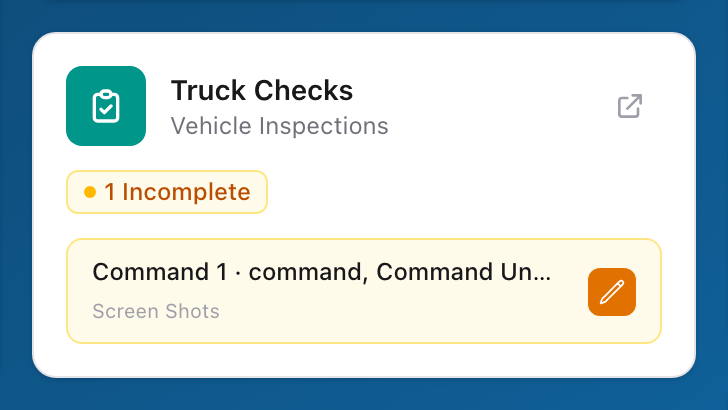
On the Unified Solutions dashboard, the Truck Checks tile is your shortcut into the app. It may also show summary information about outstanding checks or recent activity for your agency.
How to use it
- Sign in to the Unified Solutions dashboard.
- Look for the Truck Checks tile.
- Click the tile to open Truck Checks.
Tip
Make checking the dashboard the first thing you do each shift. It takes a few seconds and helps you catch problems before they grow.