
Once you are inside Truck Checks, the menu is the same on every page. Here is what each option does.
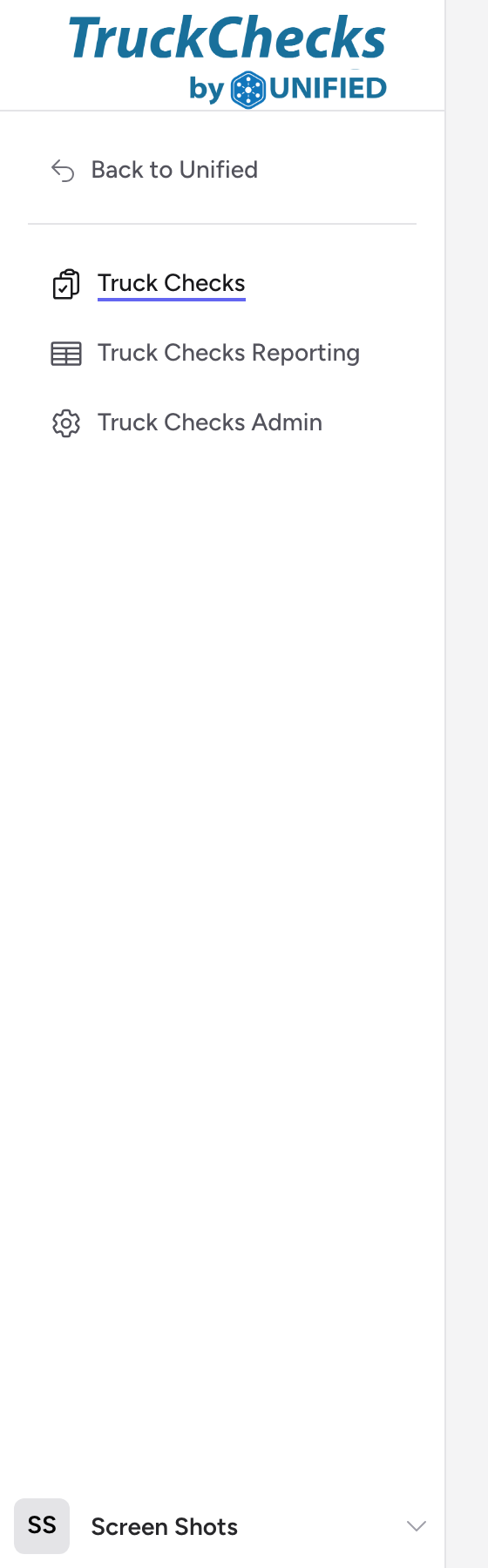
The main menu
- Truck Checks -- this is the main screen. It opens the truck check workflow where you select a vehicle and walk through each step.
- Truck Checks Reporting -- visible to administrators. Shows a history of every submitted run with integration status.
- Truck Checks Admin -- visible to administrators. Contains configuration settings, integration module status, and profile management.
Click your name to access your profile, reach the Settings area, or sign out.
What you see depends on your role
If you are a regular crew member, you will see Truck Checks in the menu and nothing else. Reporting and Admin are only shown to users with the Admin role for your agency. If you think you should see these options but do not, ask your supervisor to check your role assignment.
Getting back to the dashboard
Click Back to Unified at the top of the menu to return to the Unified Solutions dashboard without signing out.