
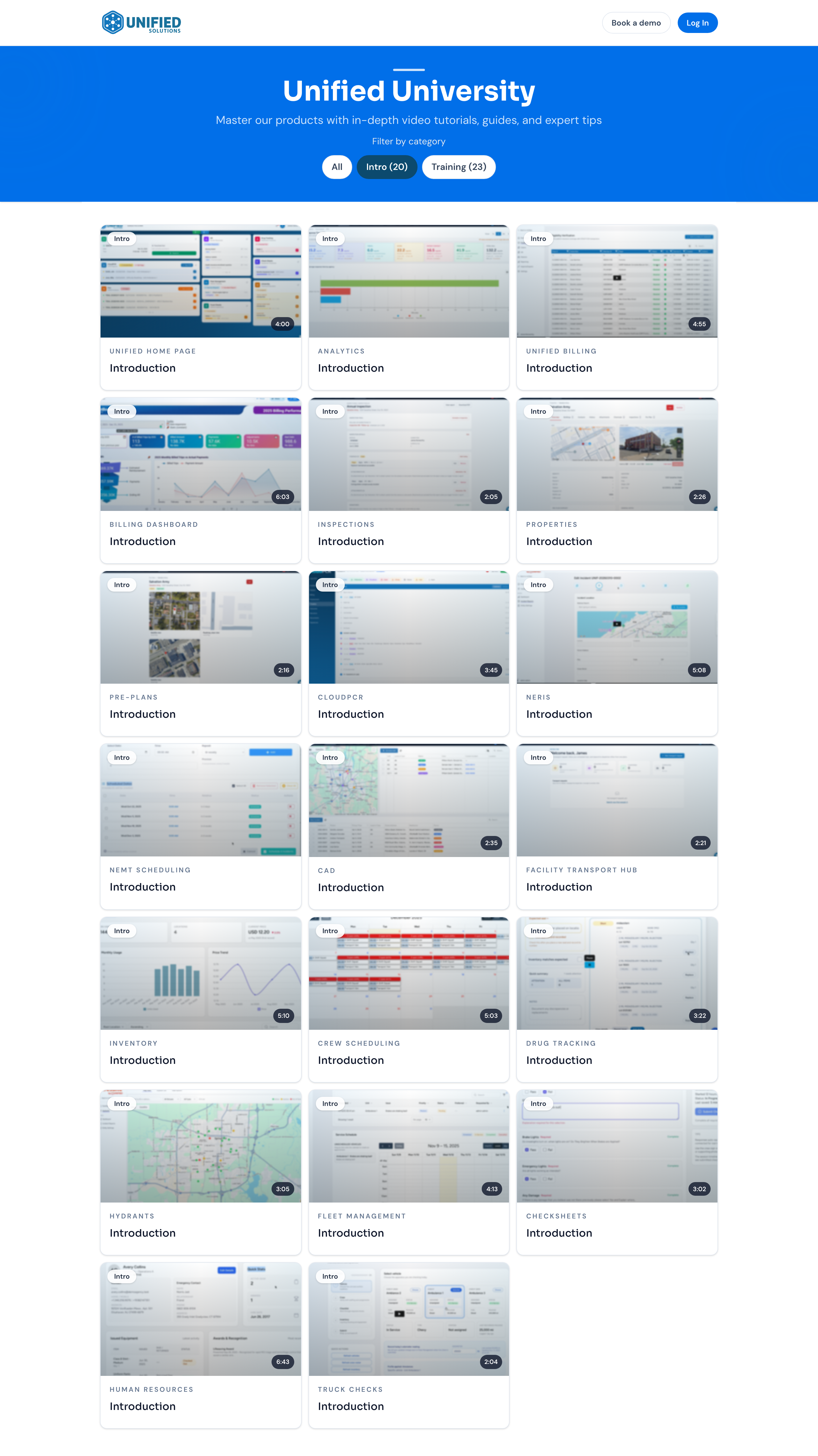
The catalog is the open front page of Unified University. It lists every lesson as a card with a preview image, the app it covers, and how long it runs. You can browse it without signing in.
Filtering by category
At the top of the catalog you will see a row of category buttons under Filter by category. Click a category to show only its lessons. Click All to bring everything back. The number next to a category tells you how many lessons it holds.
Opening a lesson
- Find the lesson you want and click its card.
- The lesson opens in a player window with the video on one side and the chapter list on the other.
- Click a chapter to jump straight to that part of the video.
- Click Close when you are done.
Sharing a lesson
Inside the player window, click Share to copy a link to that exact lesson. Paste it into a message to send a coworker straight to it.
Tip: Browsing the catalog does not track your progress or finish assigned training. To get credit for required learning, open it from My Training while signed in.