
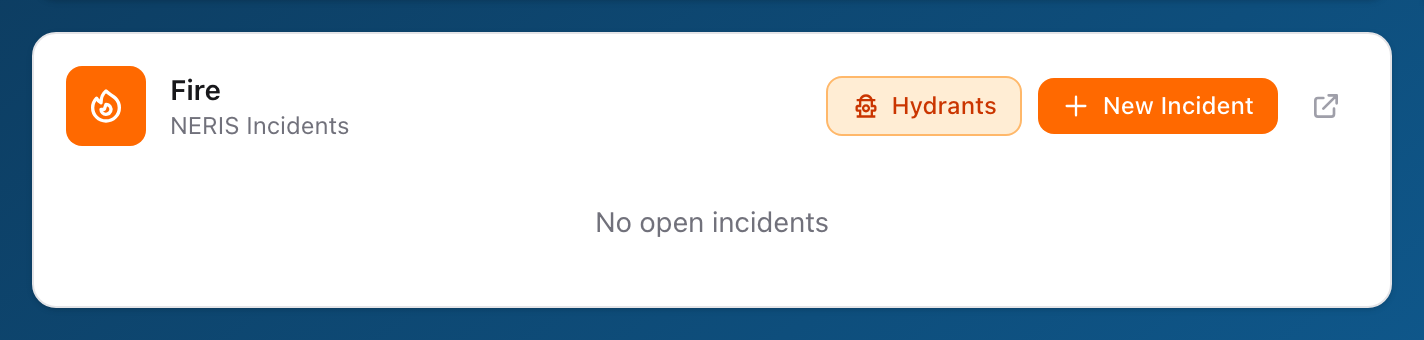
What the tile looks like
After you sign in to SSO, the dashboard shows a grid of tiles for every app your agency uses. The Fire tile is labeled Fire with the subtitle NERIS Incidents. If your department has open incidents, a red Open pill shows the count next to the title.
Open incidents list
The tile lists up to a few of your open incidents with their incident number, date, type, and a short address. If there are more than three, small arrow buttons at the bottom let you page through them. Each row has a small edit icon that opens that incident directly.
Opening the app
The tile has three buttons along the top-right:
- Hydrants -- Jumps straight to the Hydrants module.
- New Incident -- Opens the new incident form.
- An open-in-new-window icon that lands you on the NERIS dashboard.
You are already signed in, so there is no second login screen.