
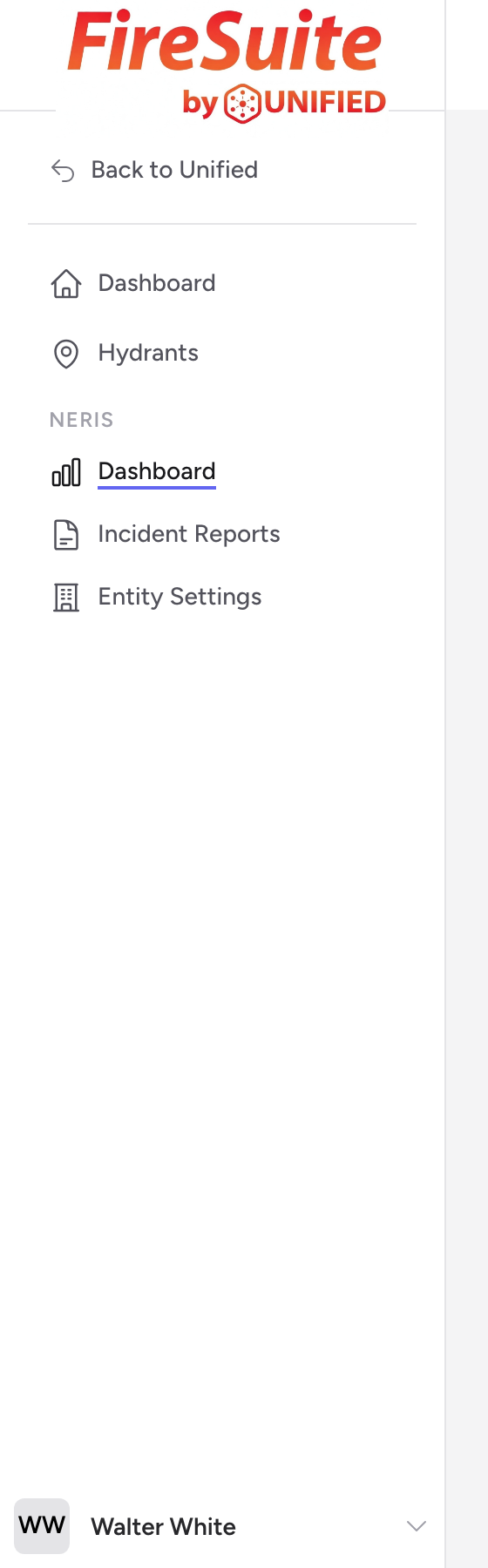
The navigation
The Fire app navigation runs across the top of every screen. From left to right you will see the Unified Fire brand link, the main module links, and your user menu.
The module links are:
- Incidents -- The list of incident reports for your department.
- Hydrants -- The hydrant map, list, and detail pages.
- Properties -- Property records for the buildings in your district.
- Inspections -- Fire prevention inspections.
- Pre-Plans -- Pre-incident plans tied to your property records.
You may not see every link in the navigation. Each module only appears if it is enabled for your agency. If something looks missing, ask your department administrator to check your access.
Navigation changes based on your modules
Click the Unified Fire brand link to return to the dashboard at any time.
The user menu
The circle with your initials at the far right of the navigation opens your user menu. From there you can reach:
- Incident settings -- Your department profile, stations, and units that the incident form pulls from.
- Back to Unified -- Returns you to the SSO dashboard so you can switch to a different app.
- Sign Out -- Ends your session.
You can also go directly to sso.unified-apps.com in your browser to reach the SSO dashboard.