
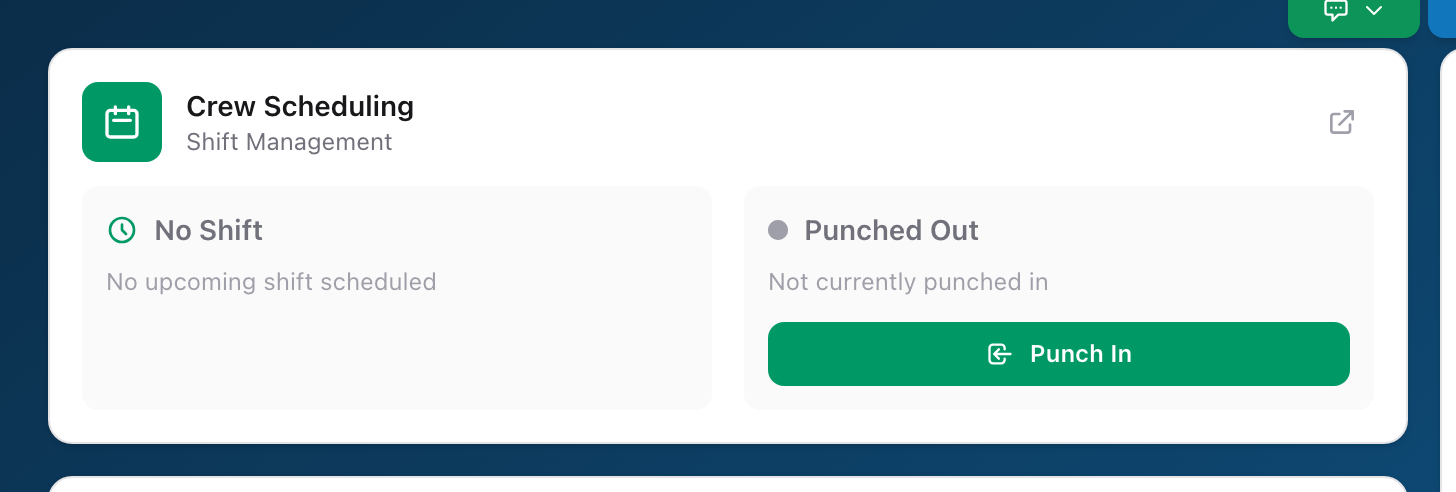
You always reach Crew Scheduling through Unified Solutions. Your email and password are managed in one place, so you do not need a separate login for every application.
Step by step
- Go to
sso.unified-apps.comand sign in with your email and password. - If your account belongs to more than one agency, pick the one you want to work in during sign-in.
- You land on the Unified Solutions dashboard, the home screen for every application your agency uses.
- Click the Crew Scheduling tile.
- You are now inside Crew Scheduling, already signed in, on your Dashboard.
Forgot your password
Click Forgot password? on the sign-in page. You will get an email with a link to set a new password.
To work in a different agency, sign out and sign back in, then choose the other agency during sign-in.
Signing out
Click your name in the navigation, then click Sign Out. On a shared station computer, always sign out at the end of your shift so the next person punches in under their own name.