

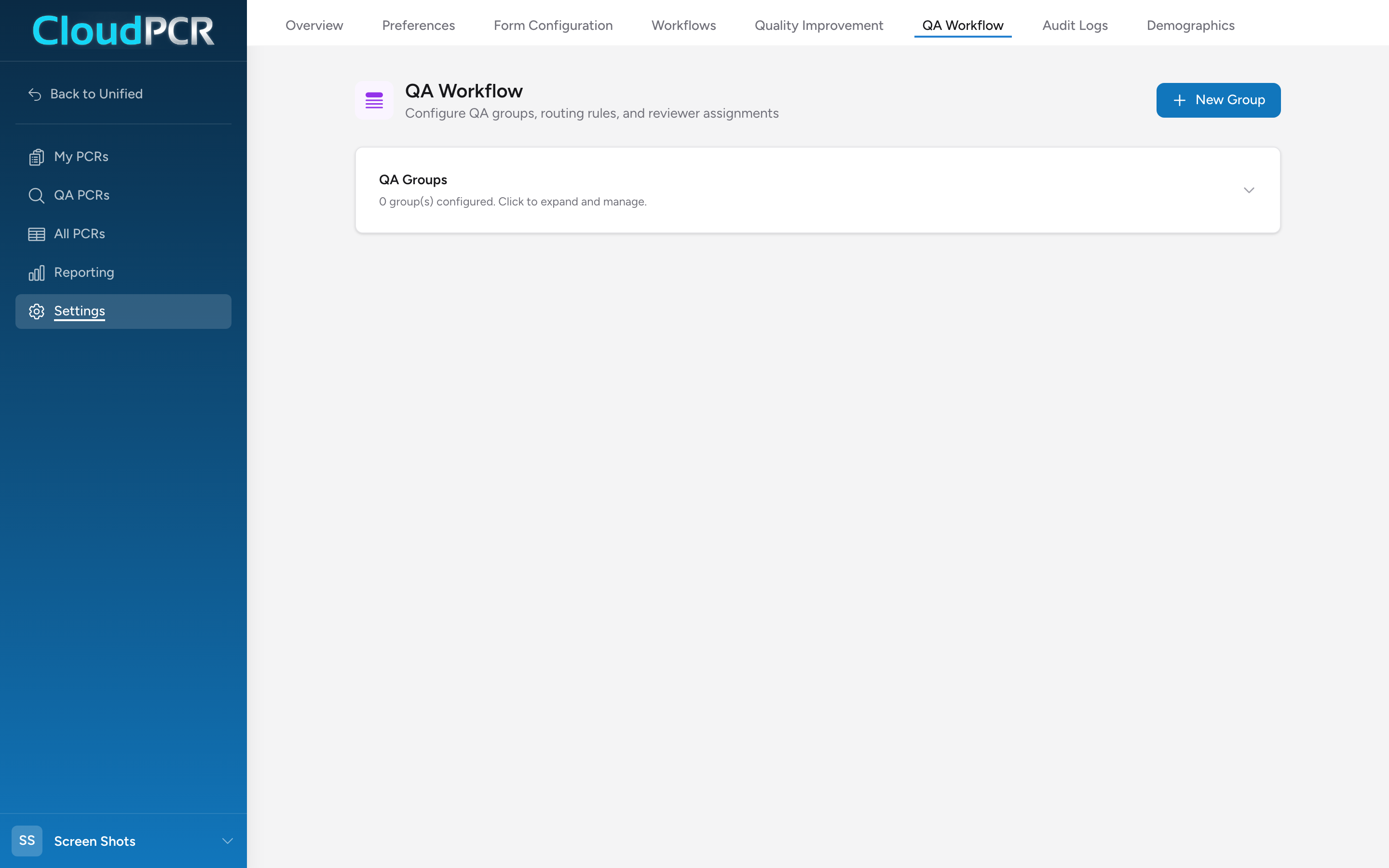
QA review routing lives on the Review Routing tab of the Quality Assurance page in Settings (the panel is titled QA Workflow). This is where your agency defines which PCRs go to a quality reviewer and who that reviewer is. The setup has three pieces: QA Groups, Routing Rules on each group, and Reviewer Assignments to each group.
How routing works
When a PCR is submitted, CloudPCR evaluates every active QA Group in Priority order (lowest number first). It checks the PCR against each group's routing rules. The first group whose rules match wins — the PCR is assigned to that group and its reviewers see it in the QA PCRs queue. If no group matches, the PCR goes to the default catch-all group if one is set; otherwise it skips QA review.
Create a QA Group
- From Settings, click Quality Assurance, then the Review Routing tab.
- Click New Group.
- Enter a Group Name your team will recognize (for example, "Cardiac Arrests" or "Refusals").
- Set a Priority — lower numbers are evaluated first. Use this to make sure specific groups win over broader ones.
- Add an optional Description.
- Check Default catch-all group if this group should receive any PCR that does not match another group's rules. Only one group can be the catch-all.
- Click Create Group.
Set routing rules on a group
- On the group's row, click the rules icon (tooltip Edit routing rules).
- Pick whether rules combine with AND (every rule must match) or OR (any rule matches).
- Click + Add rule.
- Pick a field from the curated list of NEMSIS elements. Common ones include Provider Primary Impression (eSituation.11), Unit Disposition (eDisposition.27), Transport Disposition (eDisposition.30), Age (ePatient.15), Cardiac Arrest (eArrest.01), and Response Mode to Scene (eResponse.23).
- Pick an operator — Equals, Not Equals, Is One Of, Is Not One Of, Is Empty, Is Not Empty.
- Pick or enter the value.
- Add more rules if needed, then click Save Rules.
Assign reviewers to a group
- On the group's row, click the users icon (tooltip Assign users).
- Check the boxes next to the users who should review PCRs in this group.
- Click Save Assignments.
Examples of useful groups
Refusal review
Create a group named "Refusals". Add a rule: Transport Disposition (eDisposition.30) Is One Of the refused-transport codes from your state's value set. Assign your medical director or senior paramedic. Set priority high enough that this wins over a general catch-all group.
Cardiac arrest review
Create a group named "Cardiac Arrests". Add a rule: Cardiac Arrest (eArrest.01) Equals Yes. Assign your medical director or QA officer.
High-acuity review
Create a group named "Critical Patients". Add a rule: Initial Patient Acuity (eSituation.13) Is One Of the Critical / Emergent codes. Assign your clinical lead.
Default catch-all for random review
Create a group named "General Review", check Default catch-all group, leave the rules empty, and assign your QA team. Anything not caught by a more specific group lands here.
Tips
- Start with one or two groups. You can always add more — you cannot easily undo a reviewer buried in a backlog.
- Talk to your reviewers before turning a group on. Make sure they have time for what you are sending them.
- If a group sends too many PCRs, narrow the rules instead of changing the reviewer.
- Priority matters: put narrow specialty groups first and broad groups last.