

The Preferences page holds three settings that apply to everyone at your agency: how strict PCR validation is, how controlled substance waste is enforced, and whether incident numbers are generated automatically.
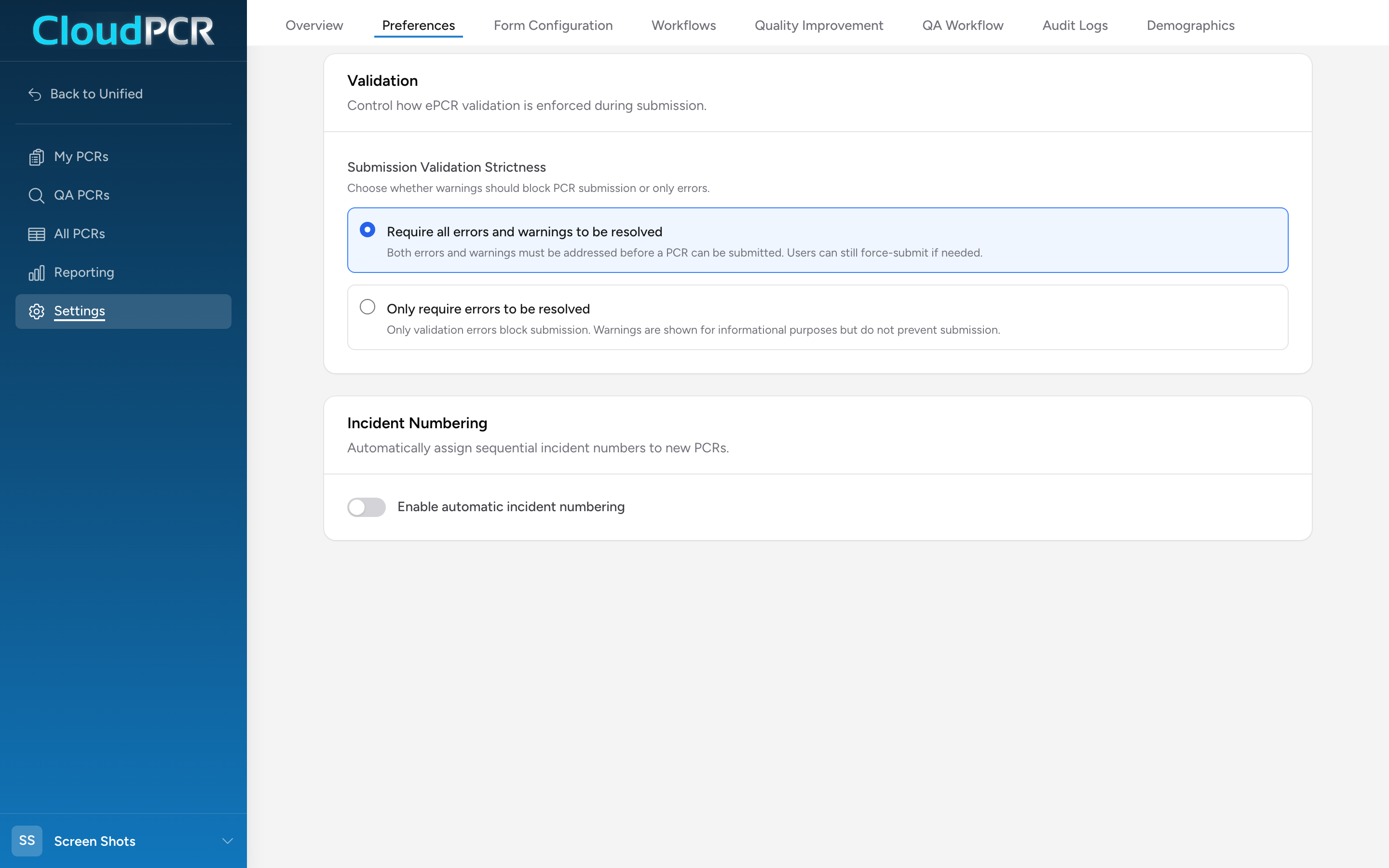
Validation strictness
Controls what blocks a PCR from being submitted.
- Require all errors and warnings to be resolved (default) — both errors and warnings block submission. The provider has to fix everything before submitting. Users can still force-submit if needed.
- Only require errors to be resolved — only errors block submission. Warnings show on the PCR but do not block.
- No State or EMS Validation — turns off every state and national validation rule. This is only for agencies that do not send data to their state. Do not pick it if your state expects your PCRs on completion. Your own required form fields and QA rules still apply and still block submission.
The stricter option is the right choice for most agencies — it catches small problems before they become billing or compliance problems. The errors-only option is sometimes used in busy systems where the warnings are too noisy and the agency is willing to handle them in QA.
Controlled substances
Waste Documentation decides what happens when a crew gives a controlled substance and the amount wasted or the witness signature is missing. You can require it before a chart can be submitted, show a reminder but allow submission, or not check it at all. See Documenting controlled substance waste for what the crew sees in each case.
Incident numbering
Turn on Enable automatic incident numbering and CloudPCR will assign a sequential number to every new PCR instead of requiring the crew to type one. When enabled:
- Next sequence number — the next number CloudPCR will assign. Set it to whatever value your agency is currently on. Format is
YYYY-NNNNNN, with the year prefix updating automatically on January 1st and the sequence resetting to000001. - Match EMS Response Number (eResponse.03) — when on, eResponse.03 is set to the same value as the incident number so your billing and state reporting agree.
How to edit
Changes save automatically as soon as you click a radio button, toggle a switch, or finish typing in a number field. There is no Save button.