
The Physician Certification Statement section, usually called the PCS, is for non-emergency scheduled transports. Medicare and many other payers will only pay for a non-emergency ambulance transport if a qualified healthcare provider has signed off saying that the patient needs it.
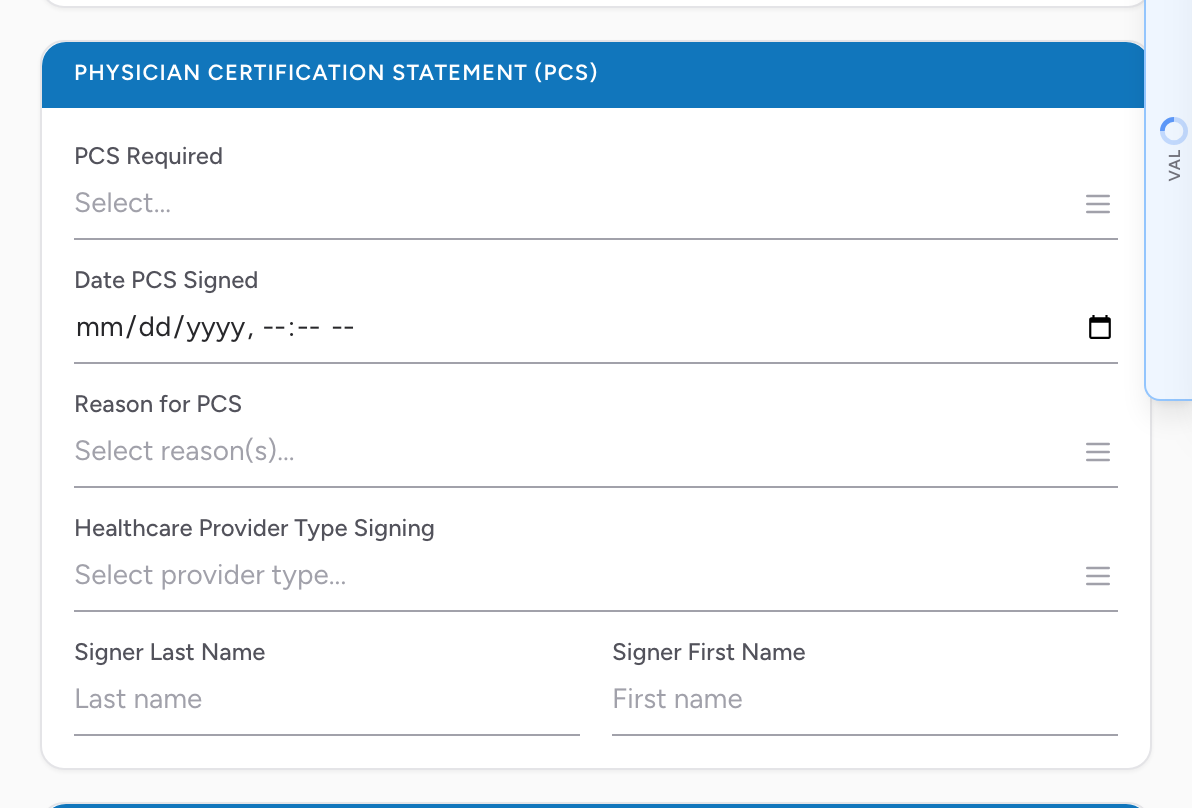
The fields
- PCS Required — whether a PCS is required for this transport.
- Date PCS Signed — the date and time the statement was signed.
- Reason for PCS — multi-select of the reasons the PCS supports.
- Healthcare Provider Type Signing — the type of healthcare provider who signed (for example, physician, nurse practitioner, physician assistant).
- Signer Last Name and Signer First Name — the name of the person who signed.
An example
You do a regular weekly dialysis transport for a patient. Their doctor has signed a PCS that is good for 60 days. In the PCS section you set PCS Required, pick the matching reason, set the Date PCS Signed, set Healthcare Provider Type Signing to Physician, and fill in the signer's name. For the next 60 days, you can copy the PCS info onto each weekly PCR — or your billing team can pull it from the patient's file.