
The Patient Complaints section captures the patient's own words about what is wrong, with a separate entry for each complaint they have.
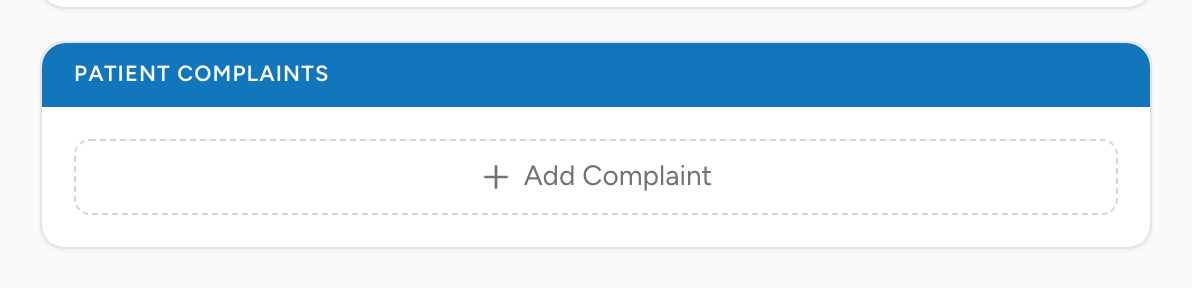
Adding a complaint
Click Add Complaint at the bottom of the section. A new complaint row appears. Add another row for each additional complaint the patient has.
Each complaint has four fields:
- Complaint Type — whether this is the Chief complaint, a Secondary complaint, or Other. The first complaint you add defaults to Chief, the second to Secondary, and anything after to Other. Change it from the dropdown if the default is wrong.
- Complaint — free text. What the patient says is wrong, in their own words when possible.
- Duration of Complaint — how long they've had it. A plain number.
- Time Units of Duration — the units for the number in Duration (minutes, hours, days, etc.).
To delete a complaint, click Remove at the top-right of its row.
Quoting the patient
For the complaint text, the gold standard is to use the patient's own words. "Chest pain" is fine. "Worst headache of my life" is better — those are the patient's exact words and they tell the receiving physician something a clinical term cannot.
Complaint vs impression
Patient Complaints captures what the patient feels. Your clinical assessment of the cause goes in Impression, along with the Chief Complaint Anatomic Location and Organ System fields. The two sections work together — complaints describe the symptoms in the patient's own words, impression describes the diagnosis.
An example
You ask the patient what is wrong. She says "I can't catch my breath, it started about an hour ago after I climbed the stairs." Click Add Complaint. Leave Complaint Type as Chief. For Complaint, type "Shortness of breath after climbing stairs." For Duration of Complaint enter 1, and for Time Units of Duration pick Hours.